Got questions? We're here to help !


BY-GM18 | Desktop Gooseneck Condenser Microphone
BY-GM18
-30%
00
days
:
00
hours
:
00
mins
:
00
secs
Product Highlights
-
High quality 18"" cardioid condenser gooseneck microphone. -
Built-in LED indicators show working status at any time. -
cardioid pattern clearly captures front-facing audio. -
Includes foam windscreen for optimized close-range recording. -
Ideal for lectures, video conferences, meetings.
Free Shipping Worldwide
Up to 15-DAY Returns
2 Years Quality Assurance


Earn 10% Referral Cash. Learn more

Don't Miss Top Accessories
BY-GM18CB | 2 AAAbatteries Or XLR 48V Phantom Power
Delivered in 3-7 Business Days
$69.99
$99.99
Desktop Gooseneck Condenser Microphone
BOYA GM18
Engineered for meetings, speeches, broadcasting, and desktop recording.
Clear Sound
80 dB
Signal-to-Noise Ratio
Wide Audio Range
45 Hz –18 kHz
Frequency Response
Lightweight Build
<600 g
Comfortable to Carry

Easy to adjust. Stable to use.
Every detail is designed to make setup, control, and daily use feel simple and reliable.
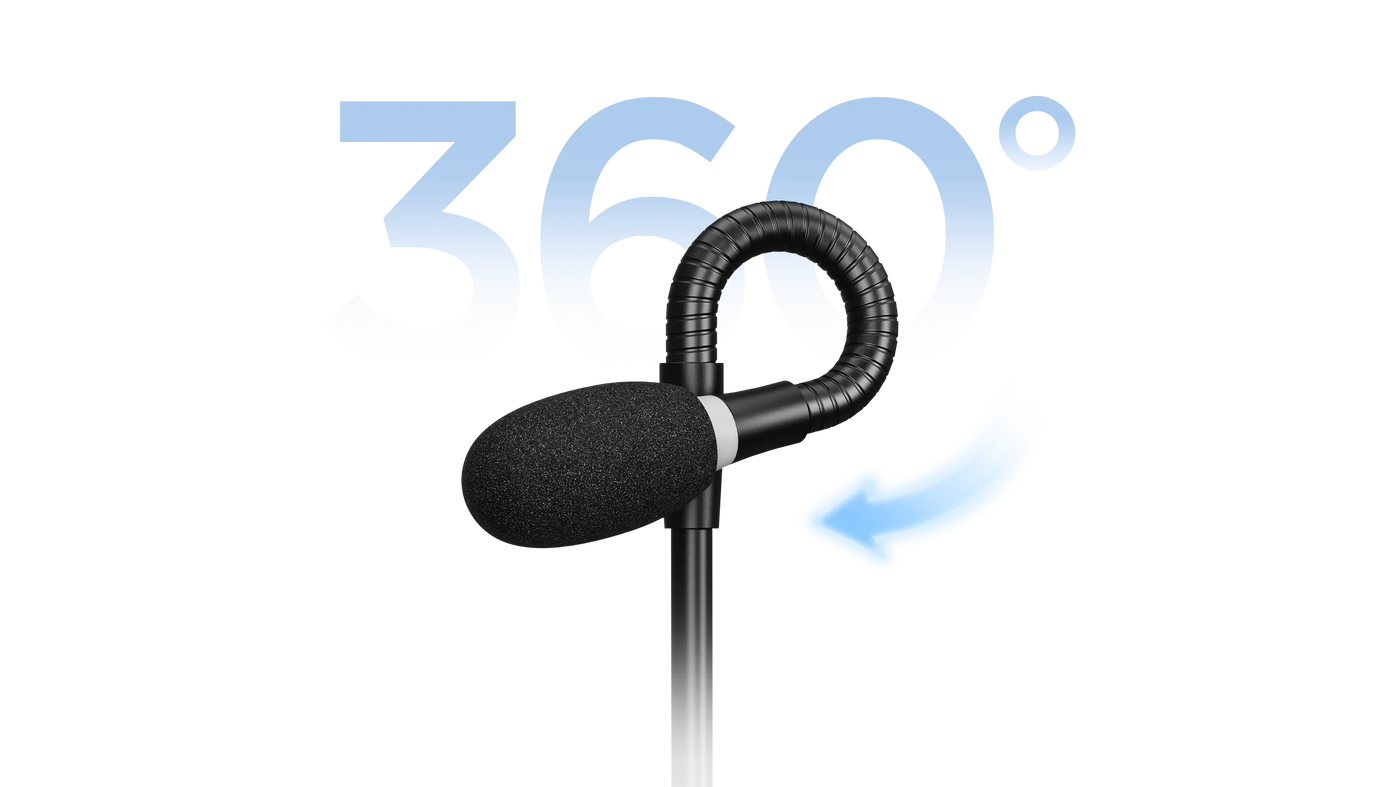
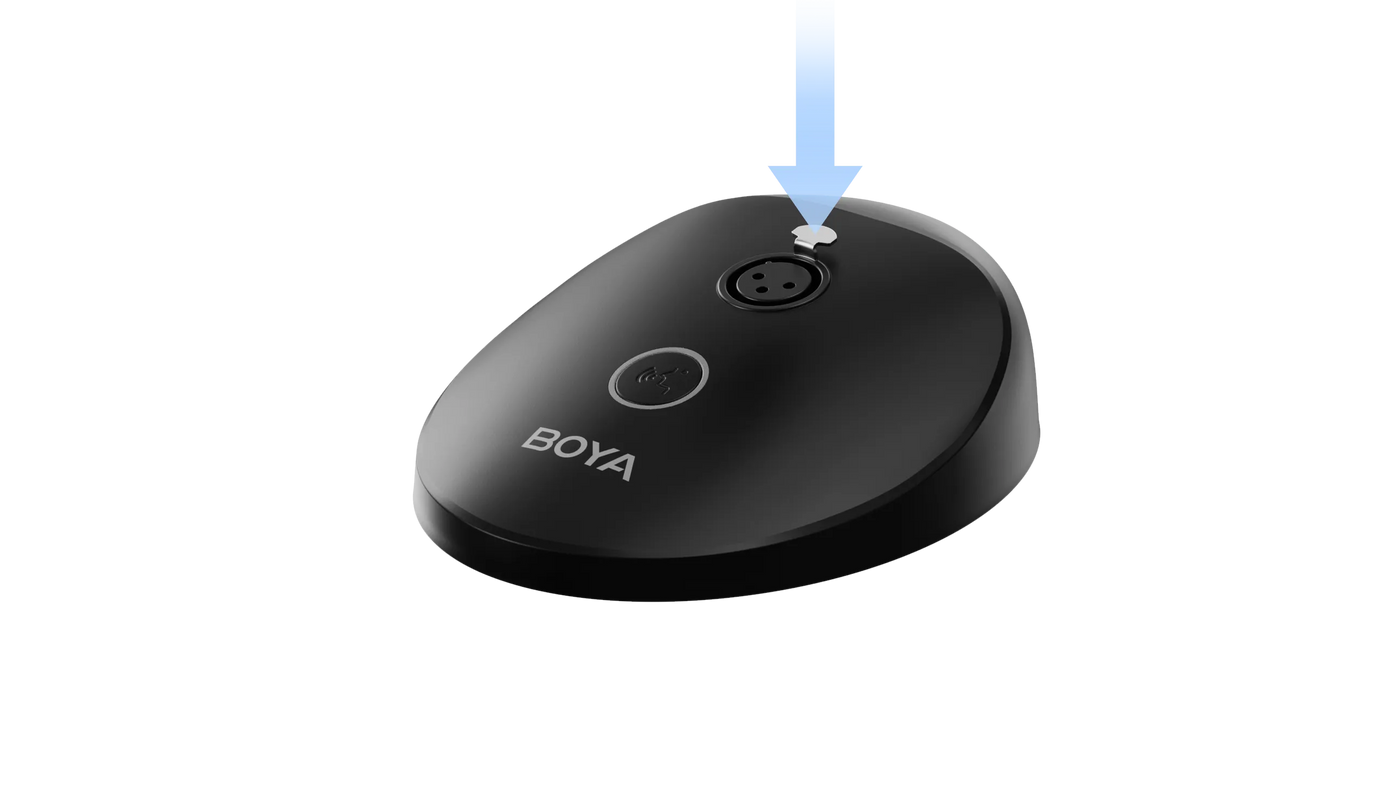
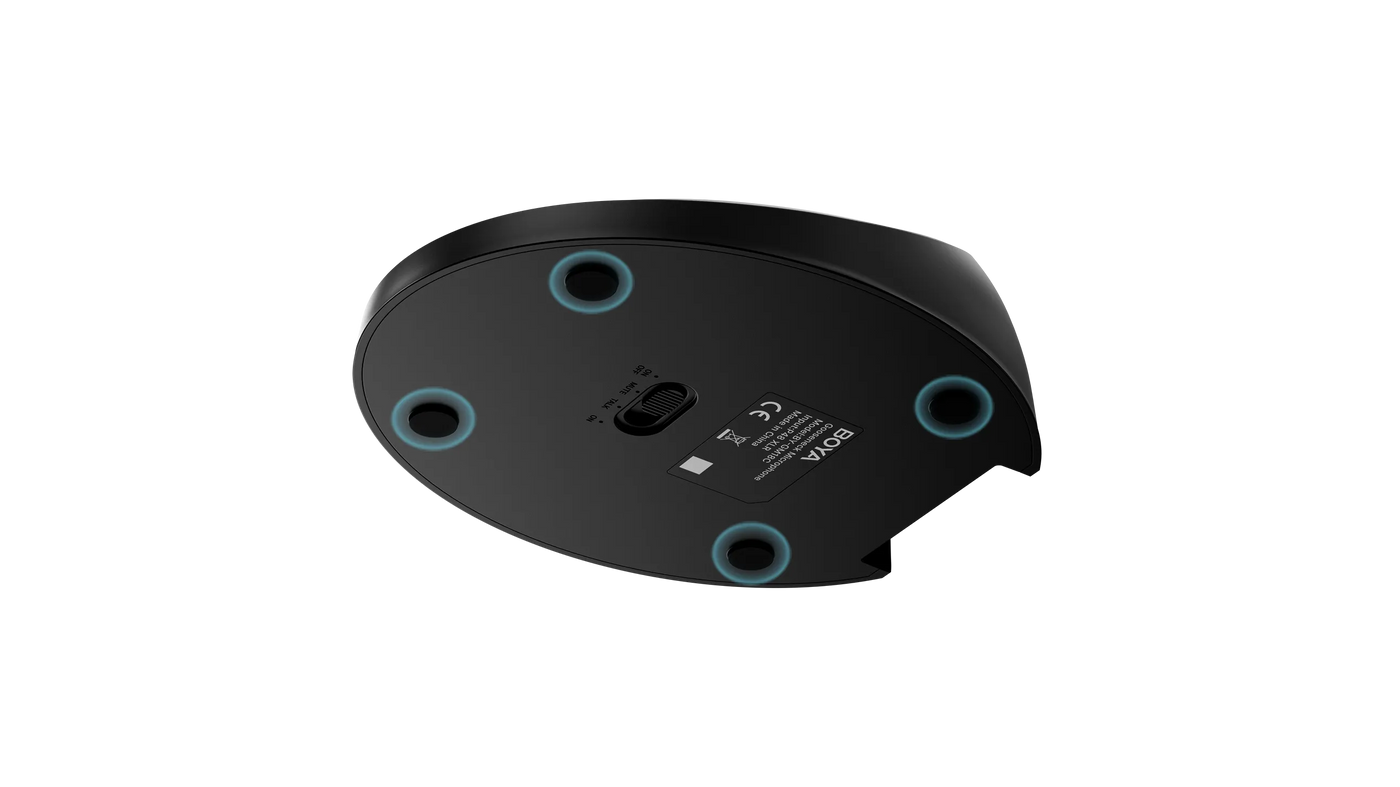
The 1.18" dual-section gooseneck lets you fine-tune the microphone angle with ease, helping you capture clearer voice while keeping your setup comfortable and natural.


Plug and Play. Universally Compatible
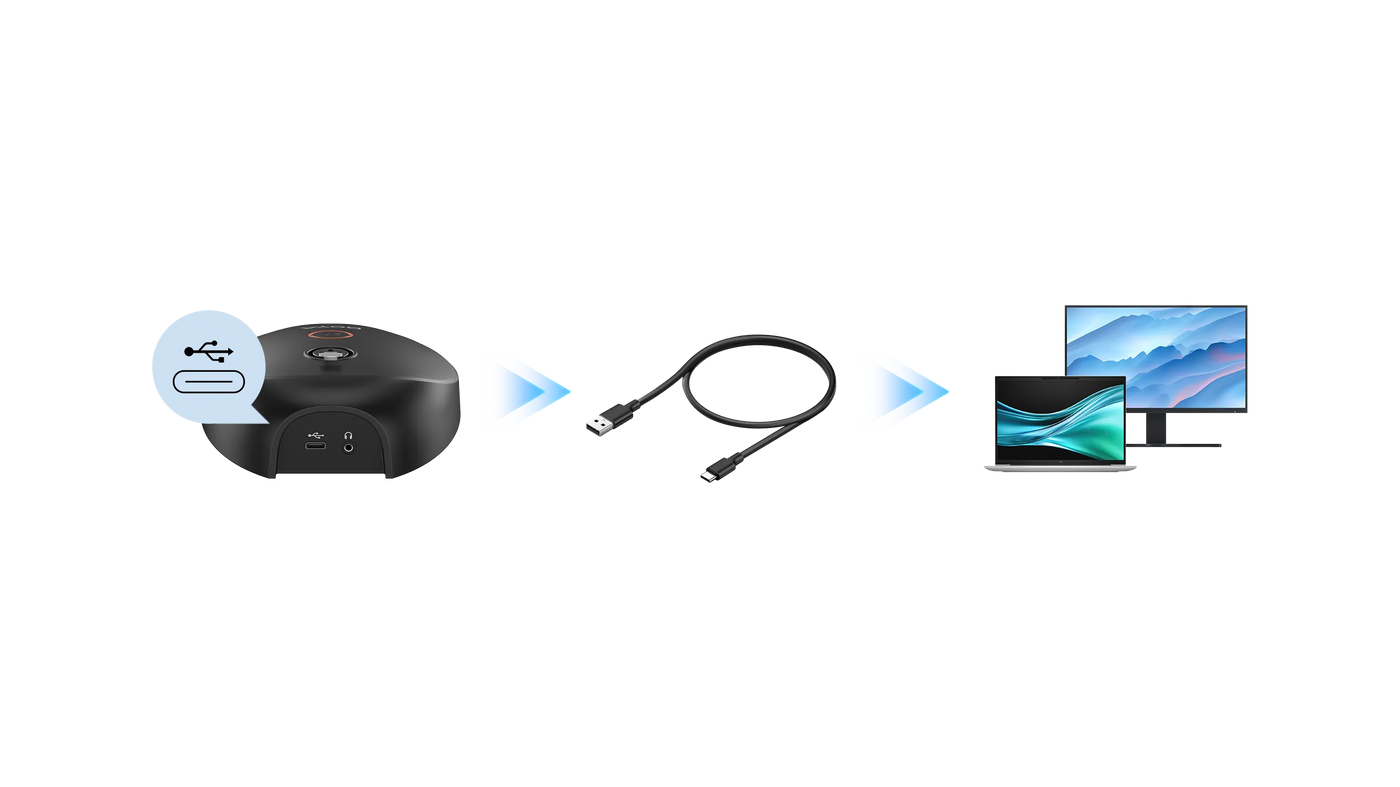
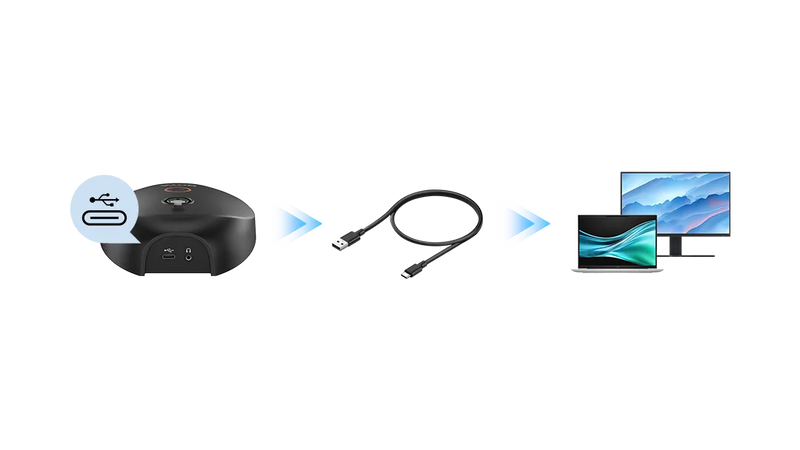
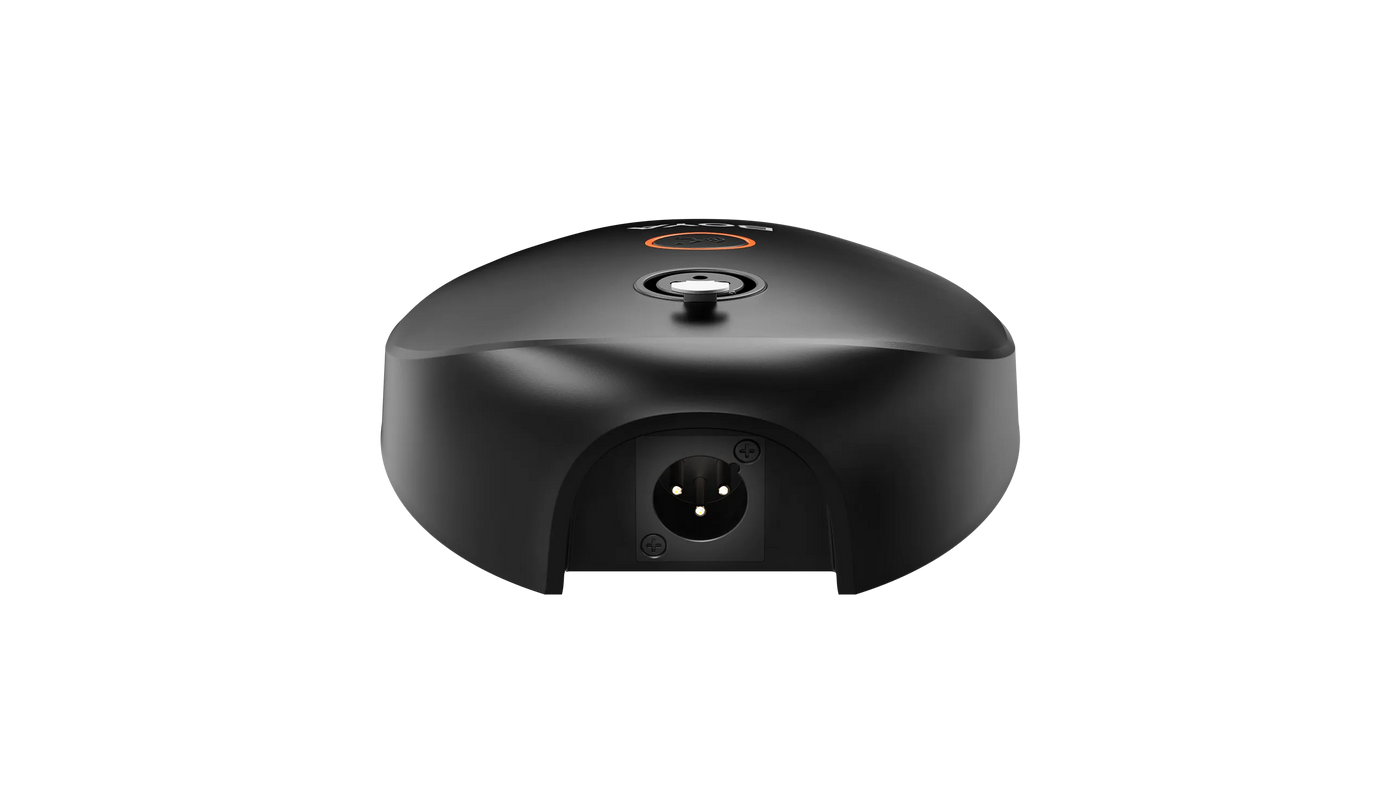
Connect the microphone to your computer with the included USB-A to USB-C cable and start using it quickly.
*Applies exclusively to BOYA GM18CU.
For Diverse Industry

Meetings & Presentations

Broadcasting & Recording Studio

Teaching

Home & Office Desktop

Speeches
Package Contents


Specifications
SKU
BY-GM18CU
BY-GM18CB
BY-GM18C
Acoustic Principle
Condenser
Condenser
Condenser
Polar Pattern
Cardioid
Cardioid
Cardioid
Frequency Response
45 Hz - 18 kHz
50 Hz - 16 kHz
50 Hz - 16 kHz
Signal to Noise Ratio
80 dB
78 dB
80 dB
Audio Output Connector
Type-C audio port
3.5 mm headphone jack
3.5 mm headphone jack
XLR Connector
XLR Connector
Power Requirement
USB-C / 48V Phantom Power
Battery / 48V Phantom Power
48V Phantom Power
Phantom Power
✓
×
✓
Real-Time Monitoring
✓
×
×
Weight
569.5 g
597 g
600 g (21.5 oz)
Dimensions
Gooseneck Mic: φ 13 × 492 mm
Mic Base: 141 × 116 × 41 mm
Mic Base: 141 × 116 × 41 mm
Gooseneck Mic: φ 20 × 490 mm
Mic Base: 141 × 116 × 41 mm
Mic Base: 141 × 116 × 41 mm
Gooseneck Mic: φ 20 × 490 mm (0.8×19.9")
Mic Base: 141 × 116 × 41 mm (5.5×4.5×1.6")
Mic Base: 141 × 116 × 41 mm (5.5×4.5×1.6")
B
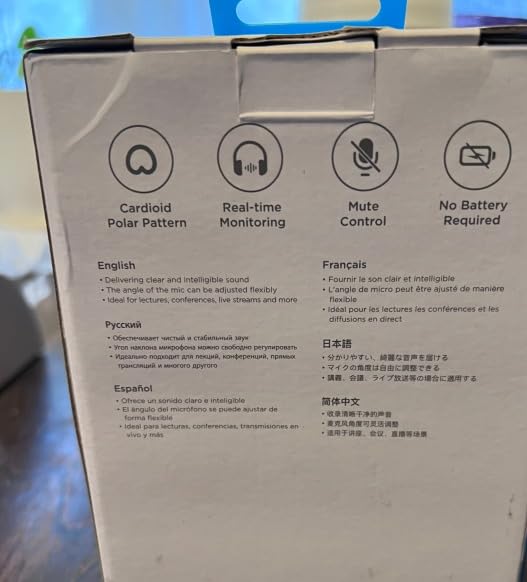
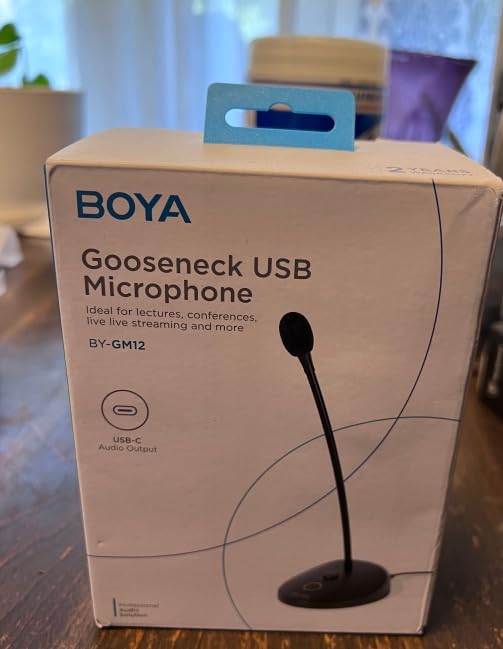
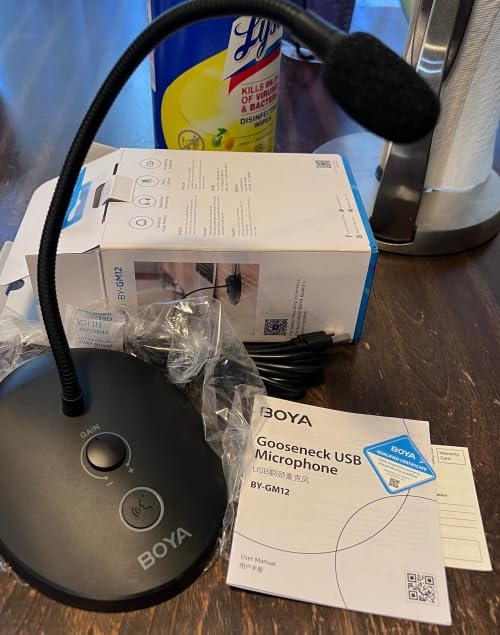
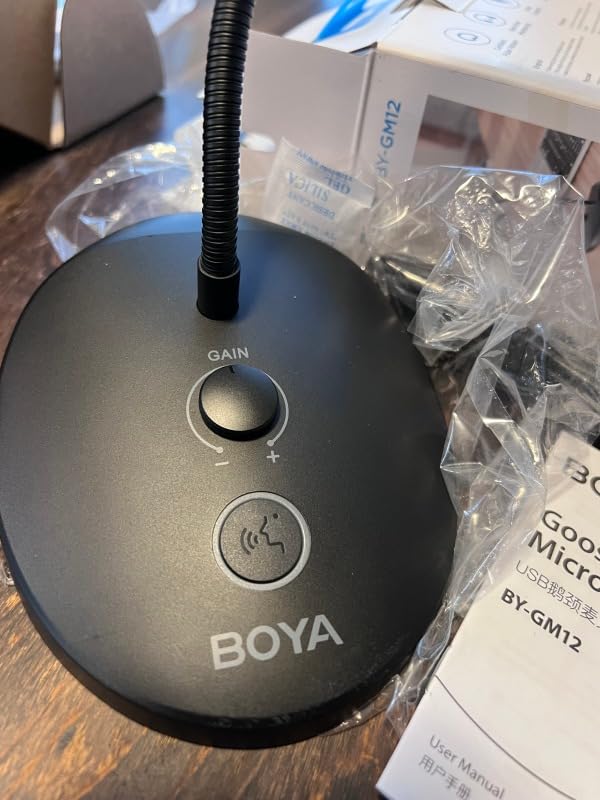
Packaging was in okay shape. The item itself actually did not fit well in its packaging. Caused a lump and was hard to pull out of it. The Microphone itself was tested and using the test feature on my laptop and also tested out in a live meeting with other people and they heard me very well. No picking up of background sounds and it was very clear. I recommend this gooseneck for those who could use a great sounding mic.
C
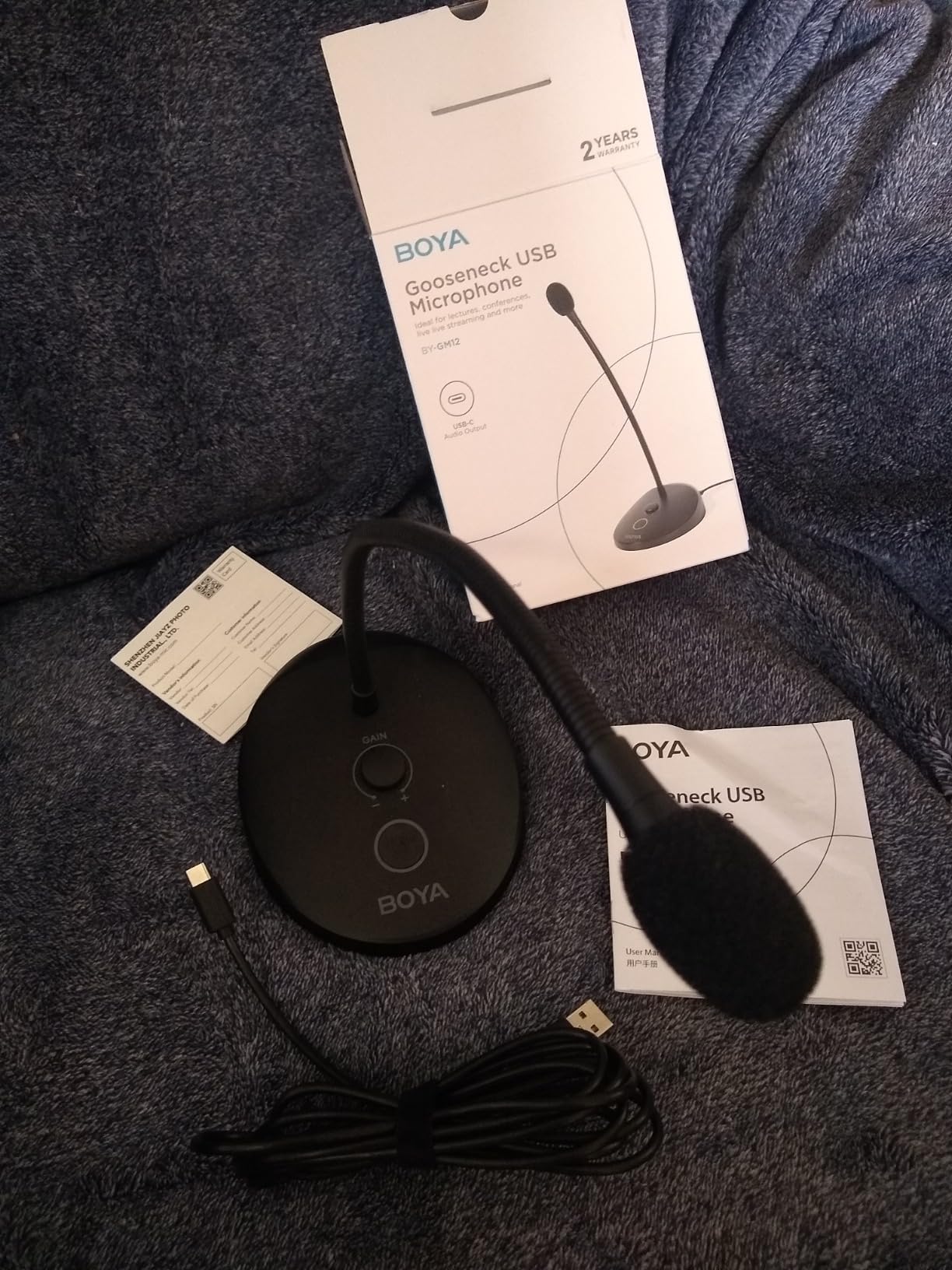
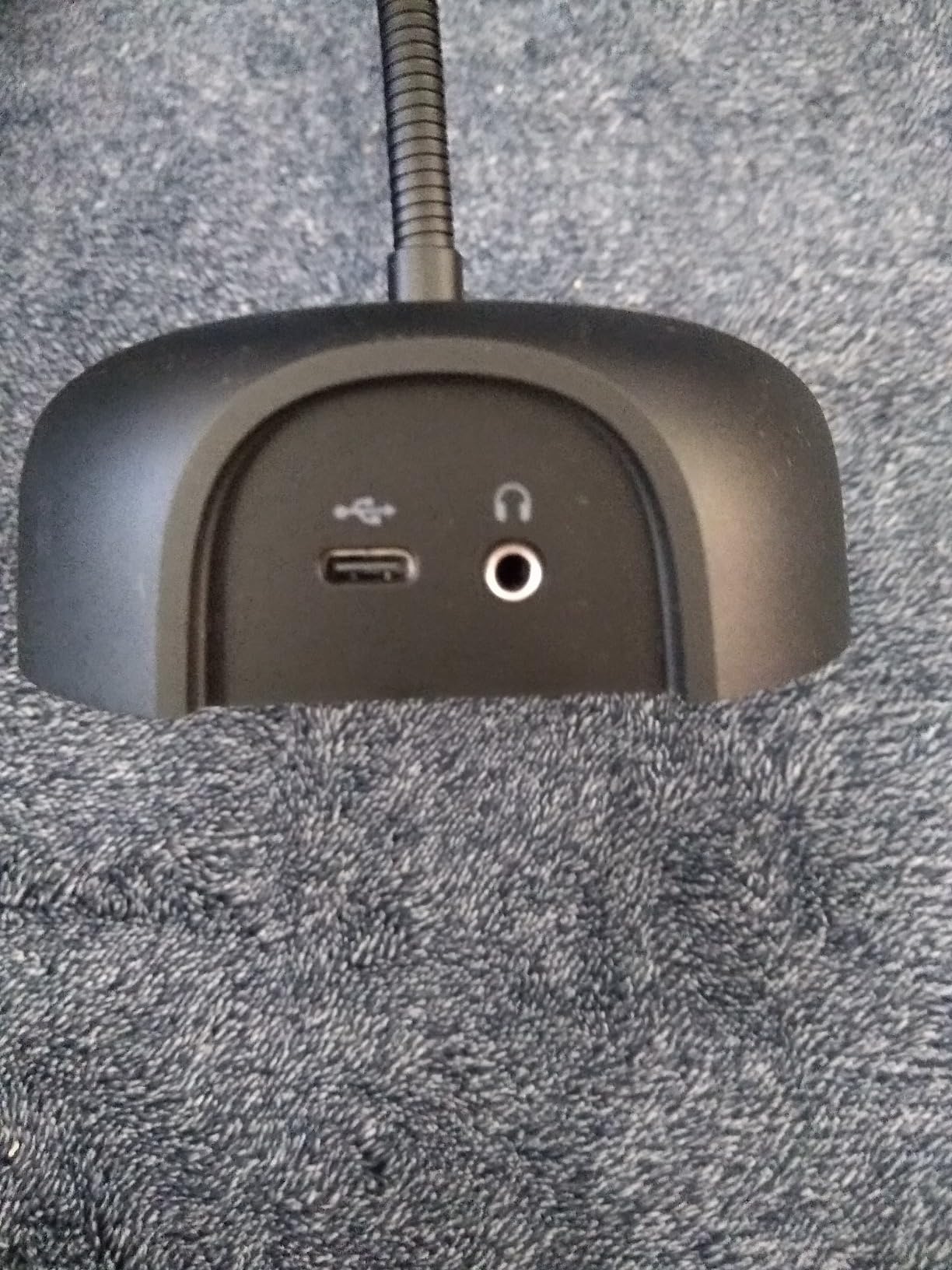
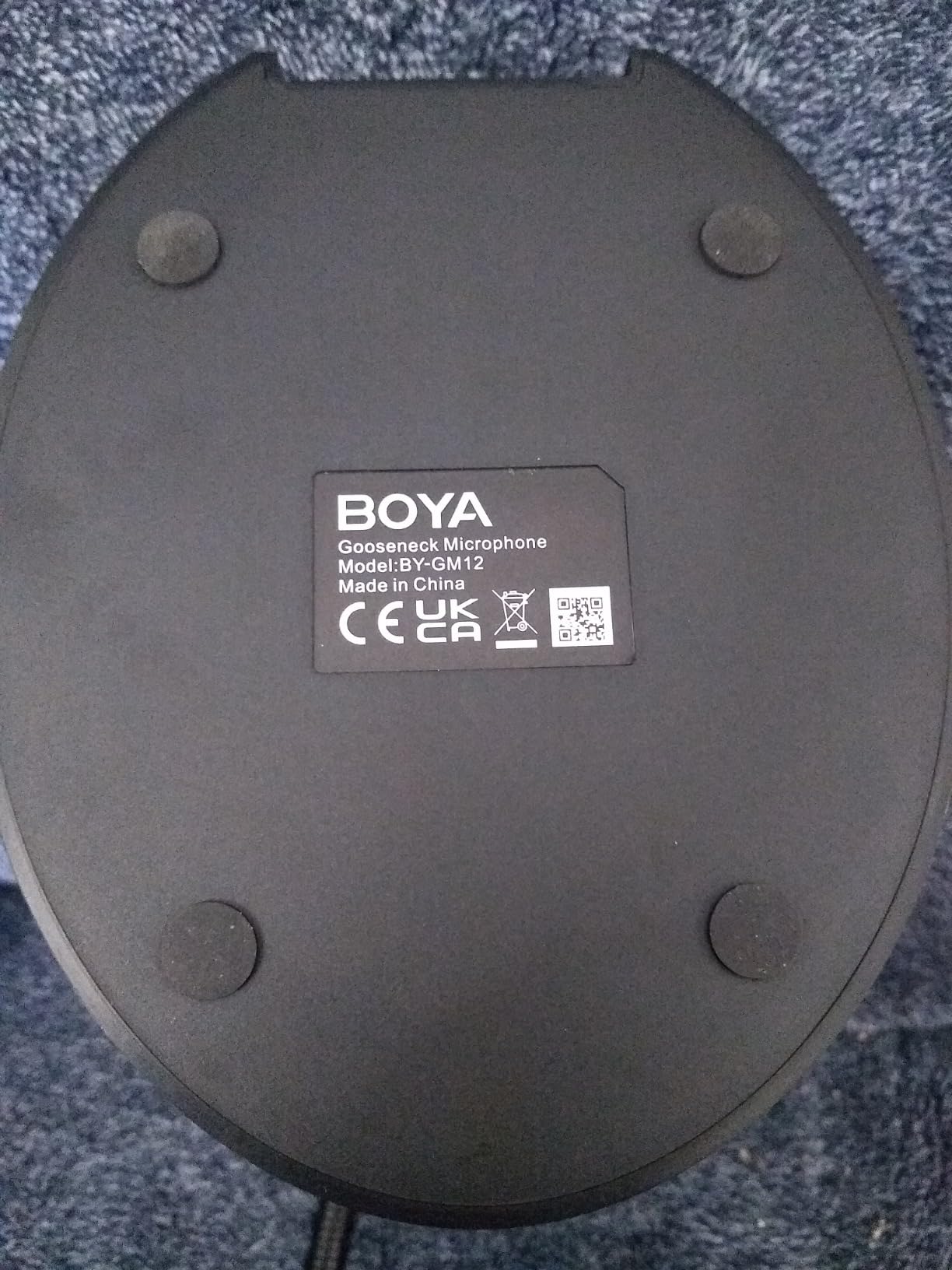
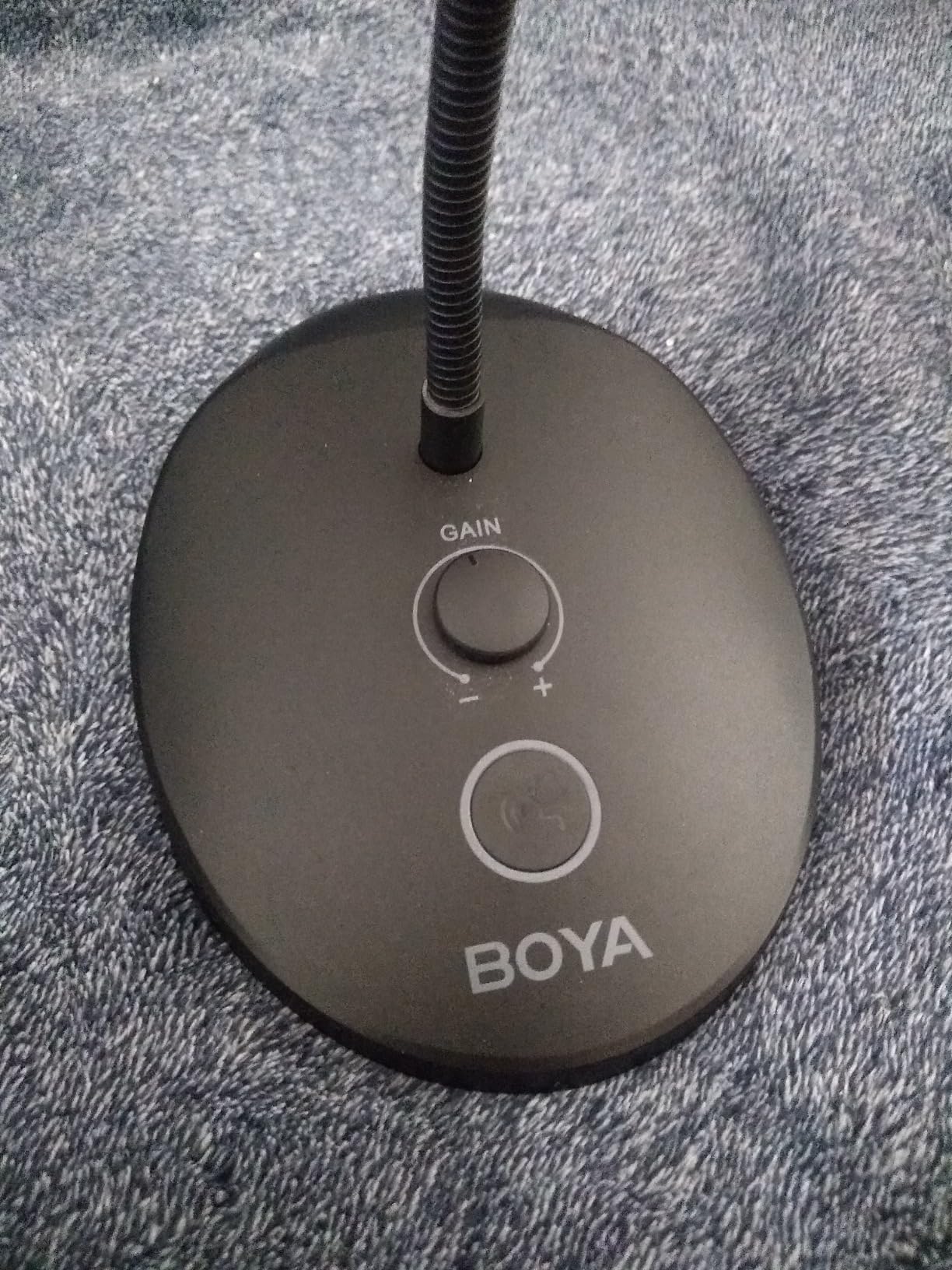
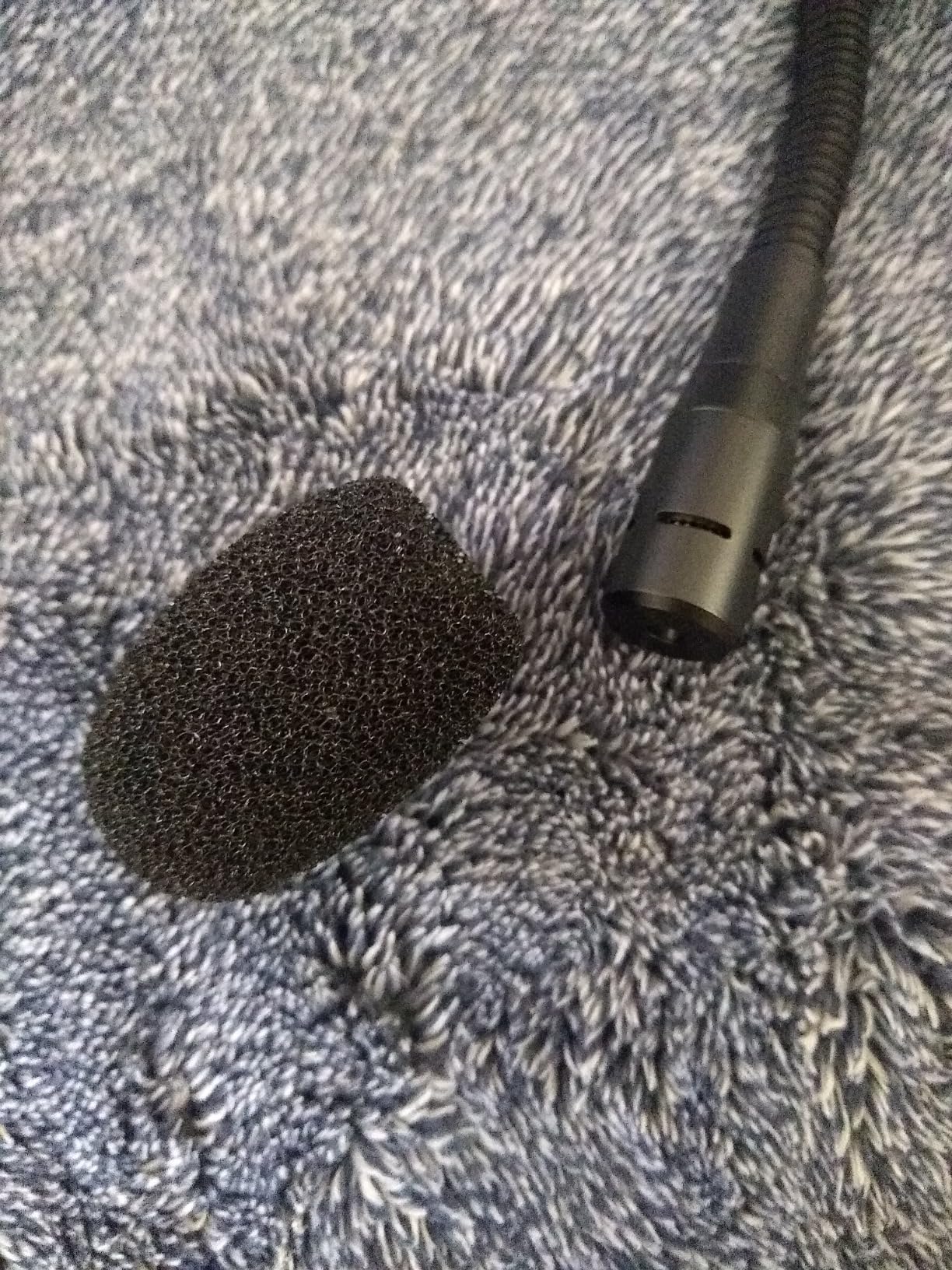
First off, I am not a podcaster, so i can't speak with authority as to whether this would be the quality you would need for podcasting. I would guess that it would be great for that, because it works so well for my purposes. I use it mostly for dictating speech to text. Until now I had been using an inexpensive headset microphone that would typically get 10 to 20% of my words wrong so I would have to go in and fix them. This microphone gets very close to 100% of my words perfectly. I couldn't be happier! It probably goes without saying but I did need to go into my computer sound settings and specify my computer speakers as the primary speakers. That way I could leave the microphone plugged in all the time. Otherwise I would have to unplug the microphone if I wanted to hear the sound from my computer speakers. I have a pair of headphones plugged into the back of the microphone and it allows me to hear the input of the microphone through the headphones and the computer speakers at the same time if that is what I want to do. The foam windscreen is removable and works very well. I also like that it has a mute button and a gain control right on the base. I am very happy with this microphone. It is perfect for my purposes.
W
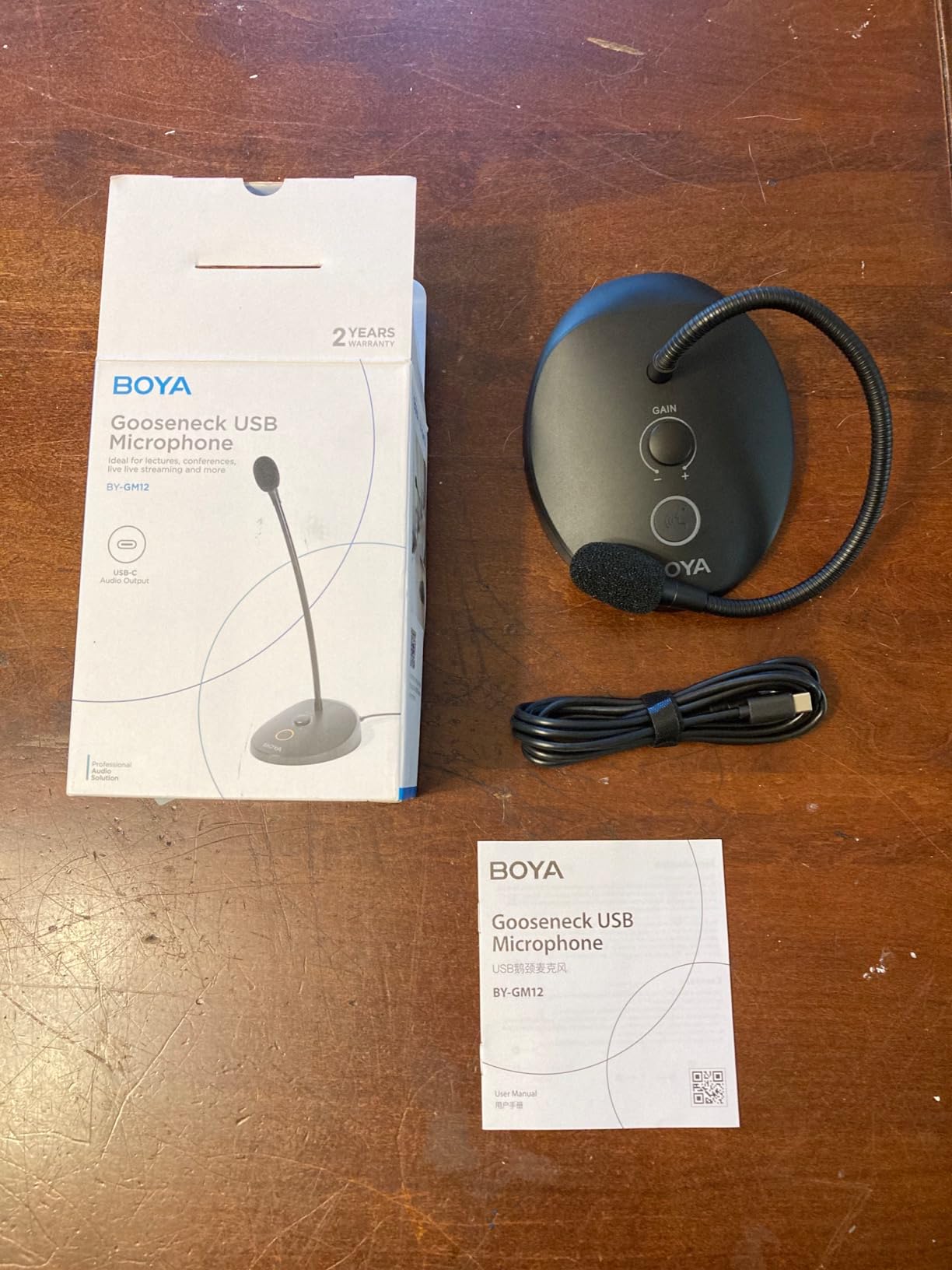
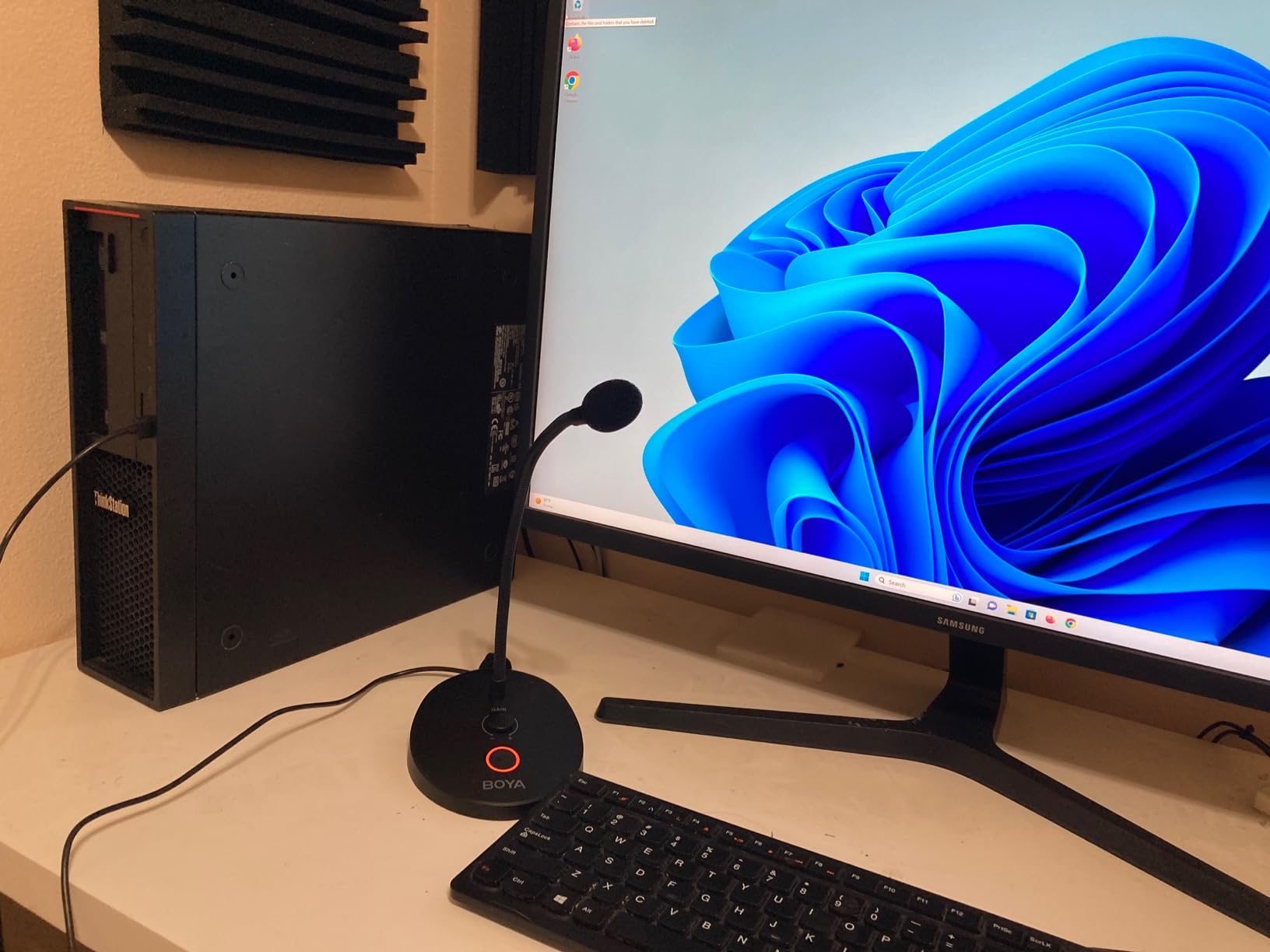
This is is the type of microphone you want for activities like speech recognition and communicating remotely via a computer in a room with background noise. Think of it as the opposite of the microphone on your webcam that attempts to capture everyone in the room; this is a more directional, close-up microphone.The mute button lets you create privacy that you can visibly confirm when the orange ring light is off = muted! It's a press-on, press again for off, type of switching, not "momentary" or "push-to-talk" as some microphone are.The gain control is really handy: no need to navigate several menus and settings on your computer if someone can't hear you, just reach for a knob on the mic itself!The microphone "pattern" seems to avoid nearby noise and capture more of what's right in front of it. Turning up the gain can capture more background noise, but it's still less than a typical webcam microphone.It works great with DragonSpeak speech recognition as well! Works with Windows or MacOS too.
J
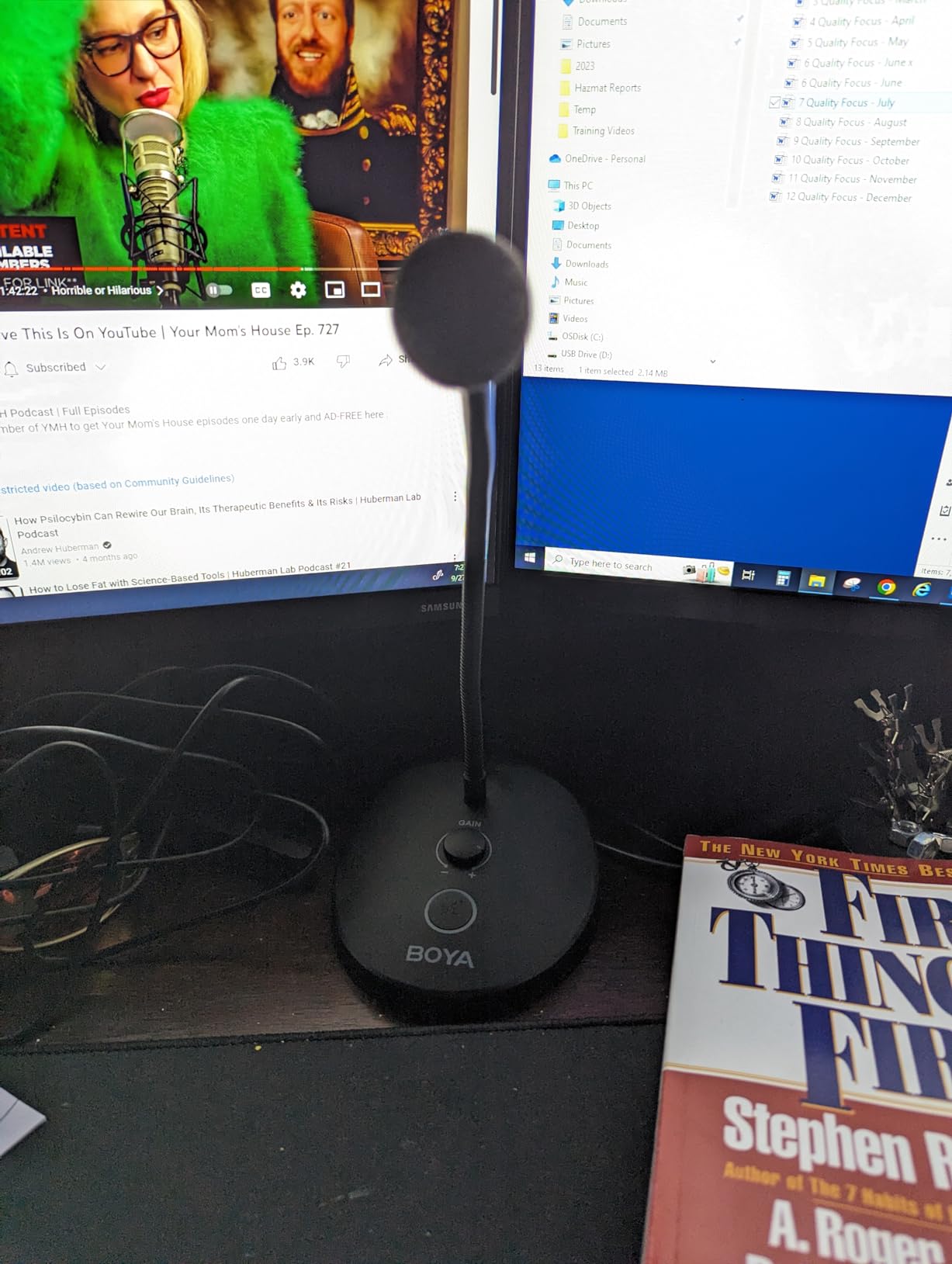
I am really happy with how this little microphone performs. I also have a Blue Yeti that works really well, but it's huge and it picks up EVERYTHING. if the AC is running, every echo in the room, etc. This Boya mic seems to pick up my voice well and eliminates the background noises.It's really easy to install and adjust, it doesn't take up much room, and I like the mute button with light to let you know when you're mic is hot. It also has a convenient gain knob right on the base.It's very simple and it just works. I'm very happy with this one. For reference, I use it to record voice overs for videos and for zoom meetings.
J
I am really happy with how this little microphone performs. I also have a Blue Yeti that works really well, but it's huge and it picks up EVERYTHING. if the AC is running, every echo in the room, etc. This Boya mic seems to pick up my voice well and eliminates the background noises.
It's really easy to install and adjust, it doesn't take up much room, and I like the mute button with light to let you know when you're mic is hot. It also has a convenient gain knob right on the base.
It's very simple and it just works. I'm very happy with this one. For reference, I use it to record voice overs for videos and for zoom meetings.
B
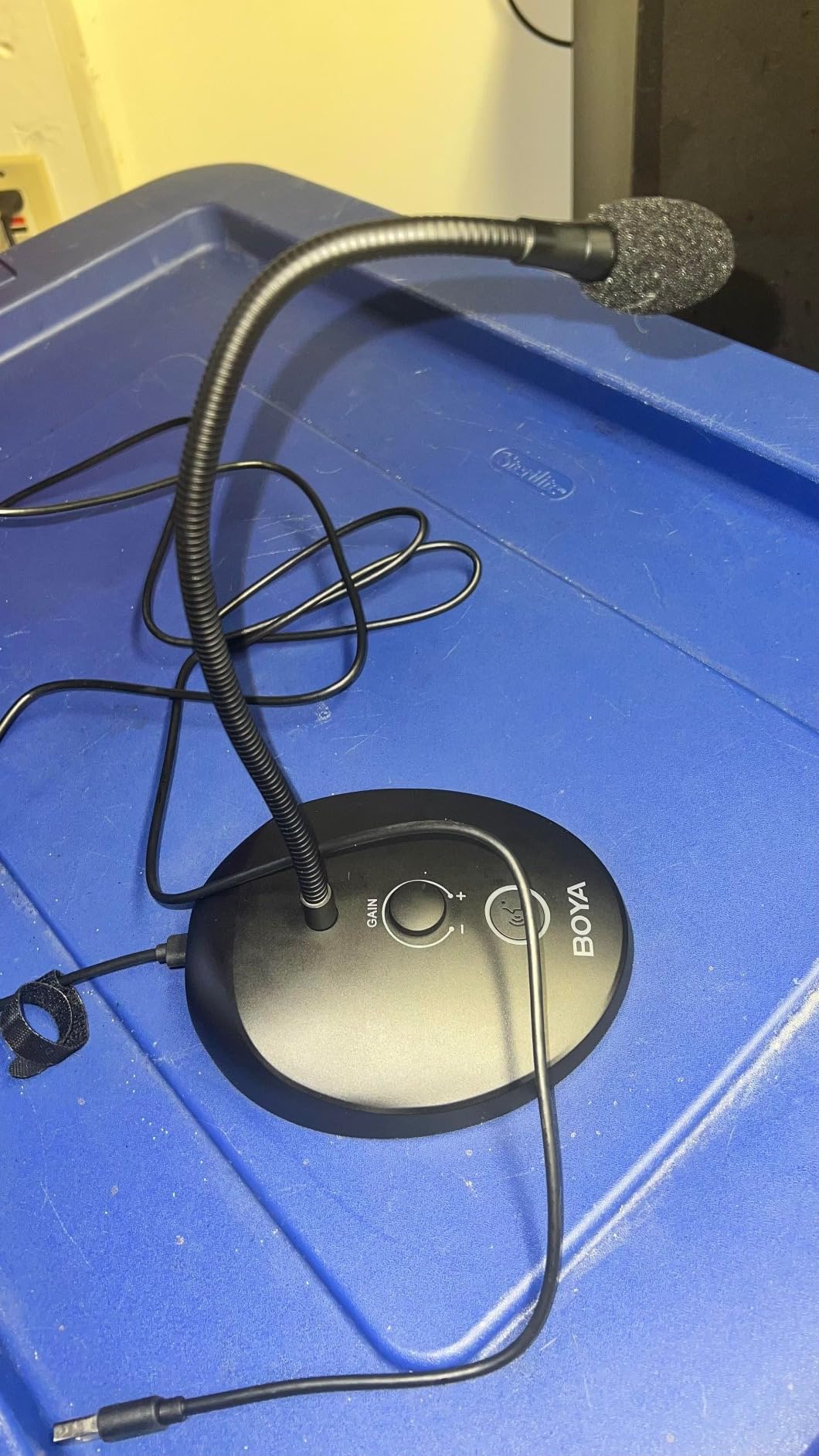
This is an exceptional microphone that's truly one-of-a-kind and, in my opinion, the best choice for video editing and online calls. Let me break down why it stands out: First off, its design is just fantastic. It reminds me of those sleek microphones you see judges using on TV shows. It's not only a treat for your ears but also your eyes. Now, let's talk about its power control feature. With this, you're in command of your voice's volume. Whether you want to turn it up for a passionate speech or dial it down for a quiet chat, it's a breeze. Plus, it's got a handy on/off button that's super easy to use. No fuss, just a simple press, and you're ready to roll. This simplicity is a game-changer, especially when you're in the middle of something important. Lastly, it's a champ when paired with editing software. If you're into video editing, this microphone complements your work flawlessly. It ensures your audio is top-notch, making your projects sound as good as they look. In a nutshell, this microphone is the real deal for video editing and online meetings. Its striking design, volume control, user-friendly on/off button, and compatibility with editing software make it a standout choice. It's like having a professional-quality microphone at your fingertips, and it'll elevate your audio game without a doubt.

B
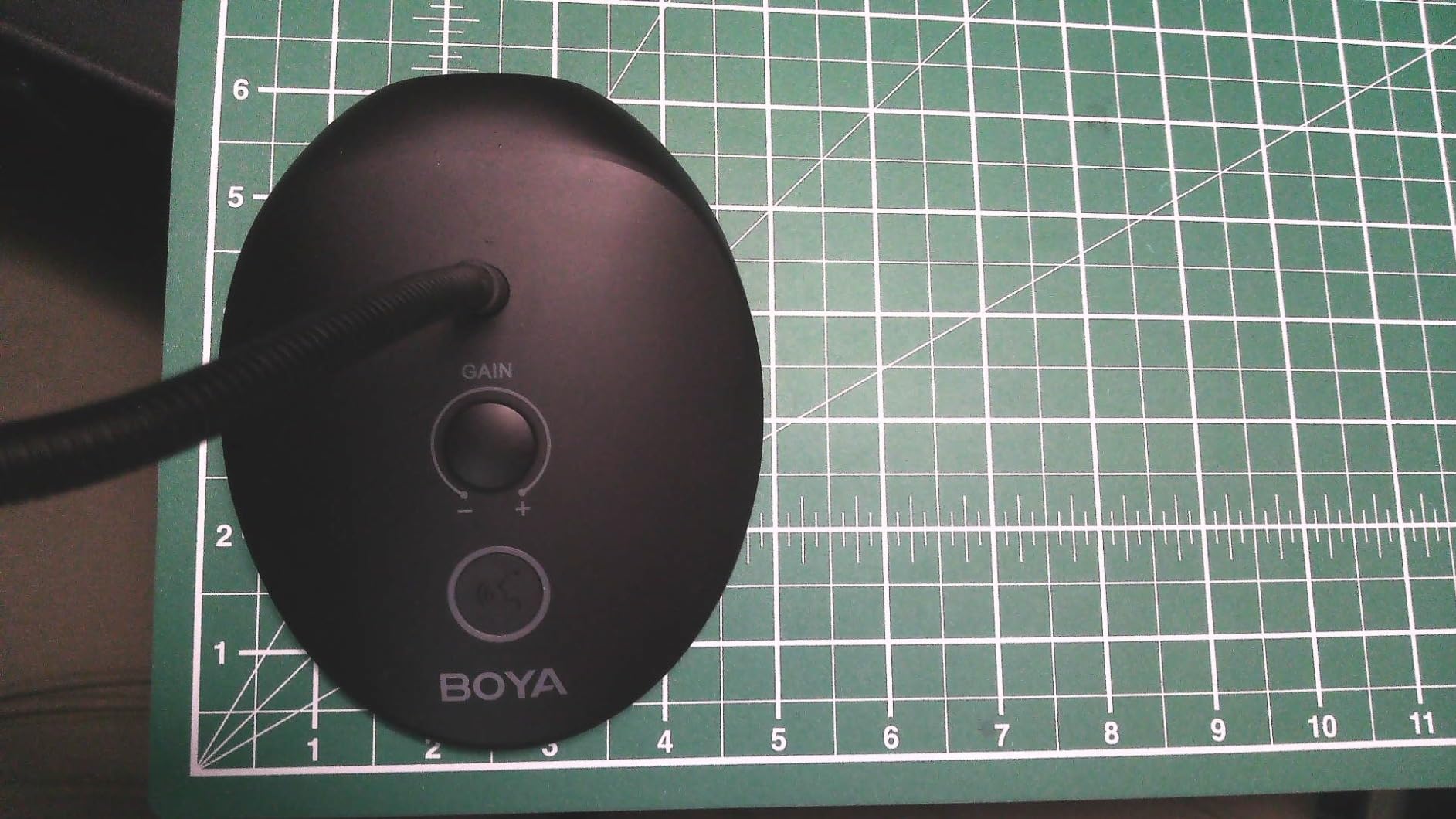
I got sick of using my old webcam for a mic. I have an older Yeti mic, but it's too bulky and has burned out a USB port before on my PC (had to get a new motherboard eventually). So, time for a change.This appealed to me being one solid package with mic, gain, and even mute switch all handy in one place! The built in/on base is a great feature too, to me at least. I've gotten quite sick of mics that are clamp on honestly. I really wanted one I can just set on the desk top and not worry about it. It IS a bit on the bulky side, but it serves its purpose very well and I feel it doesn't take up more space than it really needs to. The gooseneck is 100% solidly support in any position I've set it in and I can move the neck without the base flopping about even a little bit - opposed to minimalist bases that are like an inch square and are basically useless. I really like this one!Honestly, the one feature I personally didn't like - but was easy to fix - was how my PC kept using it as a sound OUTPUT device too, since it has the headphones jack. Windows 10 was easy to go to sound settings and disable it so it stops switching to it when I plug the mic in. I'm sure it's really useful for some folks, but doesn't fit my personal preferences. It does have your standard 3.5mm headphones jack and it worked fine when I was checking it out, so if you're using a laptop or something w/o a headphones jack this essentially includes a USB adapter for headphones.I really appreciate the gain dial. A lot of mics these days rely solely on the attached device for gain control, and those aren't great or end up still too quiet for me (soft spoken), so a mic without its own gain I end up having to almost have in my mouth for folks to hear me D: I can keep this mic a comfortable distance from me on my desk and adjust the gain as needed for the platform I'm using without having to dig through settings every time, and I really appreciate that freedom a lot.I almost skipped this because of the price, but I'm really happy with this and feel it's worth every penny (especially on sale like it is at time of writing)! It's solid, flexible, and performs very well for me. Maybe a built-in on/off switch for the headphones plug would be nice, but that's about the only way I could think of improving on this. Great mic and definitely recommend it. It does have a 6" x 5" footprint though, so it might not be great for folks without much real estate for desk space, but even then it's solid enough to sit on whatever I set it on.

A
This OYA USB Microphone, Computer Microphone with LED Indicator, is definitely what I needed for doing a lot of our broadcasts and podcasts and it helps with being able to speak on our Zoom calls as well. It's nice and convenient and it's sturdy enough to where the mic will come reach out to you from whatever desk flat area you keep it on I love the functionality of it overall and the way the cord bends around really nicely when it comes down to adjusting the microphone head. It was all that you needed for a gooseneck experience when it came down to having your microphone work for you instead of trying to hold it in your free hand every time you got to record. Definitely phenomenal when it comes to what it's meant to do on all your recording needs or streaming. Thank you.

J
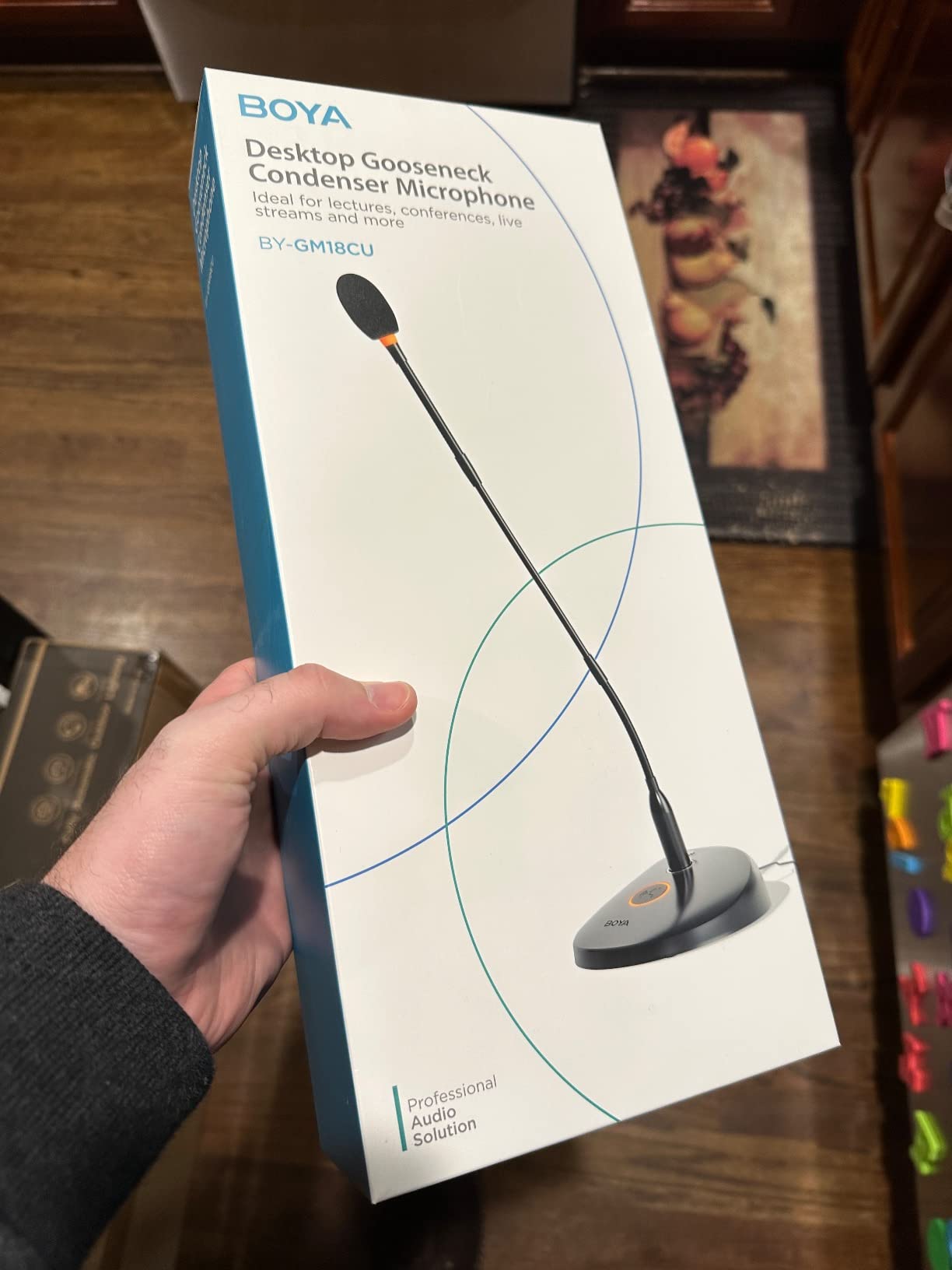
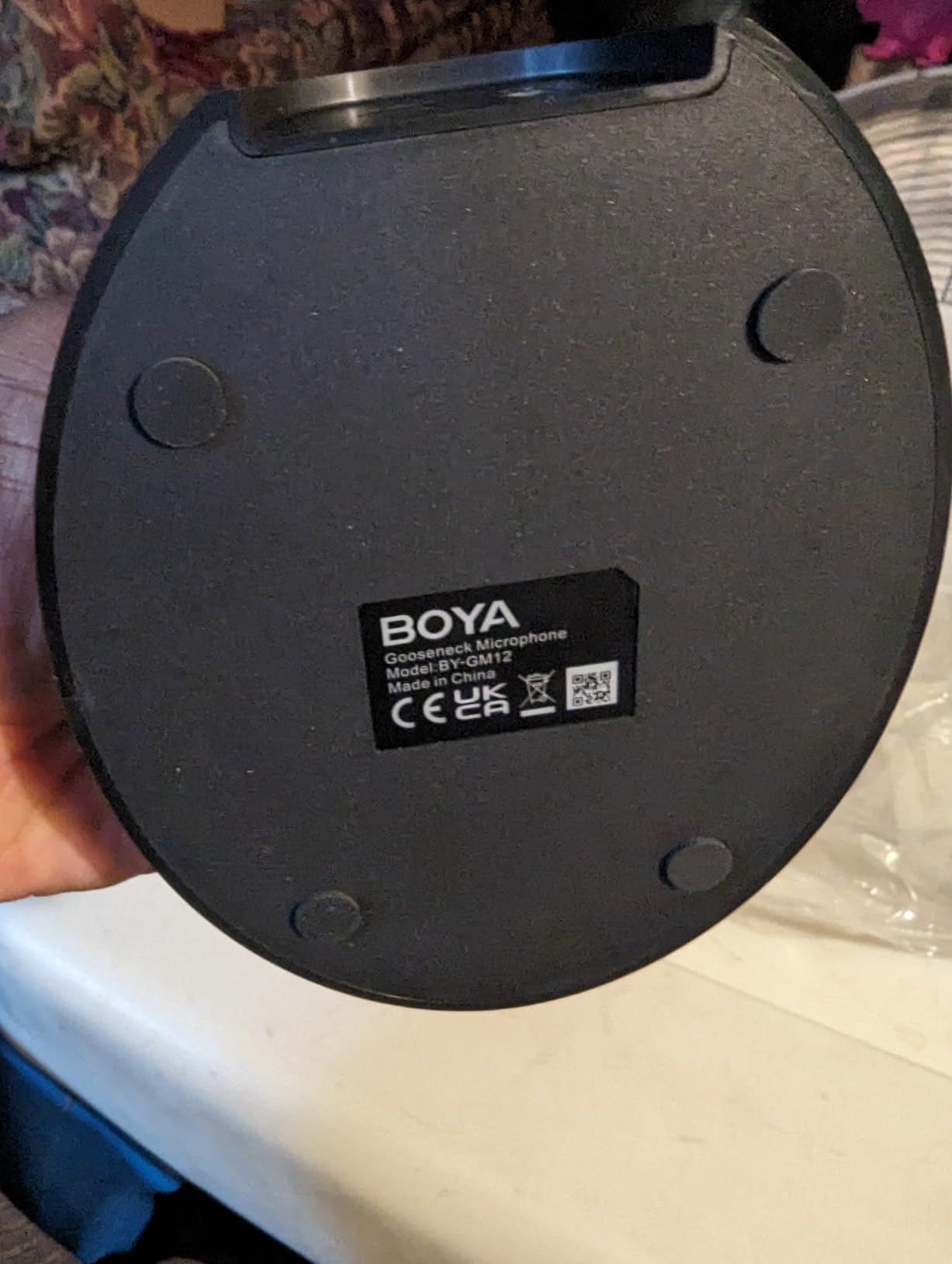
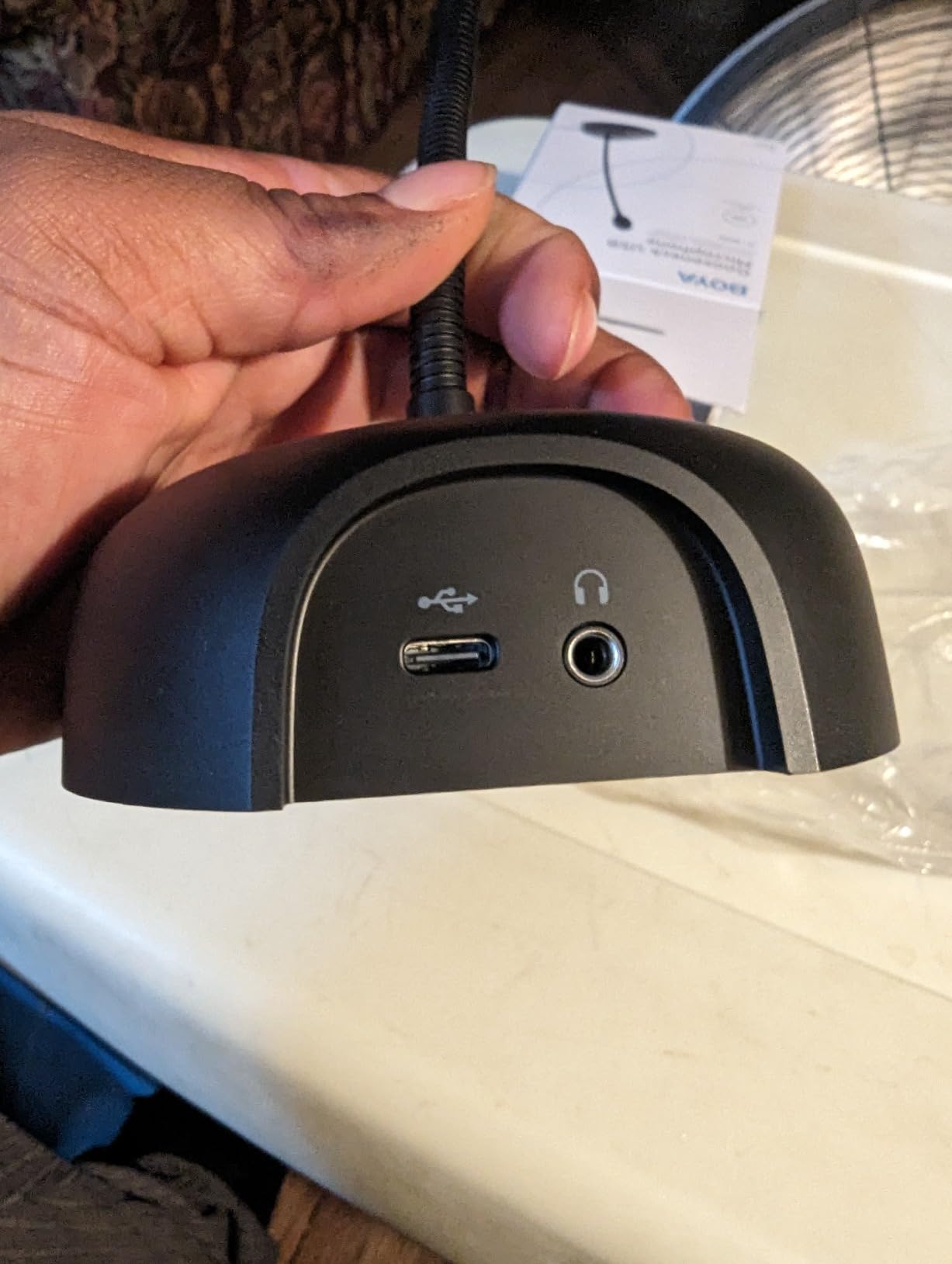
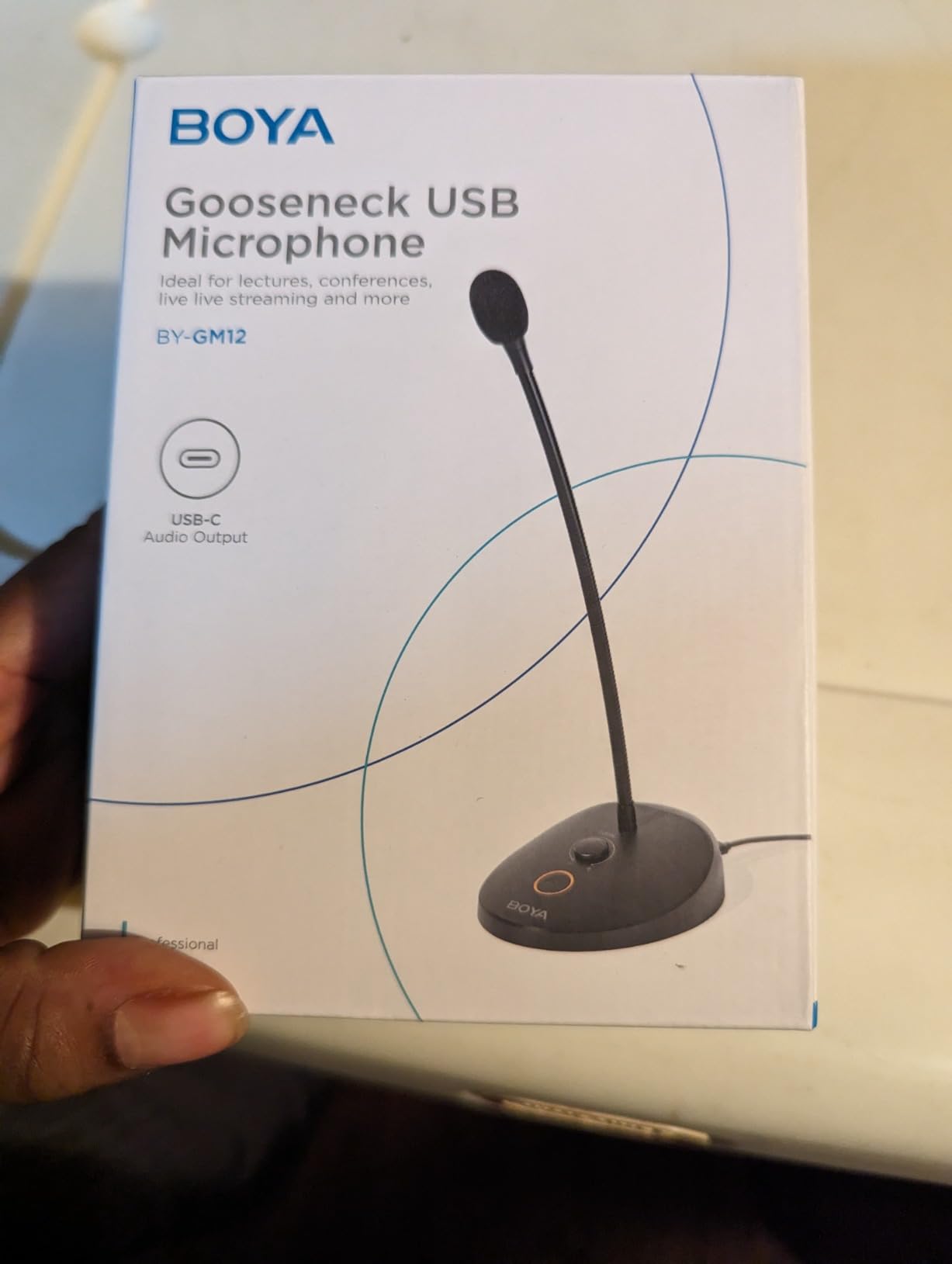
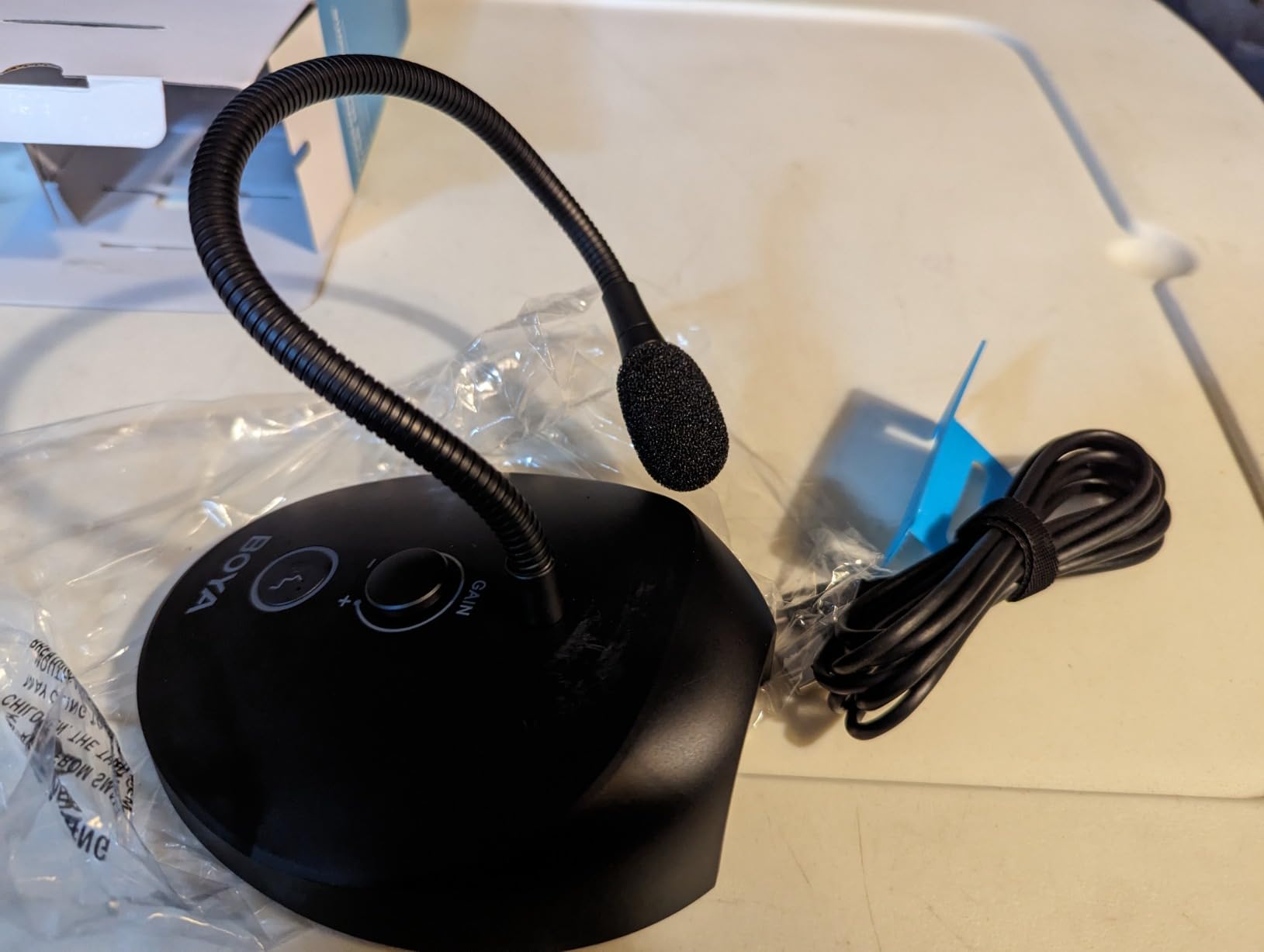
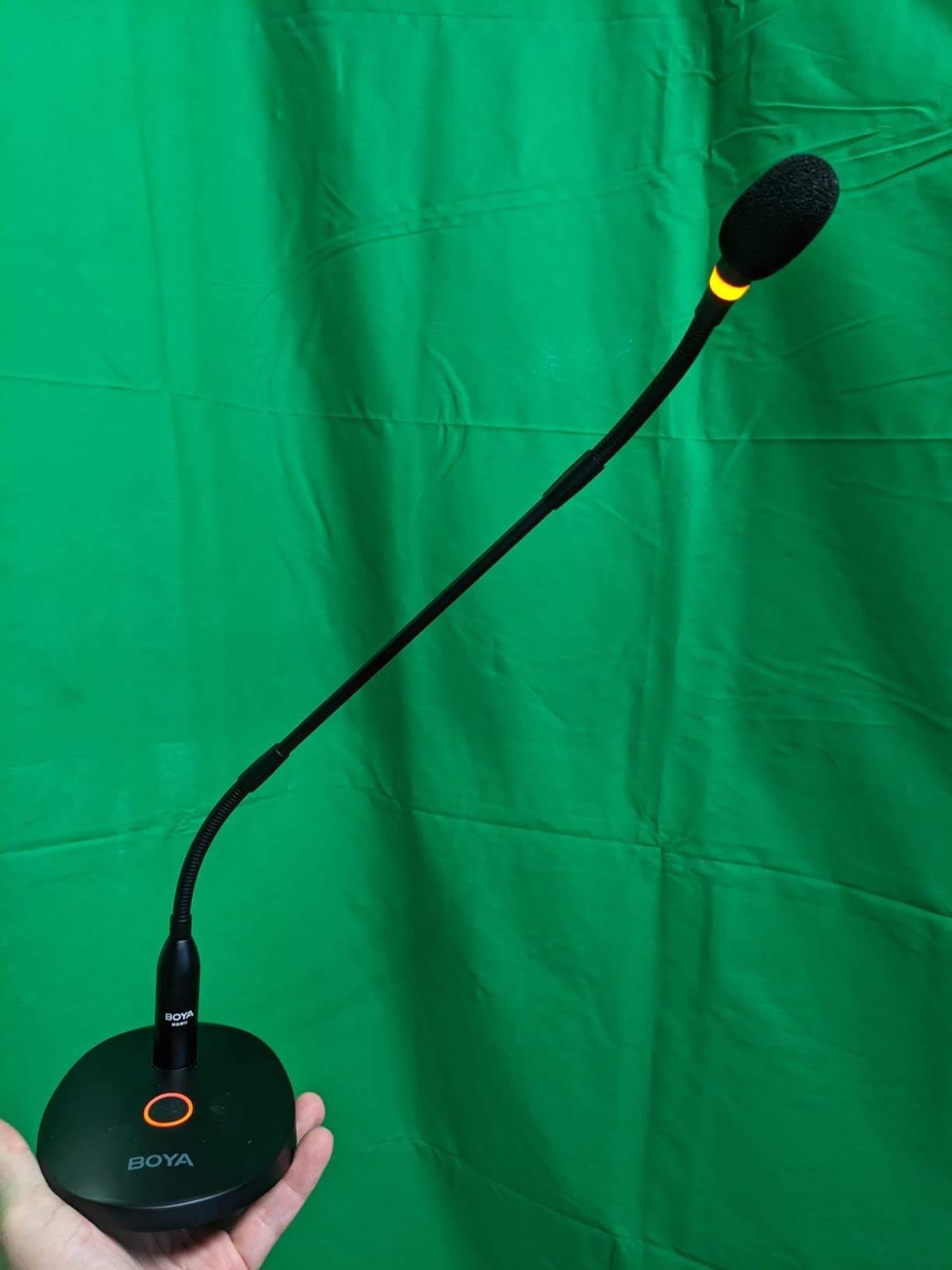
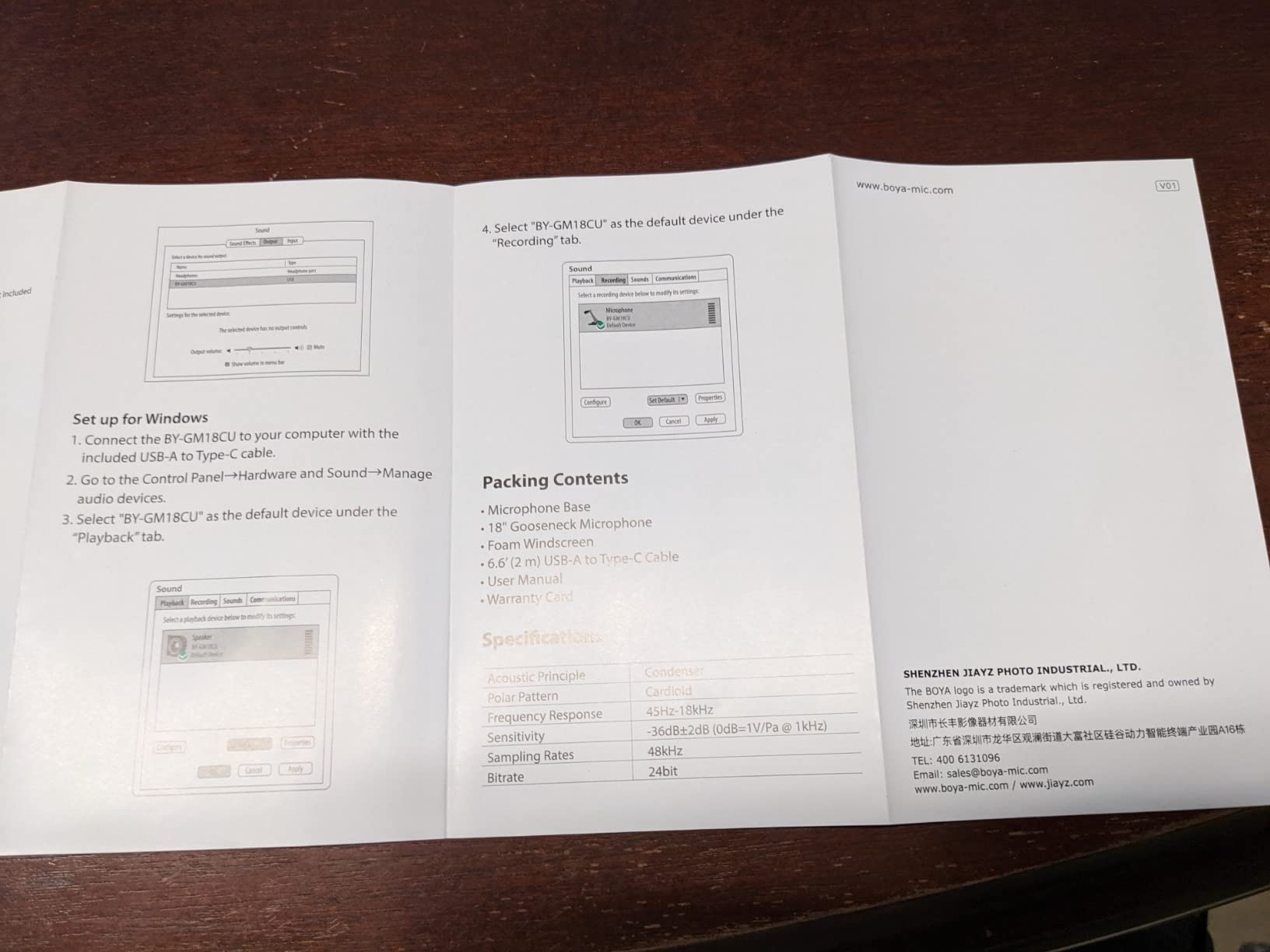
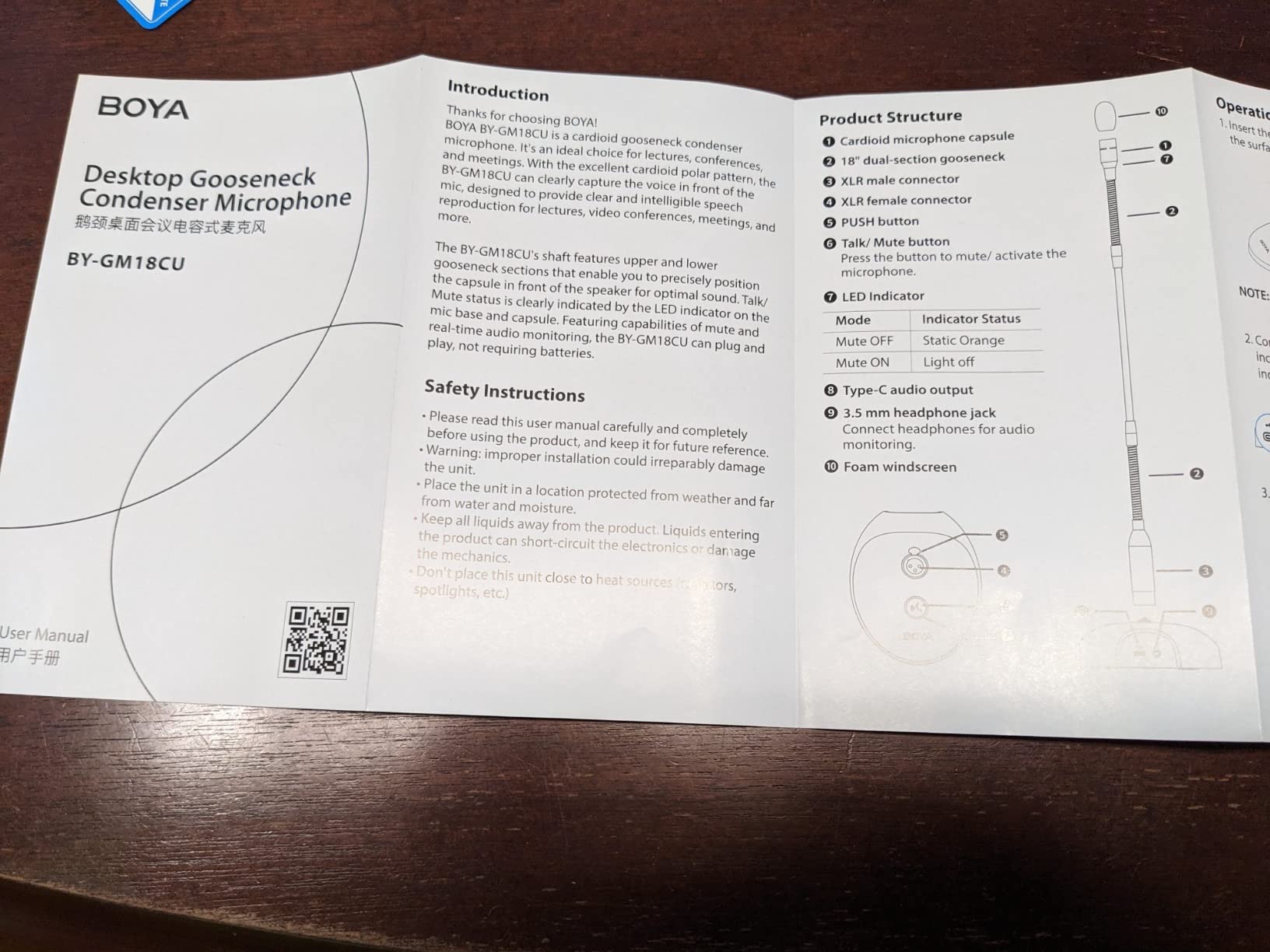
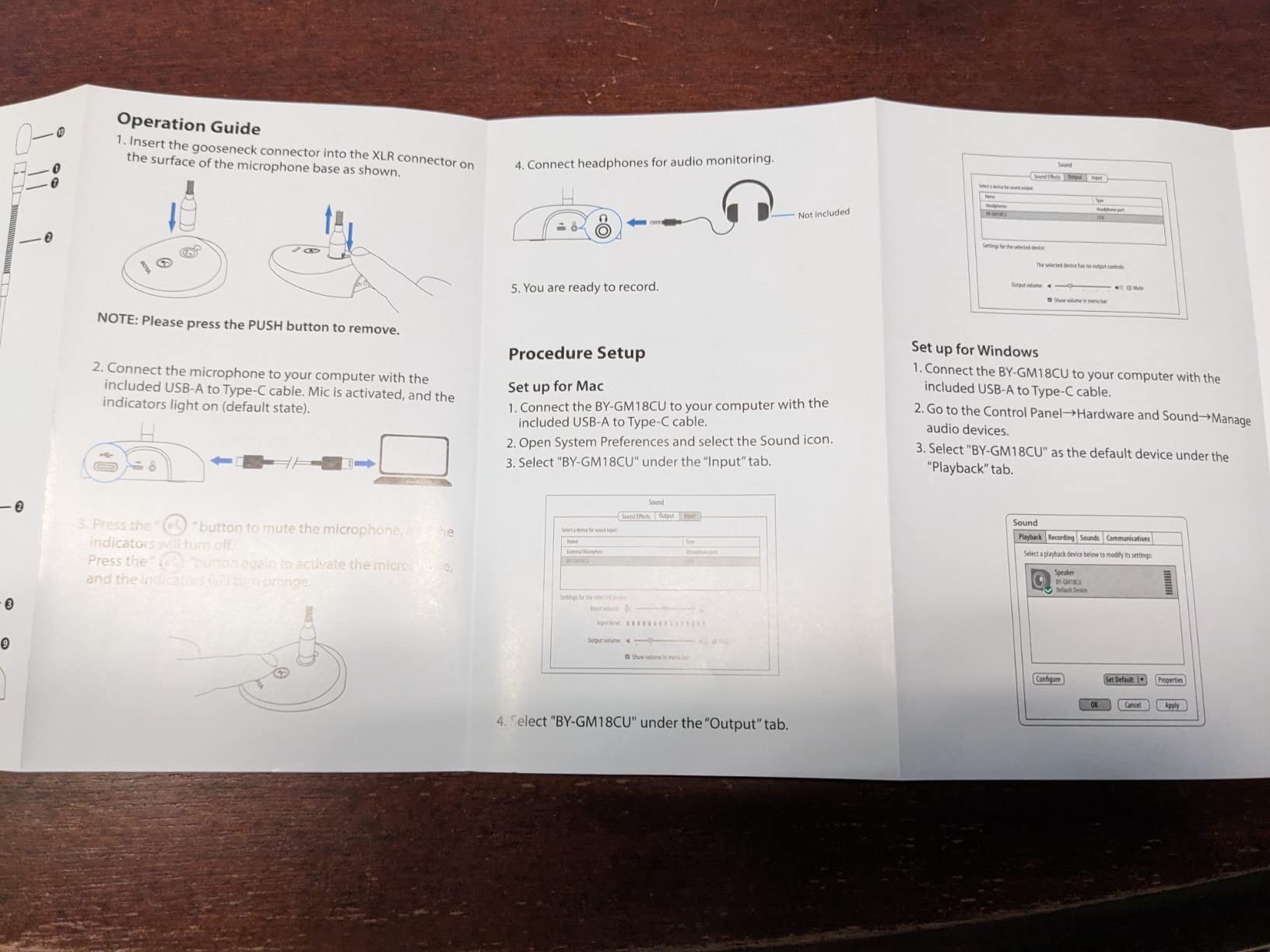
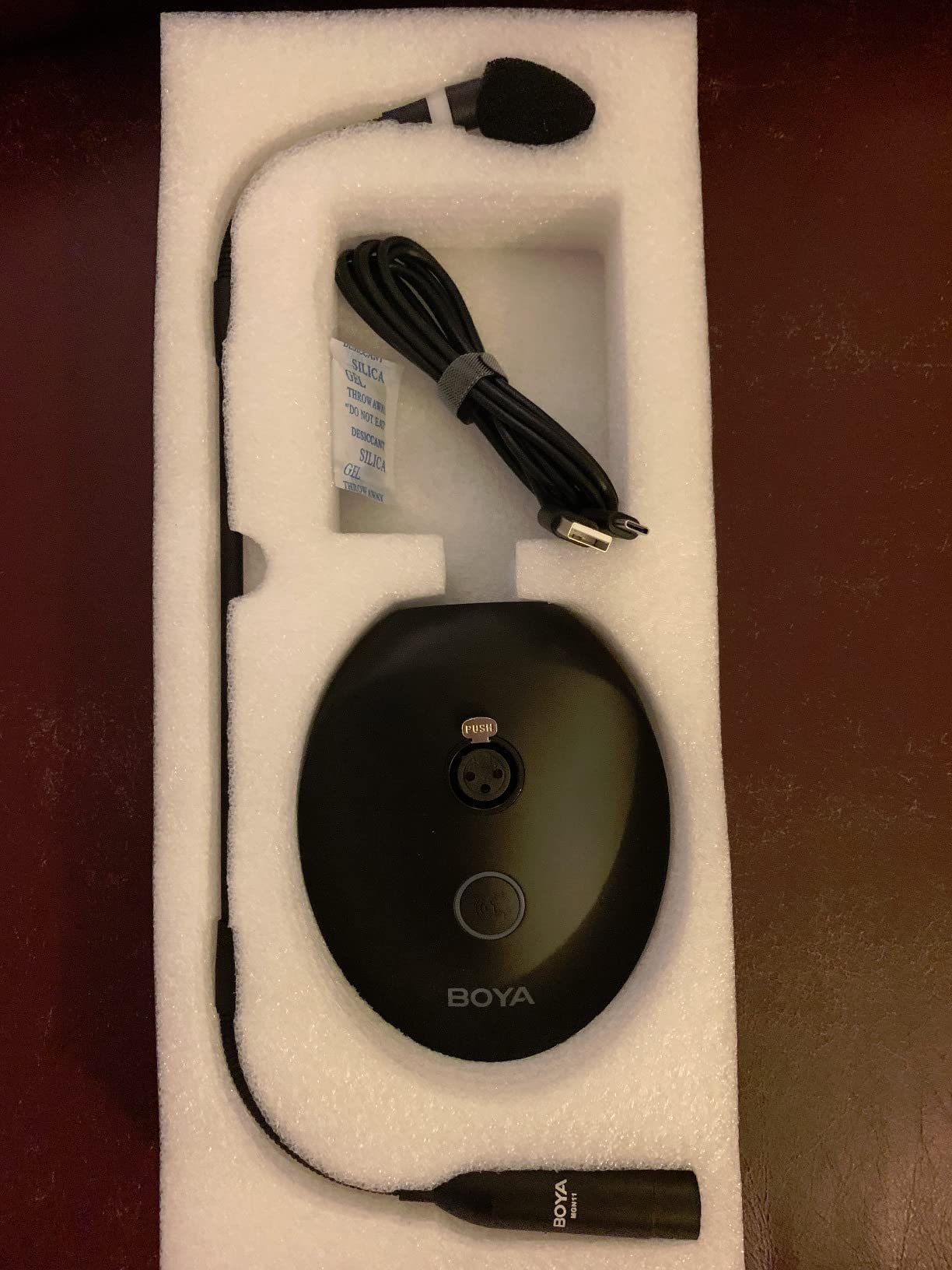
Today I'm reviewing this 18" gooseneck condenser microphone with USB base by Boya,The model number is BY-GM18CU, we are going to free this device from it's packaging and see how the thing looks. I opened it upside-down. I would recommend against that, as the base did fall out. Inside we see the base, USB-A to USB-C cable, as well as the microphone itself. Inside a plastic bag we have the instruction booklet, as well as some stickers or decals as well as a warranty registration and QA tag. The instructions are longer than you may expect, they come in two languages. English is on one side. We'll post that to the review.When i take the base out, it has a nice amount of weight to it so it should stay upright and not tip over. There is a locking mechanism for when you plug in the microphone itself. It does look like an XLR input and there is a mute button. The USB cable comes with one of my favorite things, a piece of Velcro to help manage the cable. I'm going to remove the microphone and the plug looks like an XLR jack. It is keyed so you can't plug it in the wrong way. I'm going to connect mine.You geta nice satisfying click when it locks in place. There are two pieces here that can articulate. There are 3 inches at the top and bottom to provide a flex section. You then have 8.75 inches of straight recording arm. I'm going to plug this in and then change my audio device to this Boya microphone and we'll see if we can notice a difference. Right now I'm recording on a USB headset microphone. And now...And now I have attached the microphone to my computer and am speaking on the Boya microphone to see if we can notice a difference in the quality. Once again, this is with the Boya microphone. And I'm now speaking on my old USB headset.As the optometrist may say. What sounds better: A, the Boya, or B, my old USB headset. If I'm being totally honest, they both sound good to me. I do prefer the overall sound on the Boya and my software shows stronger audio levels from it. I feel that the Boya is not the best value for the money, but it comes in a much better size that other options. I'm going to rate this condenser microphone four out of five stars.Pros- Simple installation (plug and play)- Good quality audio- Also has headphone jack for monitoring/playbackCons- Indicator light is Orange for ON (I'd prefer RED for mute and/or Green for on)- My computer changed my output device to the Boya, which made me think my speakers broke for a minute

W
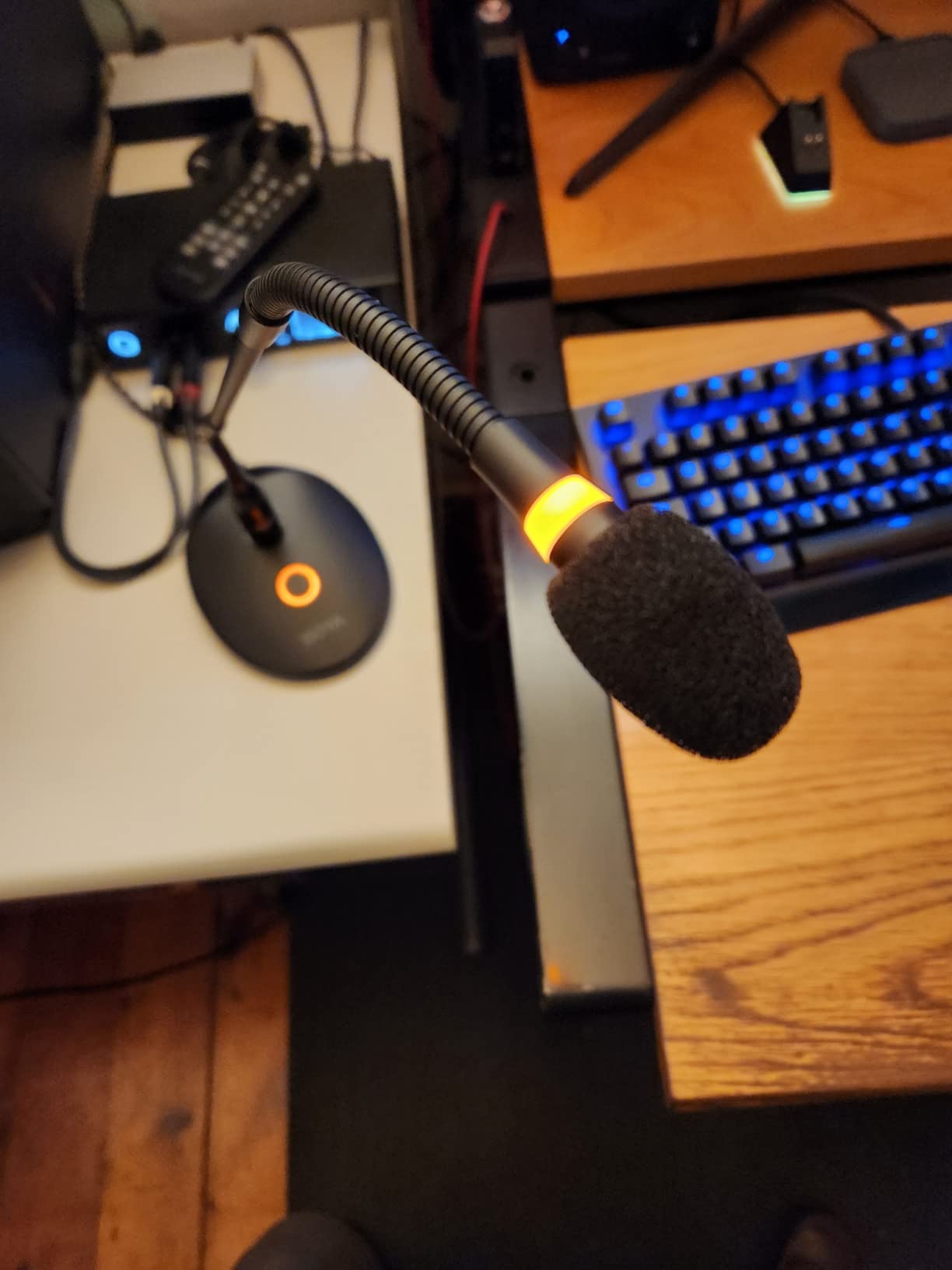
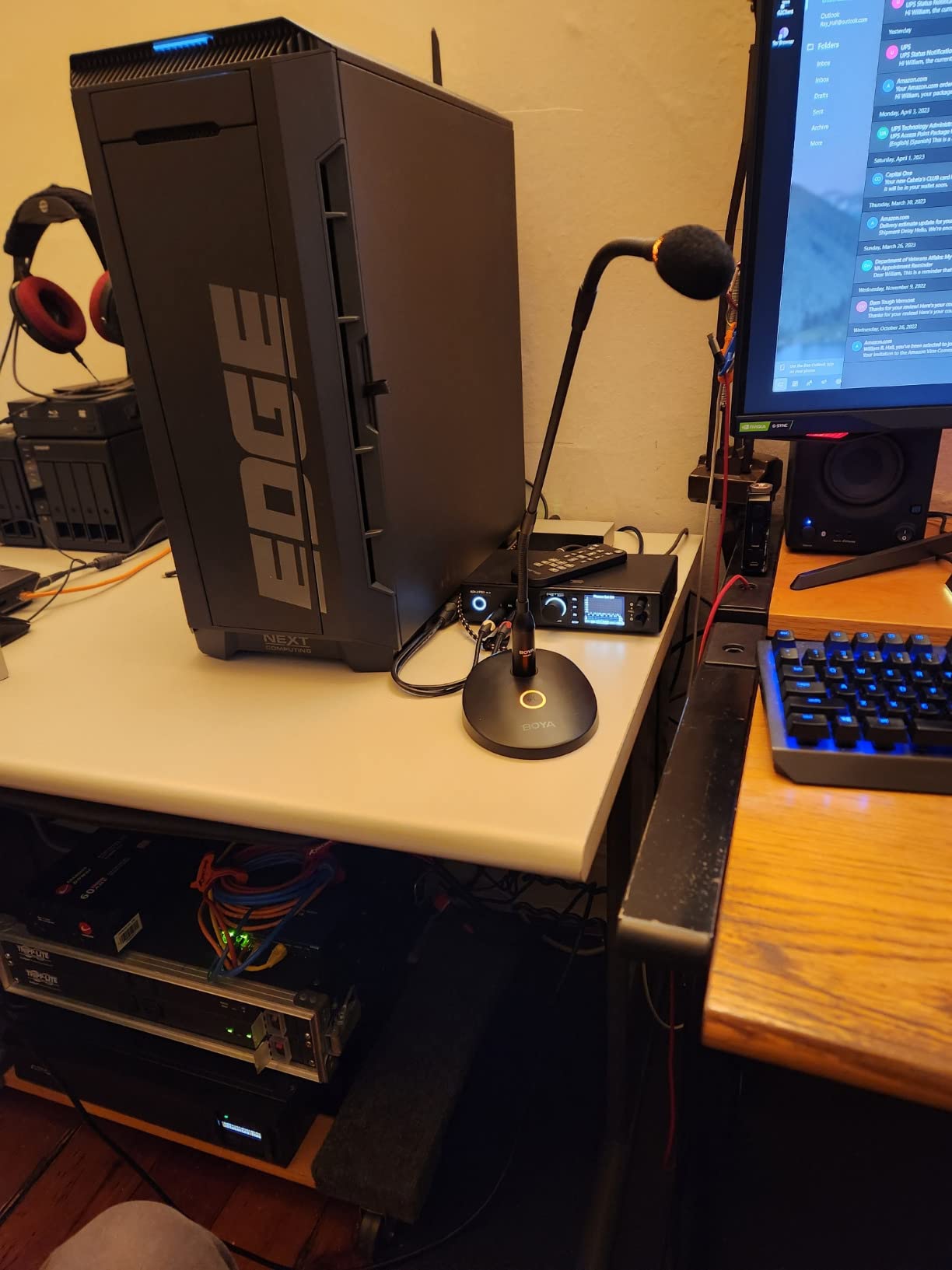
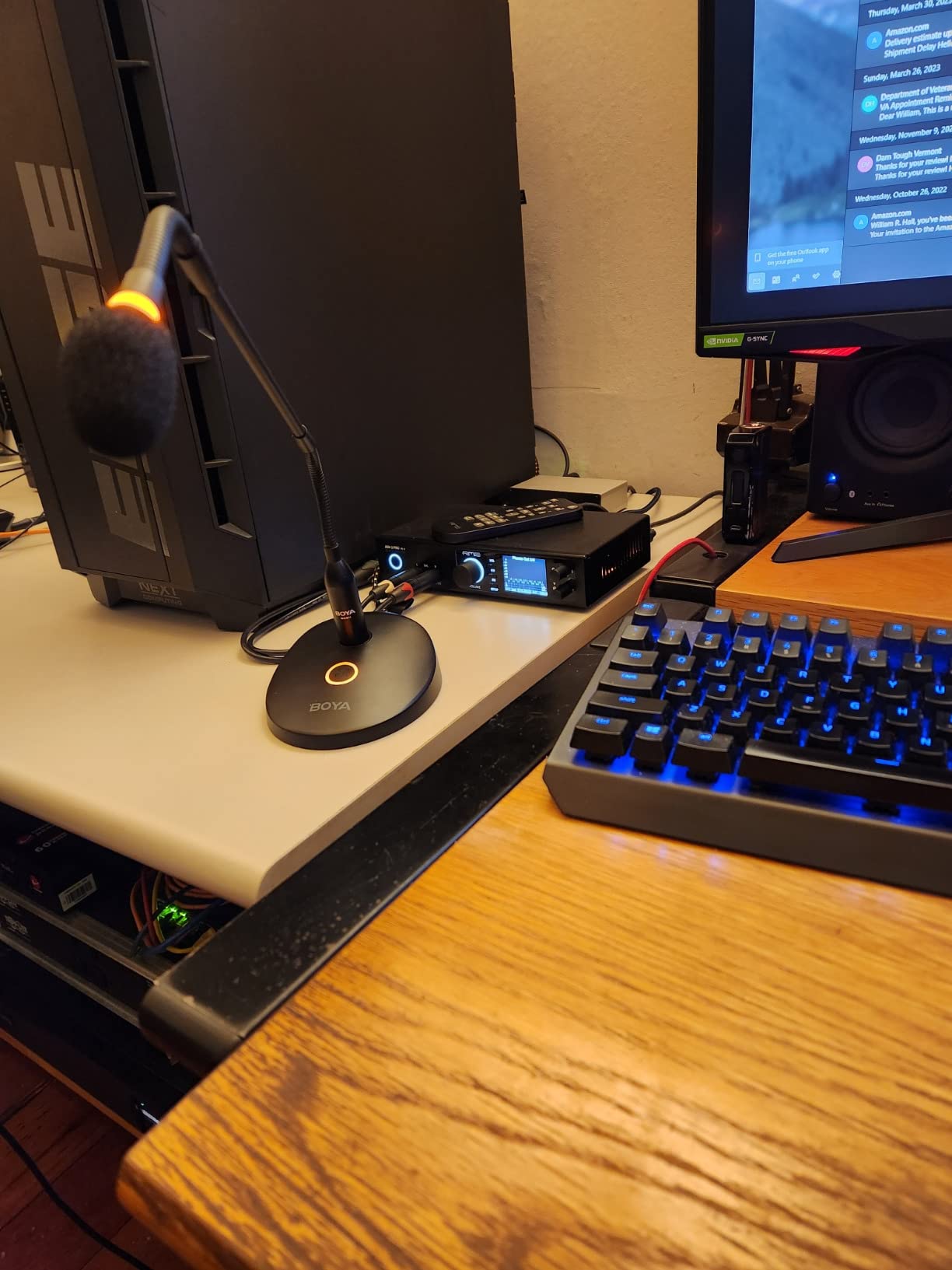
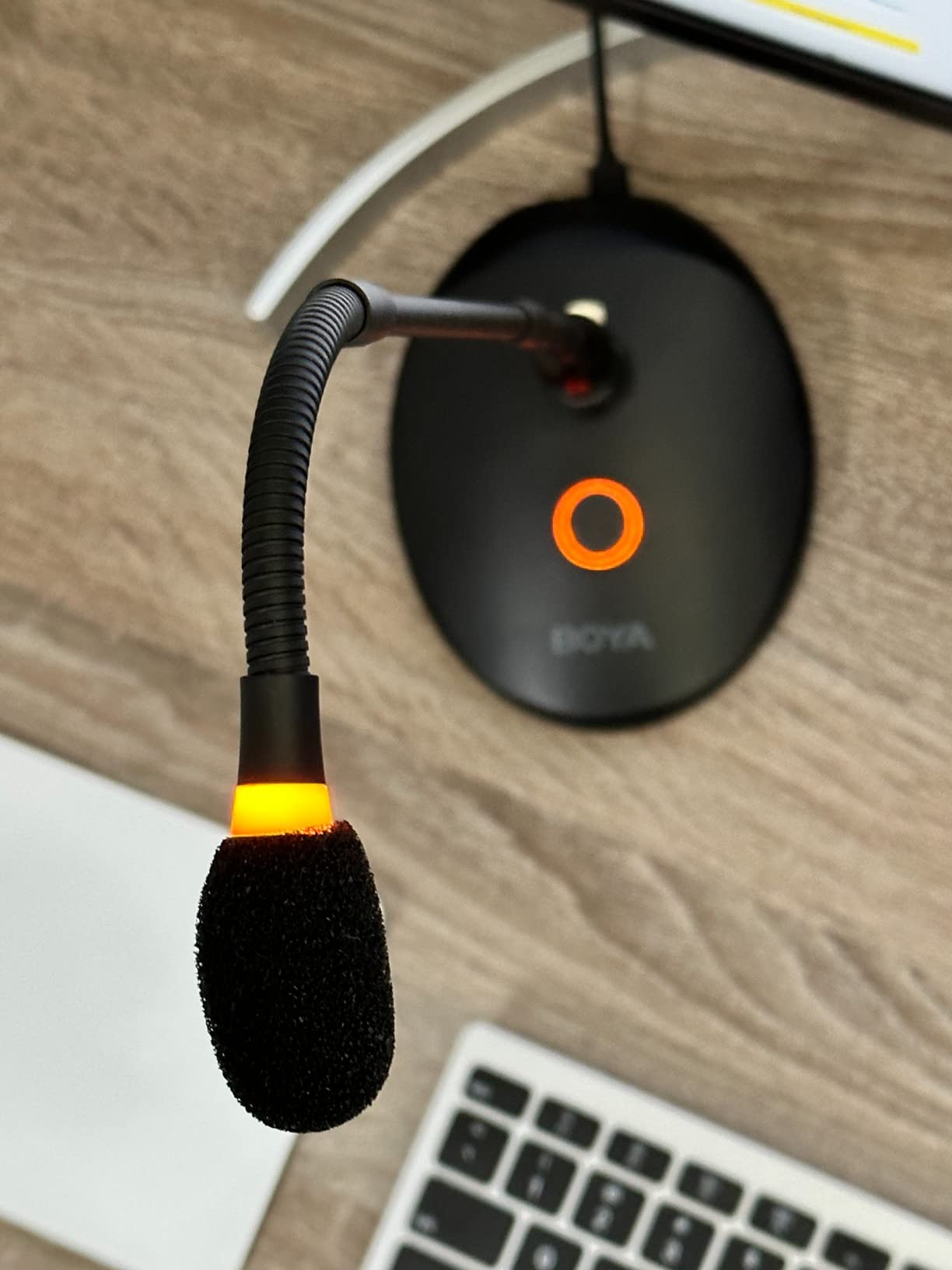
With a cardioid pattern this mic is perfect for almost eliminating background noise. It is heavier than it looks and is made very well. The gooseneck is sturdy and flexes in all the right places. It comes with a USB cable.Once powered up there is an LED on the base and just under the microphone head. You will know when it's on.This mic is plug and play. No drivers needed and no seperate power supply as it is powered through the USB cable. A quick test tells me it will do everything I got it for - and do it well.I could have easily spent 10 times more money for a high end mic that frankly is overkill for text to speech use so I consider this to be a great deal. Well worth every penny.
C
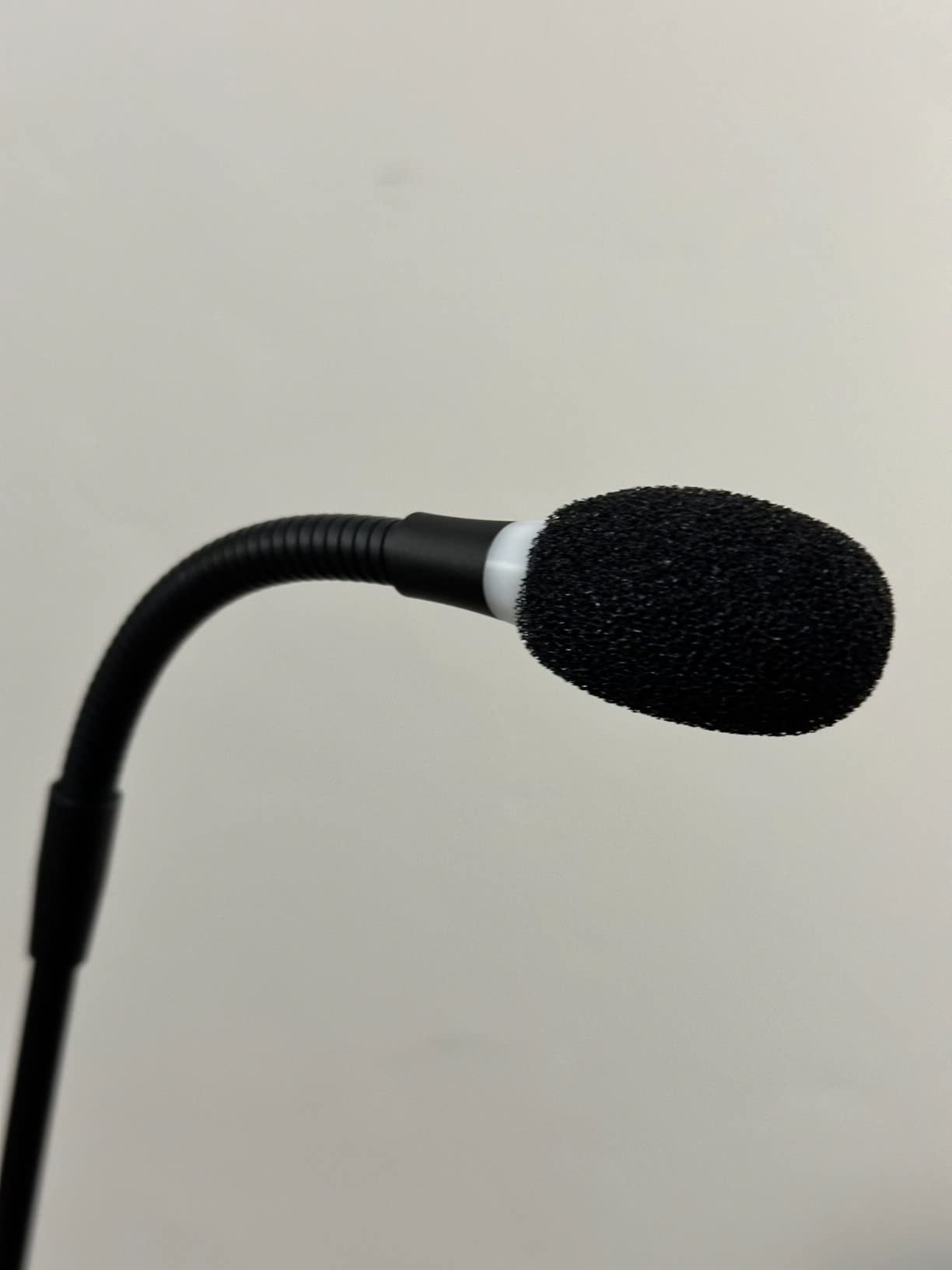
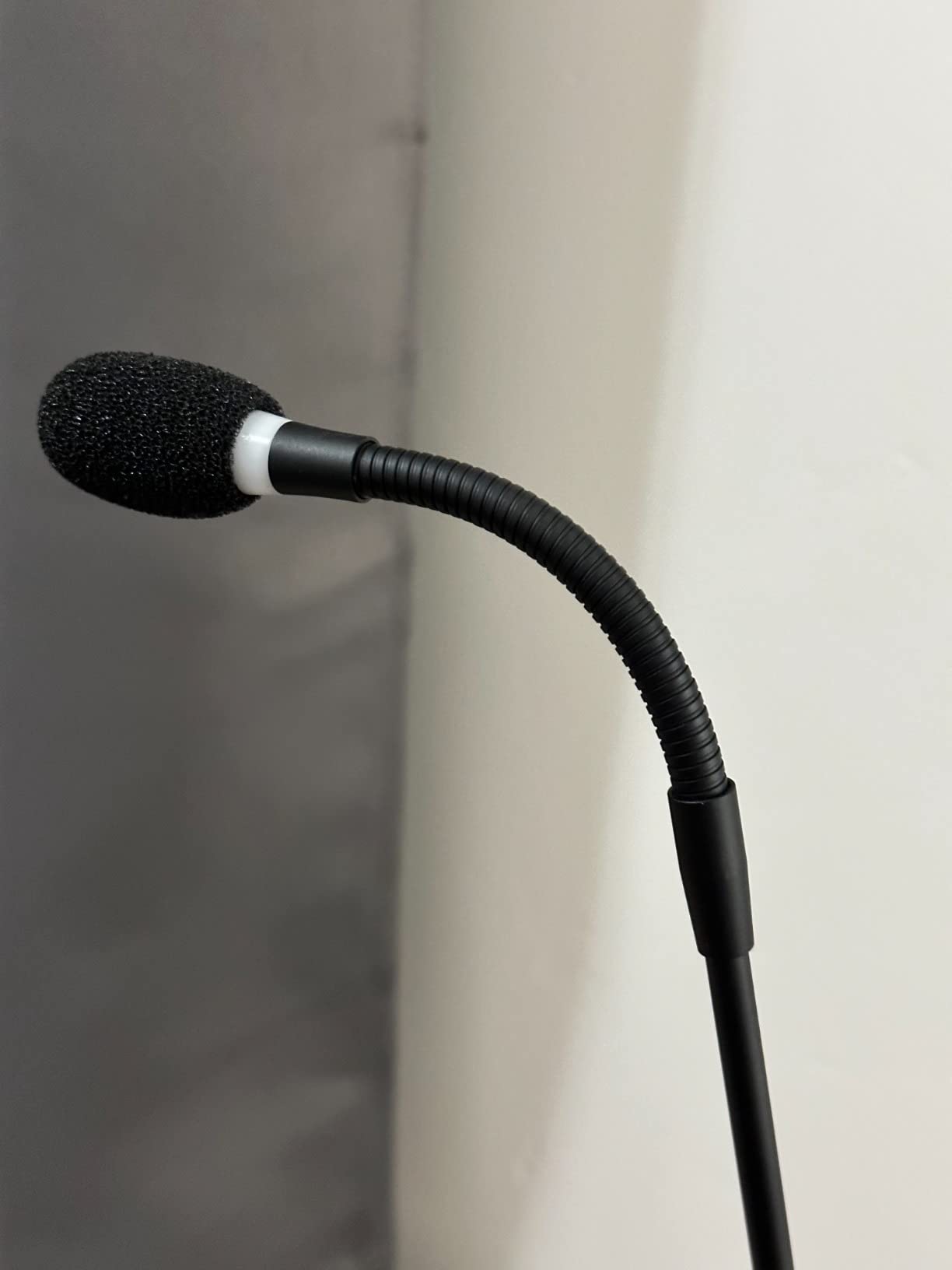
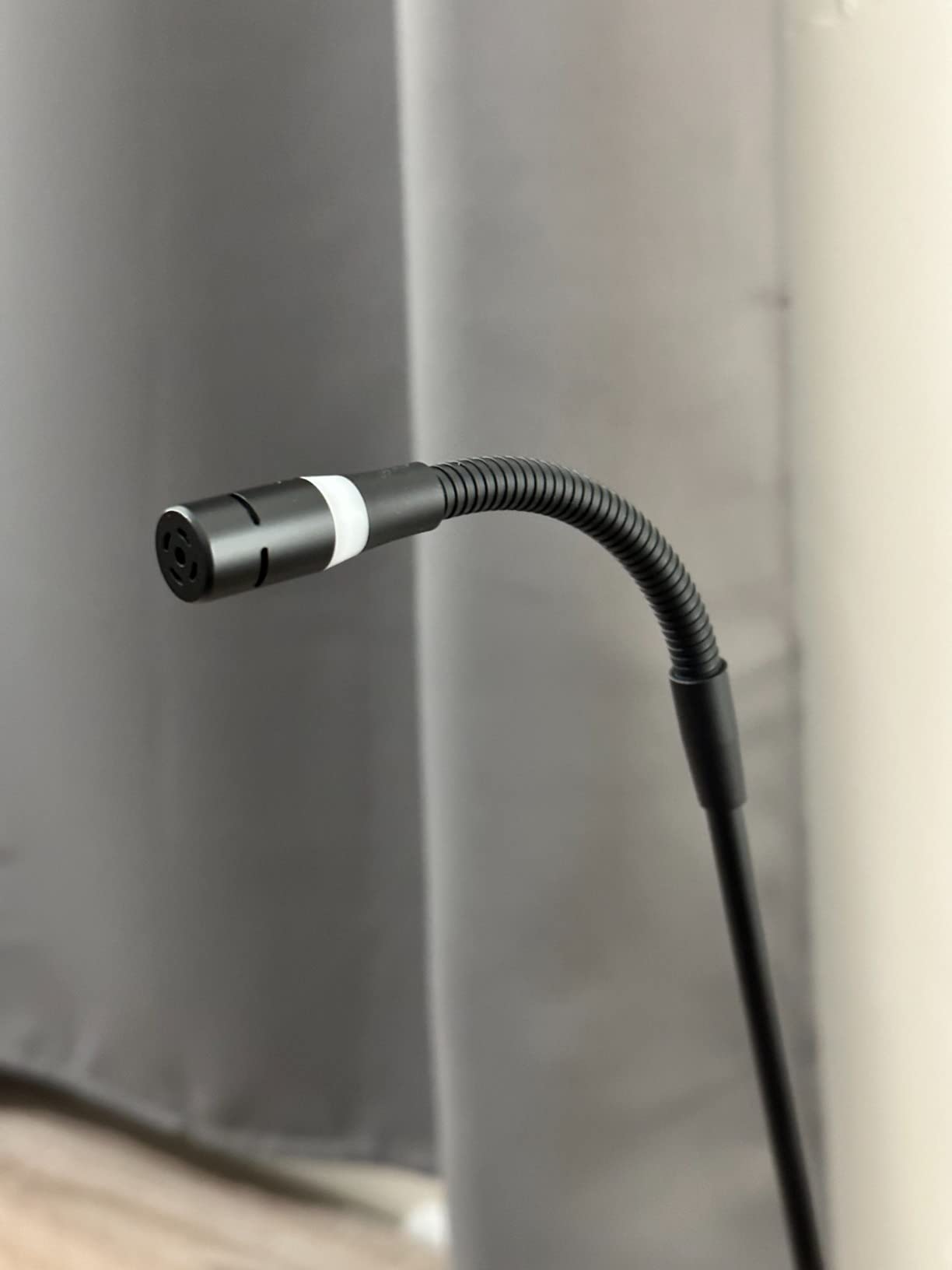
This desktop gooseneck microphone is very easy to set up. All I did was plug it into my computer, then select it as the audio input. The flexibility is excellent, the base is very sturdy and weighted well enough to hold the microphone in any position. The mute button is a nice option, as having a physical button to push to mute yourself (particularly went on a zoom call) is super convenient. The audio is clear and crisp, and while it's not a studio-quality mic, this will work perfectly for video conferencing, presentations, gaming, etc. I've included a video of an audio test.

A
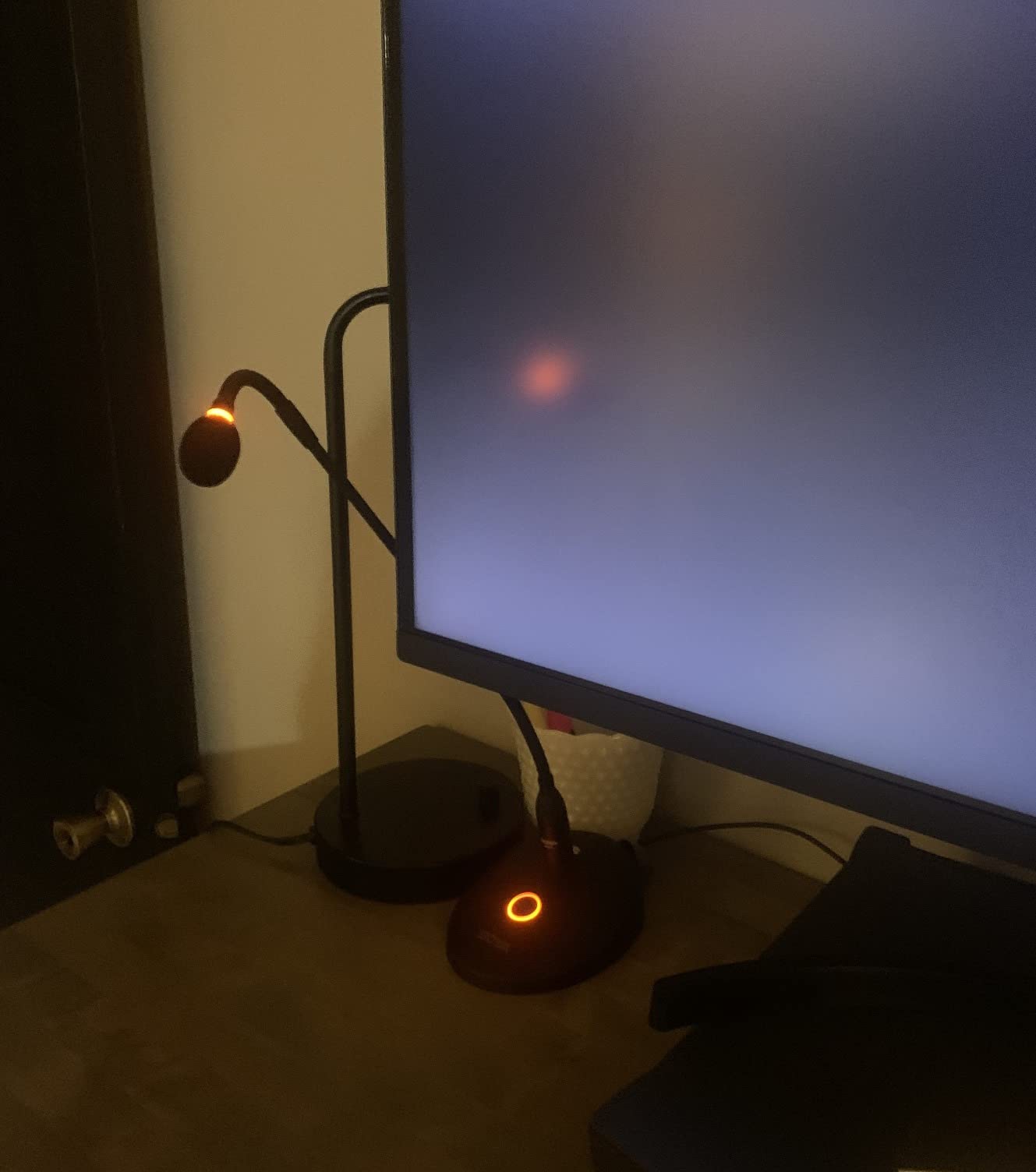
This is a great quality microphone, certainly better than what is absolutely necessary for my video calls. I can say that it is also absolutely worth it to be heard loud and clear and sounding just like you are in the room. I didn't realize the impact a good quality microphone had until my wife and I were testing another item over a video call. Her voice sounded like she was in the room with me, not at all like she was miles away. The microphone has a stand that is flexible both at it's base and near the top, which is a good thing. The only thing I dislike about this product is that it's size occupies a little bit of desktop real-estate. Our home office has plenty of room so its not a real issue. If my desk space was really small or I had it all clogged up with too many devices, the sturdy but larger sized base might become an issue.
A
This is a great quality microphone, certainly better than what is absolutely necessary for my video calls. I can say that it is also absolutely worth it to be heard loud and clear and sounding just like you are in the room. I didn't realize the impact a good quality microphone had until my wife and I were testing another item over a video call. Her voice sounded like she was in the room with me, not at all like she was miles away. The microphone has a stand that is flexible both at it's base and near the top, which is a good thing. The only thing I dislike about this product is that it's size occupies a little bit of desktop real-estate. Our home office has plenty of room so its not a real issue. If my desk space was really small or I had it all clogged up with too many devices, the sturdy but larger sized base might become an issue.
S
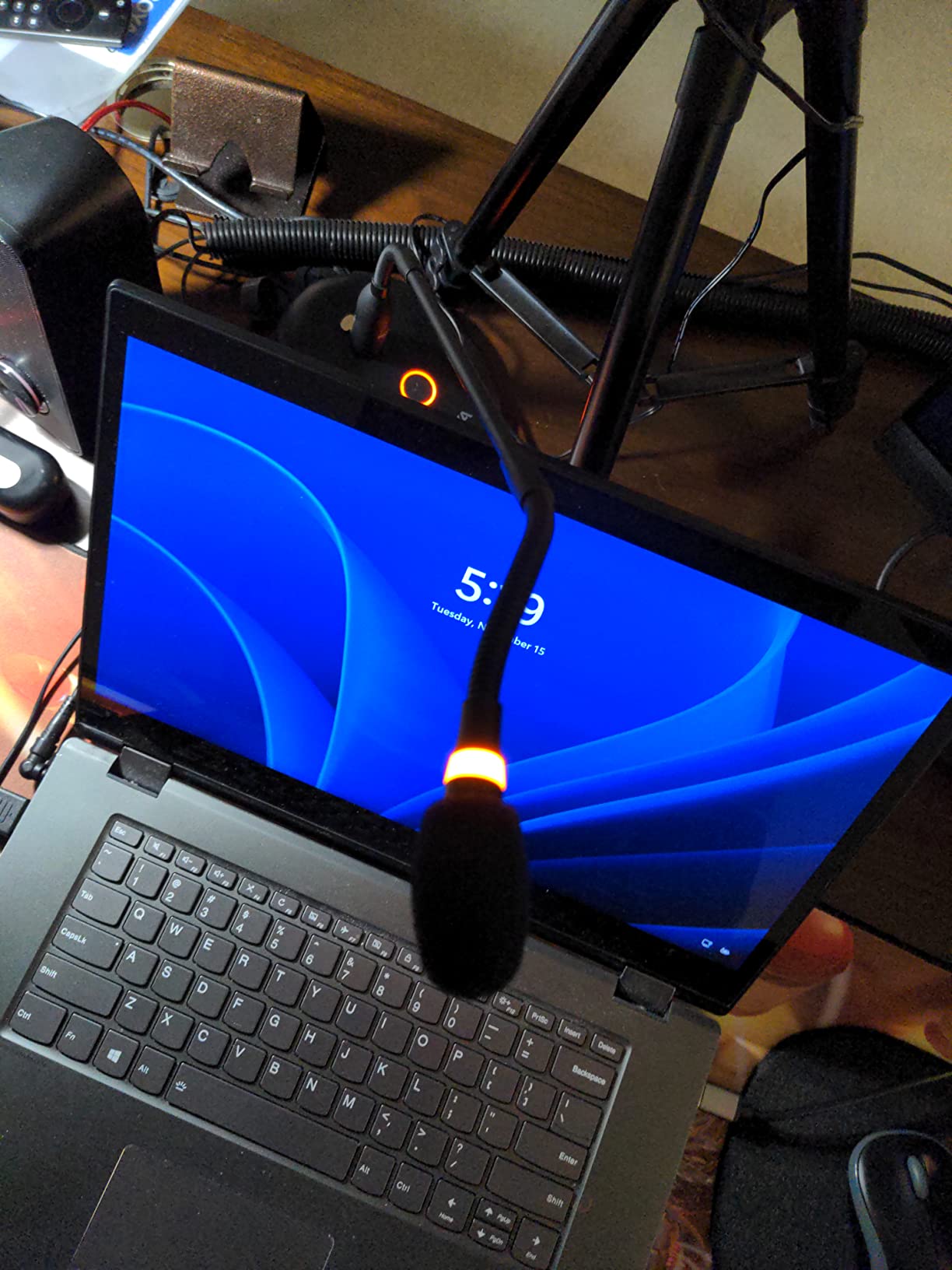
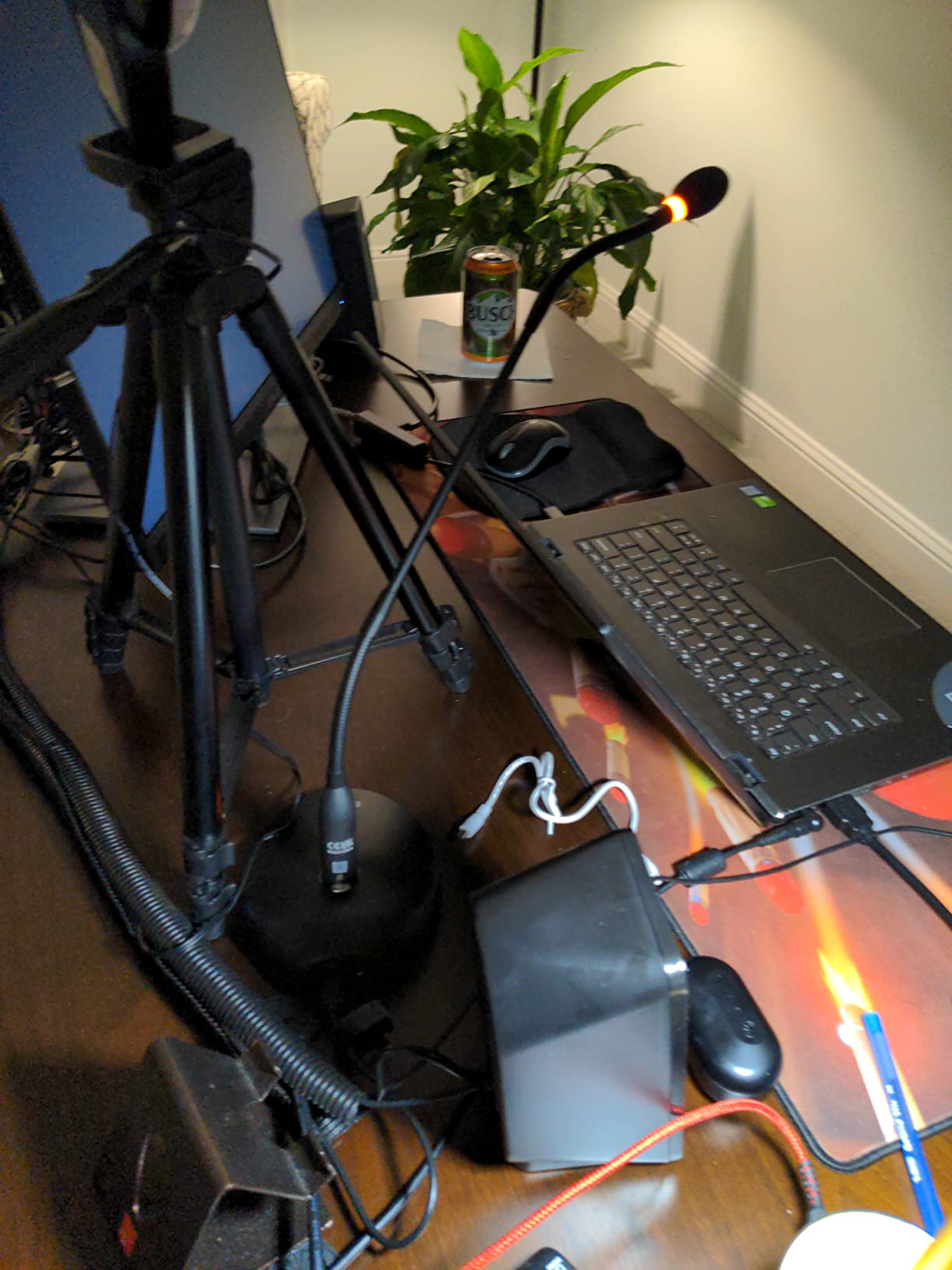
I had a very bulky USB microphone that served the purpose. I wanted to upgrade to better sound and a nice lean microphone.This Boya microphone sound is very clear when I test it with Zoom or Teams. I asked the others on the call and they were happy with my sound.It's easy to connect to USB and power this microphone. You can move it up or down using the flexible microphone pole (is that the right word) This would be great for a lectern microphone too.Recommend this product
M
My camera has a built-in mic but people tell me it sounds like I’m in a tunnel. This microphone can be set closer to my mouth plus its just better quality. It has a heavy base so it won’t tip over easily (as you adjust the gooseneck) and can be swiveled out of the way when not in use. It’s a bit expensive but will make a good impression on your audience.
W
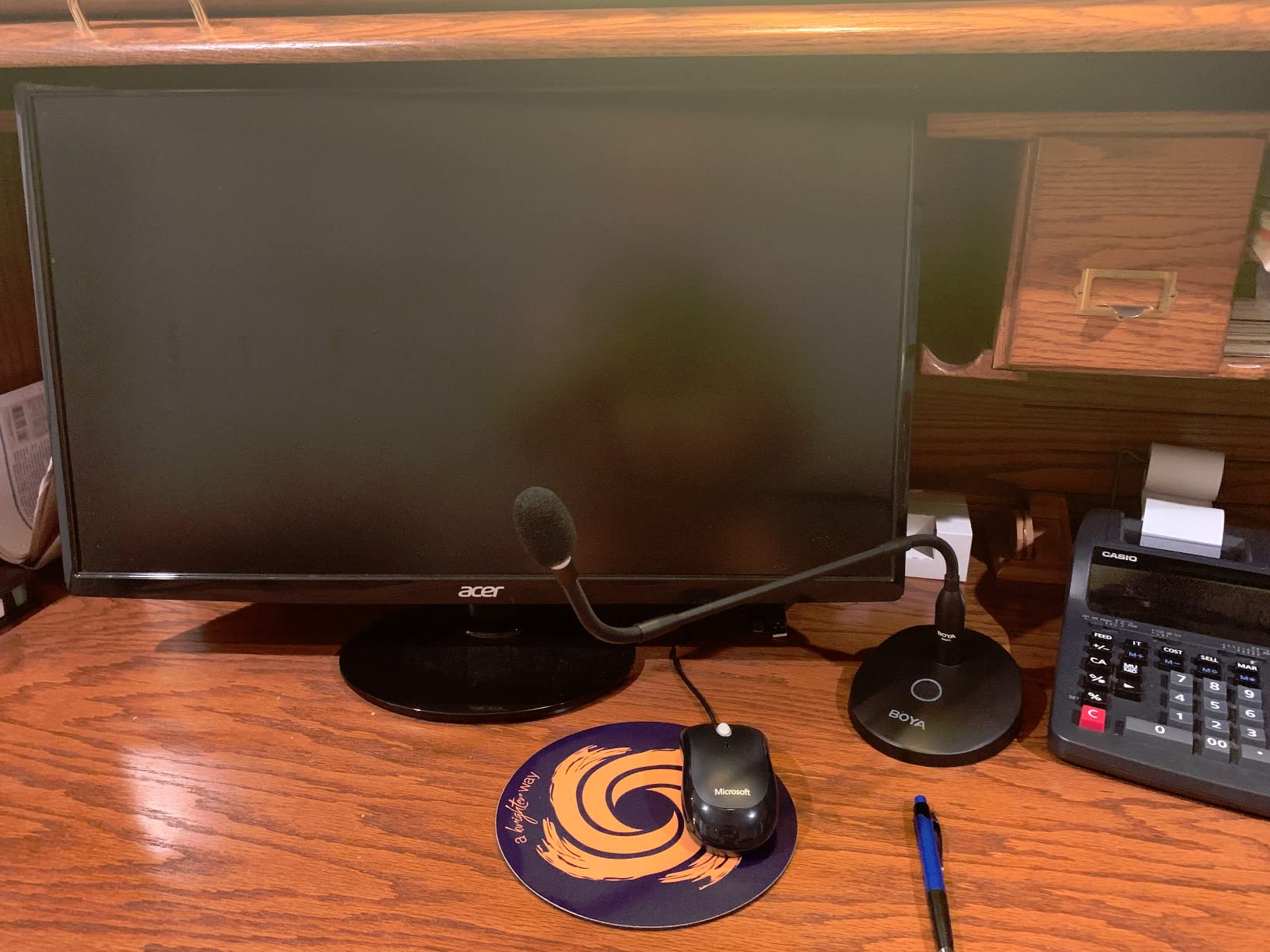
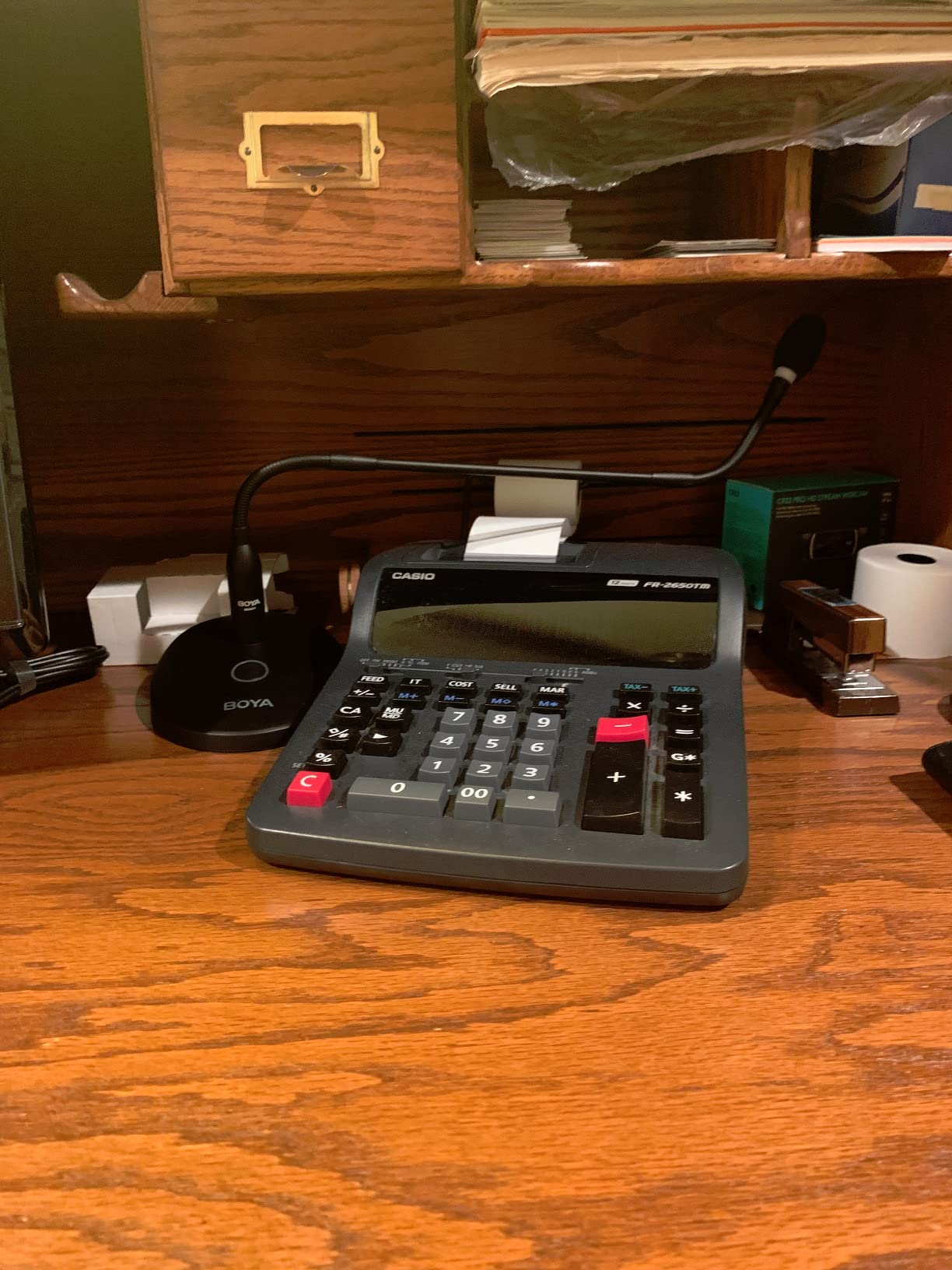
Perfect desk mic for my wife, who doesn't like wearing headsets for video meetings. This is heavy and extremely durable, and easy to setup (one cable - USB-C to USB-A), works with Mac/Windows/etc. We tested it and the sound quality over something like her laptops' built in mic is a huge improvement (helping reduce echo, block noises from other places in the house, etc).