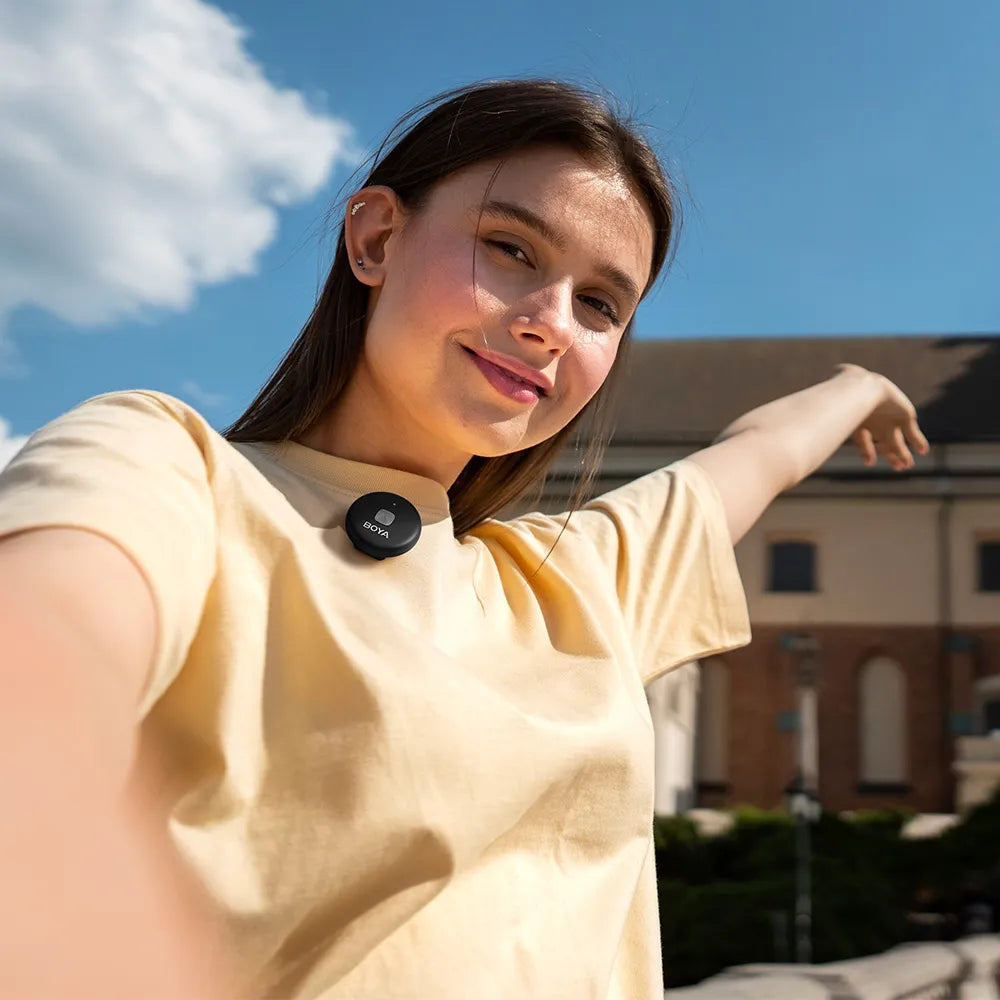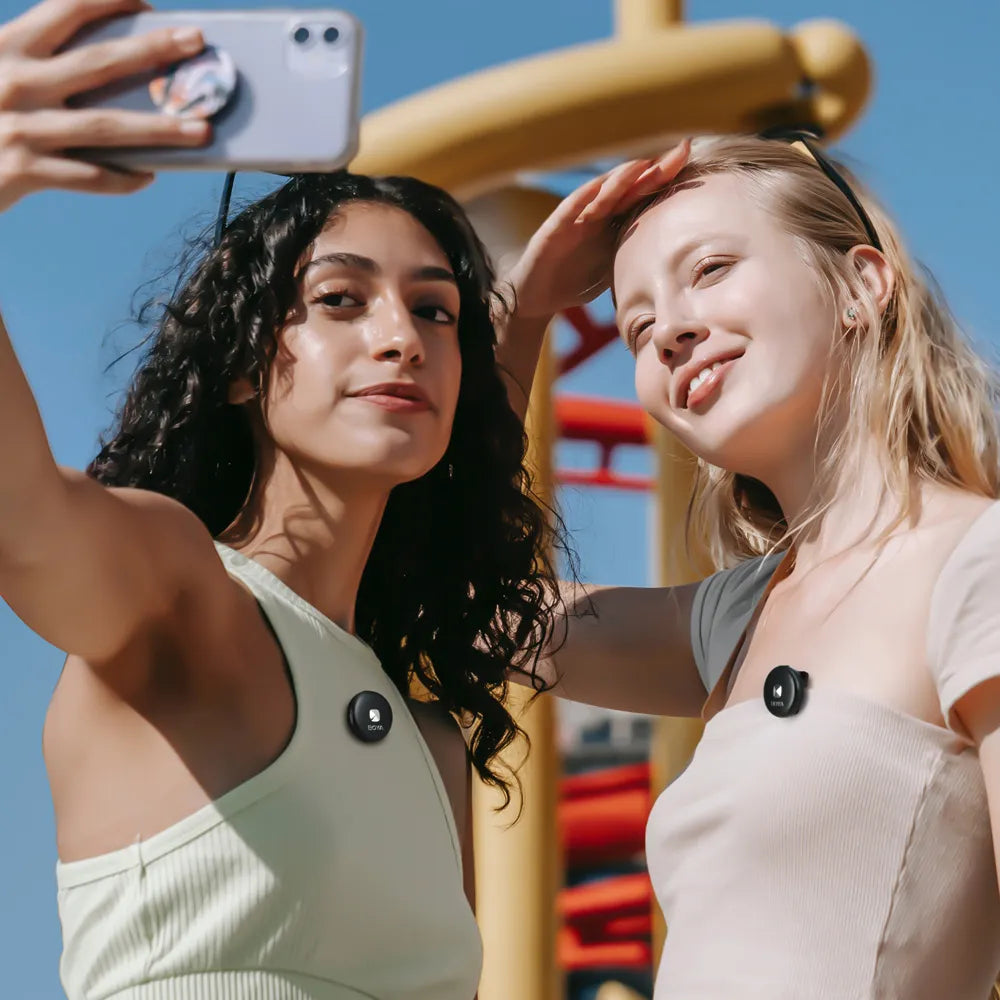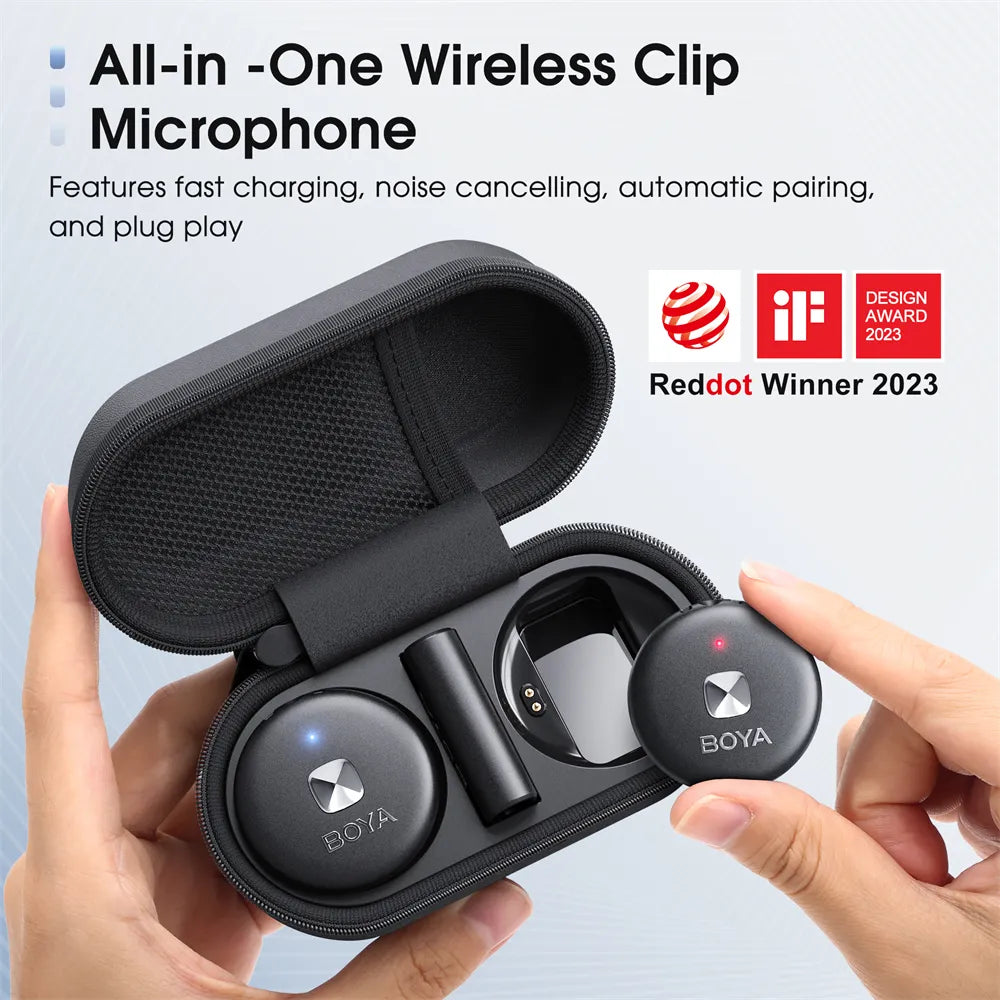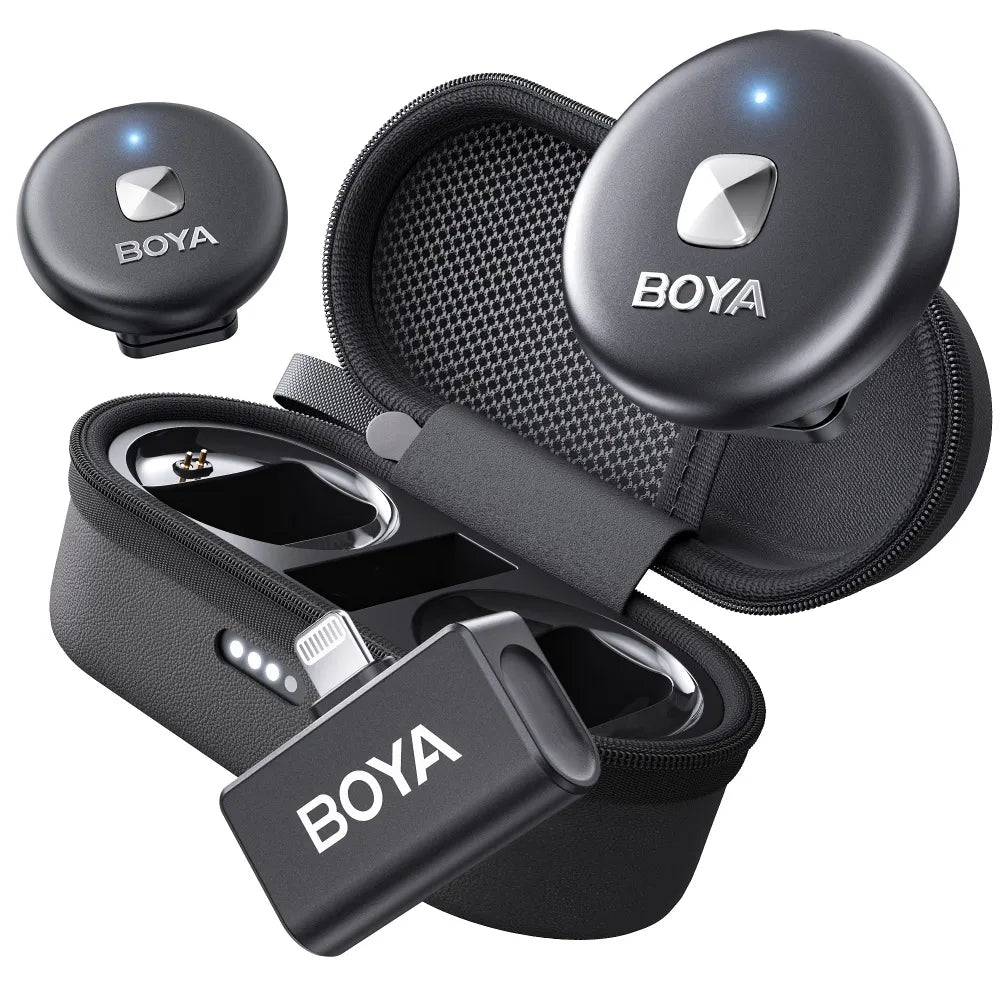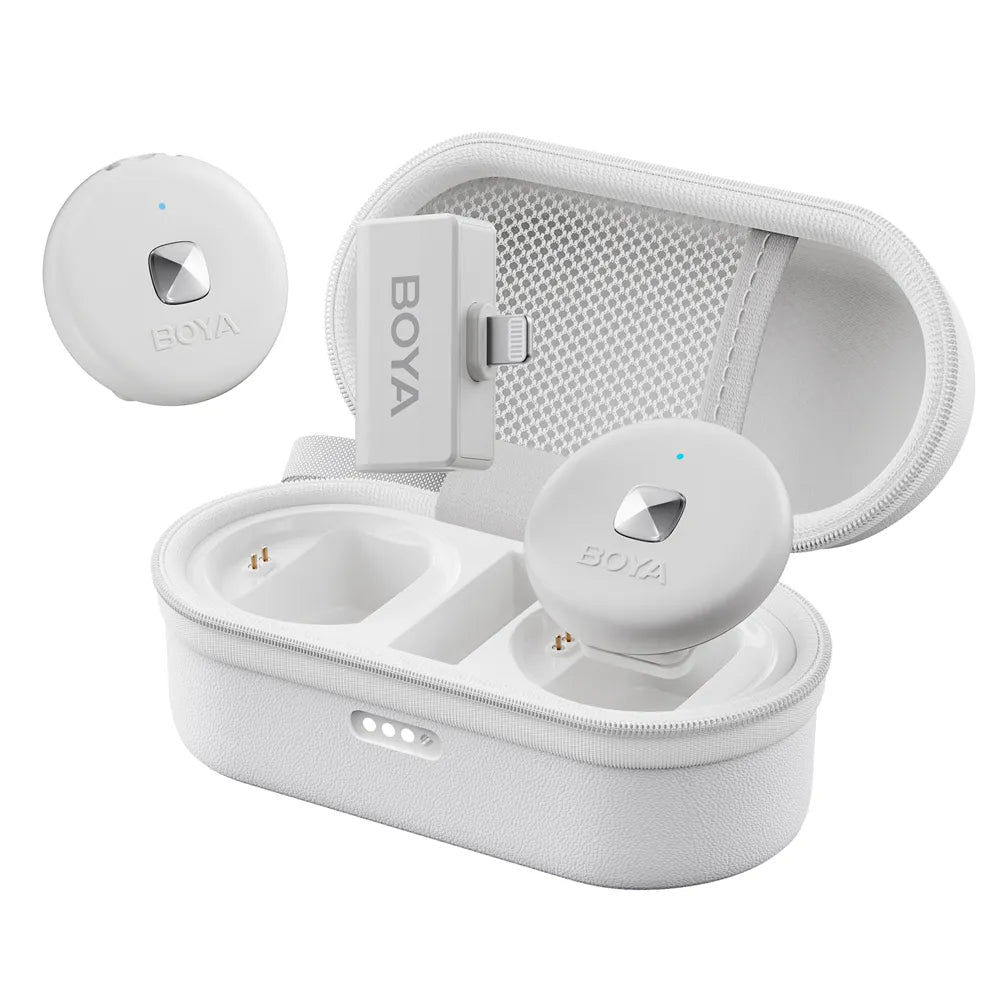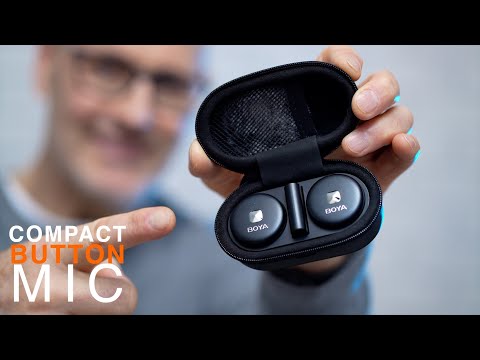
🔊 Áudio HD – Som de 48kHz, resposta de 20 a 20.000Hz para gravações nítidas.
🎧 Cancelamento de ruído – Um clique para reduzir o ruído de fundo.
🔋 Bateria de longa duração – Mais de 5 horas de uso, alcance sem fio estável de 60 metros.
🔌 Ampla compatibilidade – Compatível com USB-C &e dispositivos Lightning do iOS.
⚡ Fácil de usar – Estojo com fecho magnético e carregamento sem fio para maior praticidade.
Frete grátis em todo o mundo
Estimativa de prazos de entrega: 3-8 dias úteis.
O prazo de entrega será atrasado para áreas remotas em alguns países.
Aproveitar seguro de frete grátis em pedidos acima de US$ 99.
Devoluções de até 15 dias
Aproveite compras tranquilas com devoluções e trocas sem complicações. Alguns itens podem estar sujeitos a políticas especiais de devolução e troca. Consulte nossa Política de Devolução para obter mais detalhes.
Garantia de qualidade de 2 anos
Este produto vem com uma garantia global de 2 anos da BOYA.During Durante o período de garantia, quaisquer defeitos decorrentes da qualidade do produto serão resolvidos pela substituição do produto, em vez de reparo.
Q1:The magnetic back clip of the transmitter easily detaches.
The transmitter's back clip uses a magnetic design. To ensure it stays firmly in place, align the back clip with the positioning slot on the back of the transmitter when attaching it.
Q2:The transmitter's backside lacks a clip.
The transmitter's backside has a magnetic area for attaching compatible magnetic clips or back clips,making it convenient to choose different attachment methods based on clothing material and usage scenarios.
Q3:Can the Type-C port on the receiver be used for monitoring?
The Type-C port on the receiver only supports charging and does not currently support direct connection to headphones for monitoring.
Q4:The microphone has no sound.
Check if the TX transmitter is currently in mute mode.Verify if the indicator light on the TX transmitter is showing a slow flashing red light. lf mute mode is enabled, press the power button briefly to unmute.
Q5:The product cannot power on.
The RX product itself does not have a built-in battery and relies on the phone's power supply to work. Check if the connection is stable.For the TX product, if it has not been used for a longtime, the battery might be depleted; in this case, connect the charging cable to activate it.
Q6:The products cannot be paired simultaneously when turned on together.
For one-to-two pairing, it is recommended to power on and pair each product individually. lf you encounter issues with simultaneous pairing, try turning off the products and restarting them.
Q7:After using two sets of products simultaneously, pairing issues occur.
When using multiple sets of products simultaneously, it is recommended to first pair one set of devices successfully before pairing the second set.
Q8:The product cannot enter pairing mode.
The Omic automatically enters pairing mode on startup for wireless connection, and manual pairing is not required.The TX transmitter's indicator light will show a solid blue light when pairing is successful.
Q9:The product's audio is not being recorded properly.
After connecting the product to the phone, go to the BOYA APP's audio recording page,and ensure that the product model is recognized for the audio to be recorded properly.
Q10:Can the product be used while charging the phone?
Yes, it supports simultaneous charging and usage. When connecting the product to the phone,you can use the Type-C charging port on the RX receiver to charge the phone using a Type-C charging cable, which resolves battery anxiety during live streaming or video recording.
Q11:The TX transmitter does not charge when placed in the charging case.
Wipe the contacts on the product and the charging case to avoid poor contact caused by dust or humidity.Then, charge the charging case and check if the low battery is the issue.
Q12:The product does not work when connected to an Android phone
Verify if the phone connection is stable and whether the interface becomes loose due to the phone case. Some brands of Android phones (such as VIVO,OPPO)require enabling the OTG function in the phone settings.
Q13:The product does not work when connectedto an iPhone.
Check if the connected iPhone is turned on and the recording app is running.Apple devices require the screen to be active and the recording app to be open to supply power to the product for it to work.
People Also Bought
Here’s some of our most similar products people are buying. Click to discover trending style.