Got questions? We're here to help !
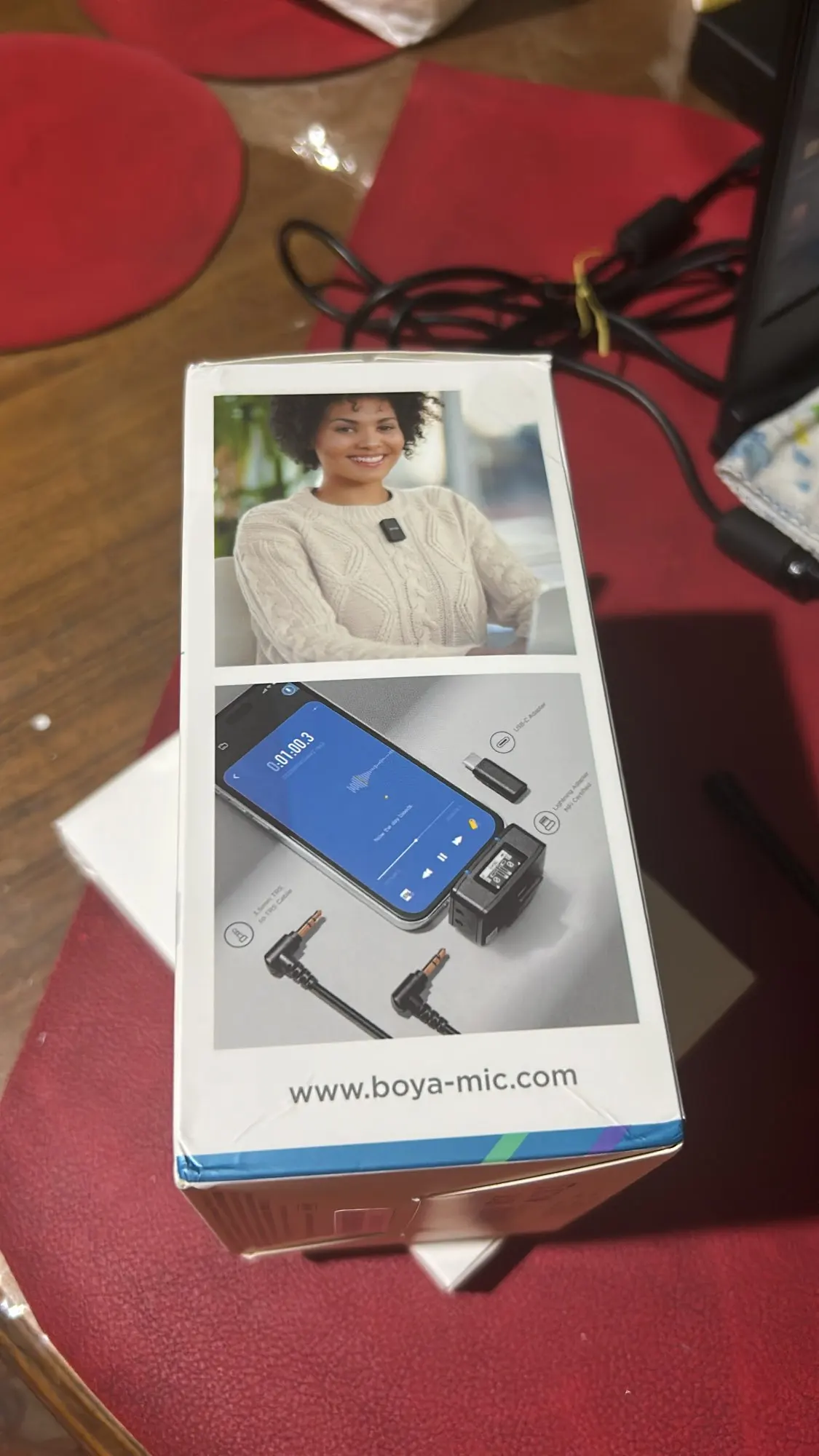
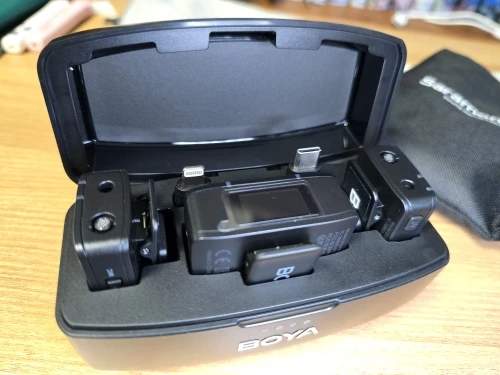
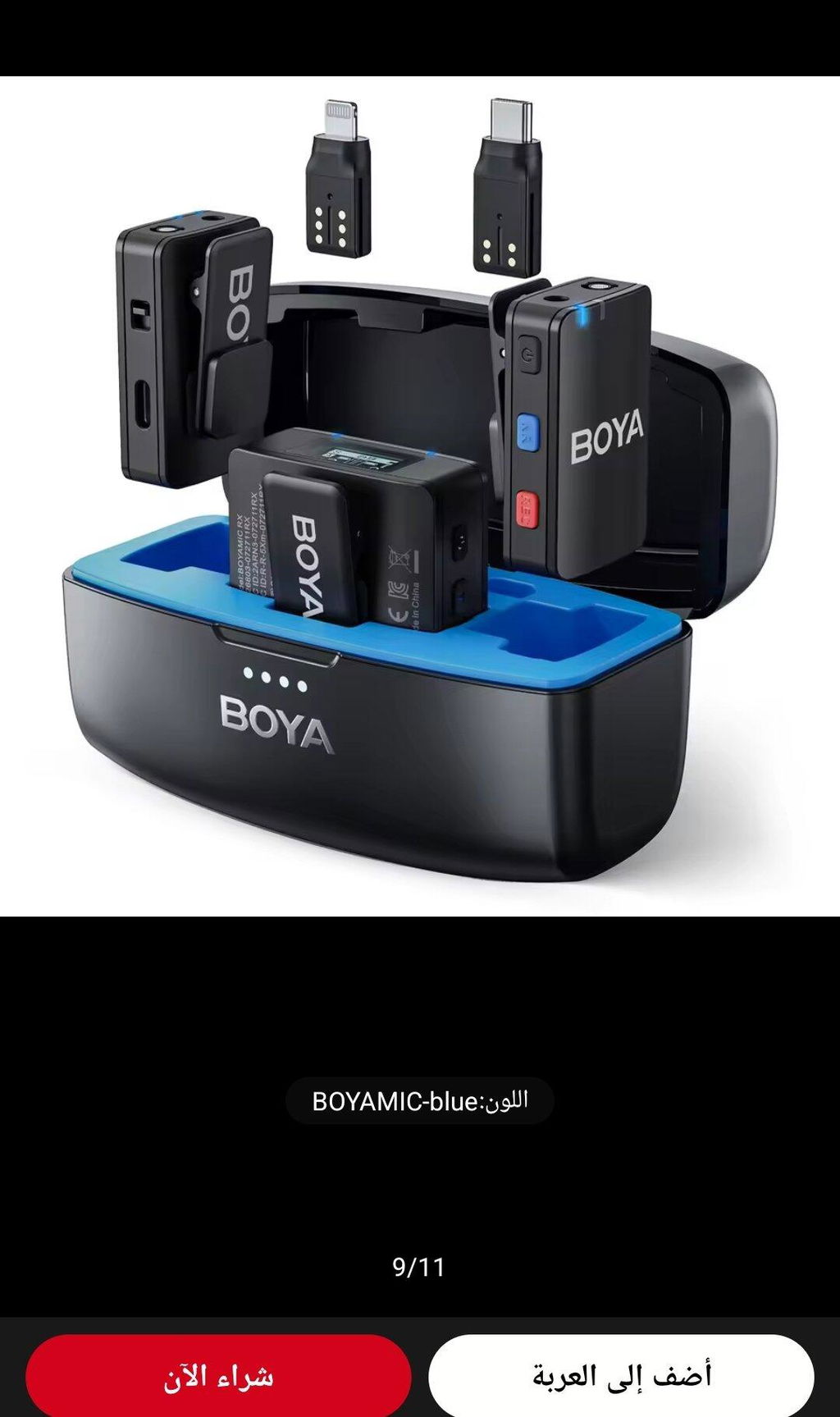
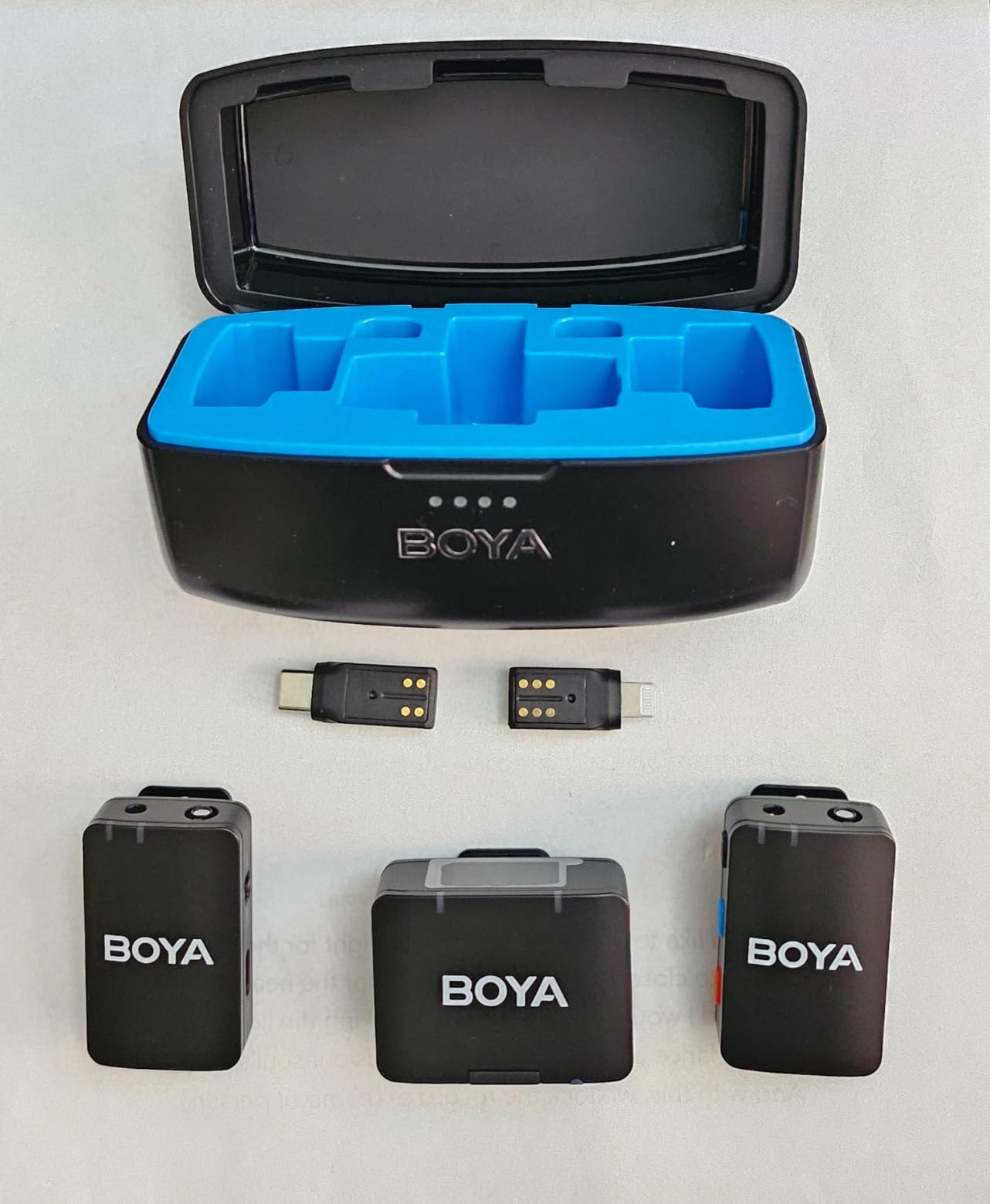
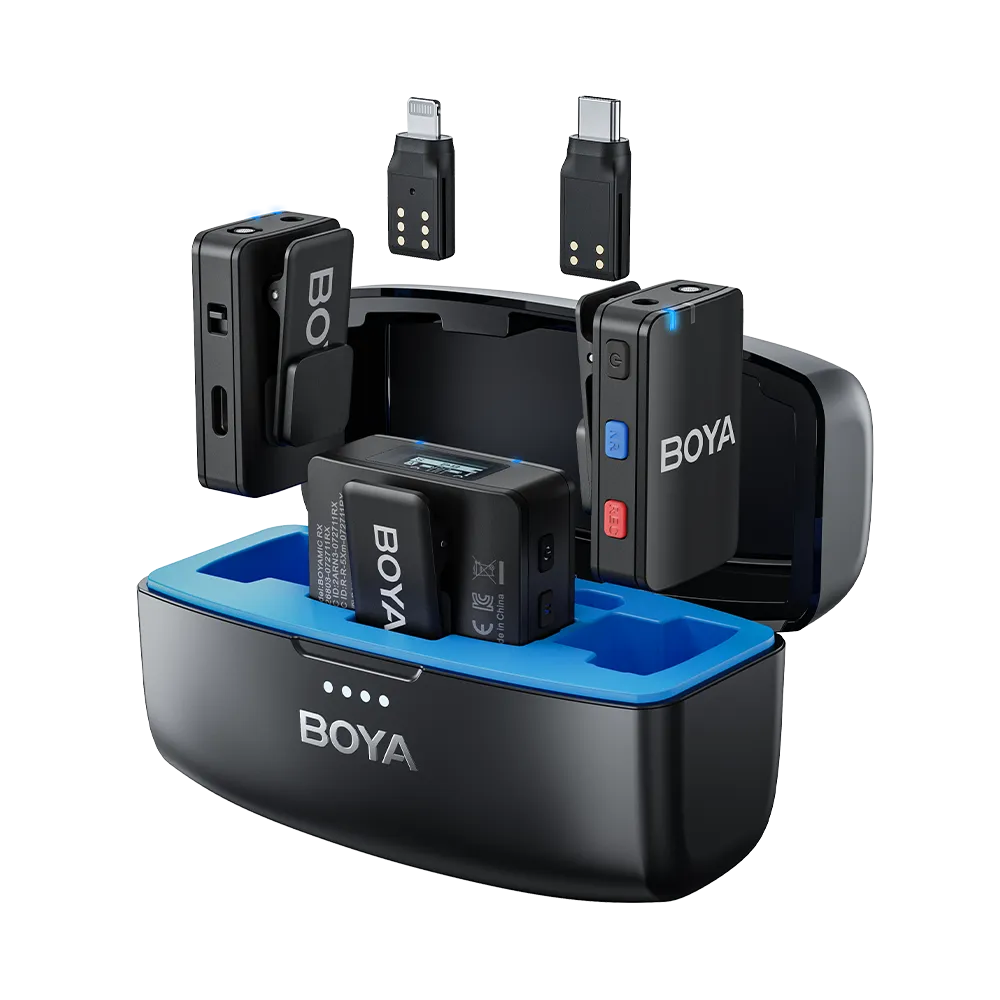
Currently, it can be used with cameras (3.5mm TRS), smartphones (supporting USB-C, Lightning, 3.5mm TRRS interfaces), computers, tablets, and other devices.




Got questions? We're here to help !

Earn 10% Referral Cash. Learn more



Fast delivery. Good quality. Thanks so much!
I bought it because the recording quality was good. I am not very satisfied with the material because there is a price range and the expectations are higher than expected.
I have a lot of accessories, including the Boyamic microphone, that I caught with a thumb, but the packaging fell a bit off, so I feel like I received some shoddy and a bit long in stock. I bought it cheaply and am satisfied and willing to use it for now.
ممتاز جدا حاجه محترمه من شركه بويا
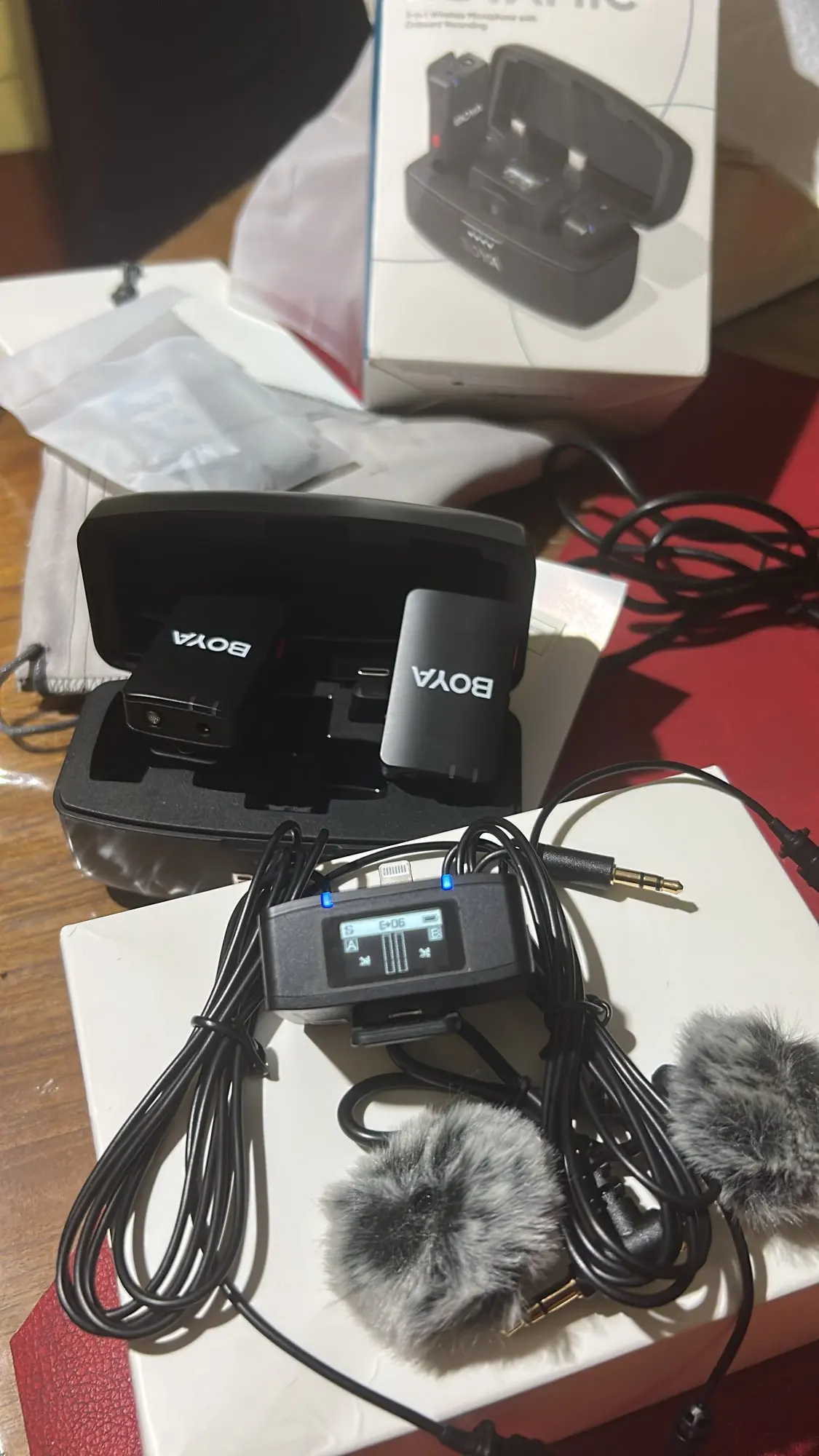
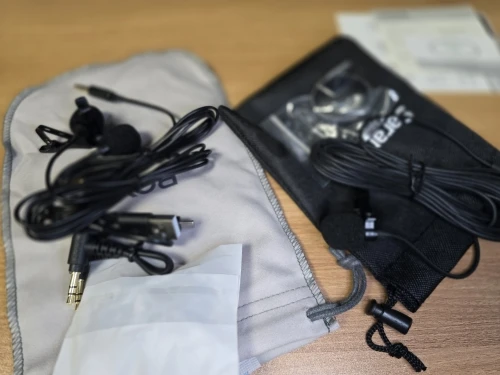
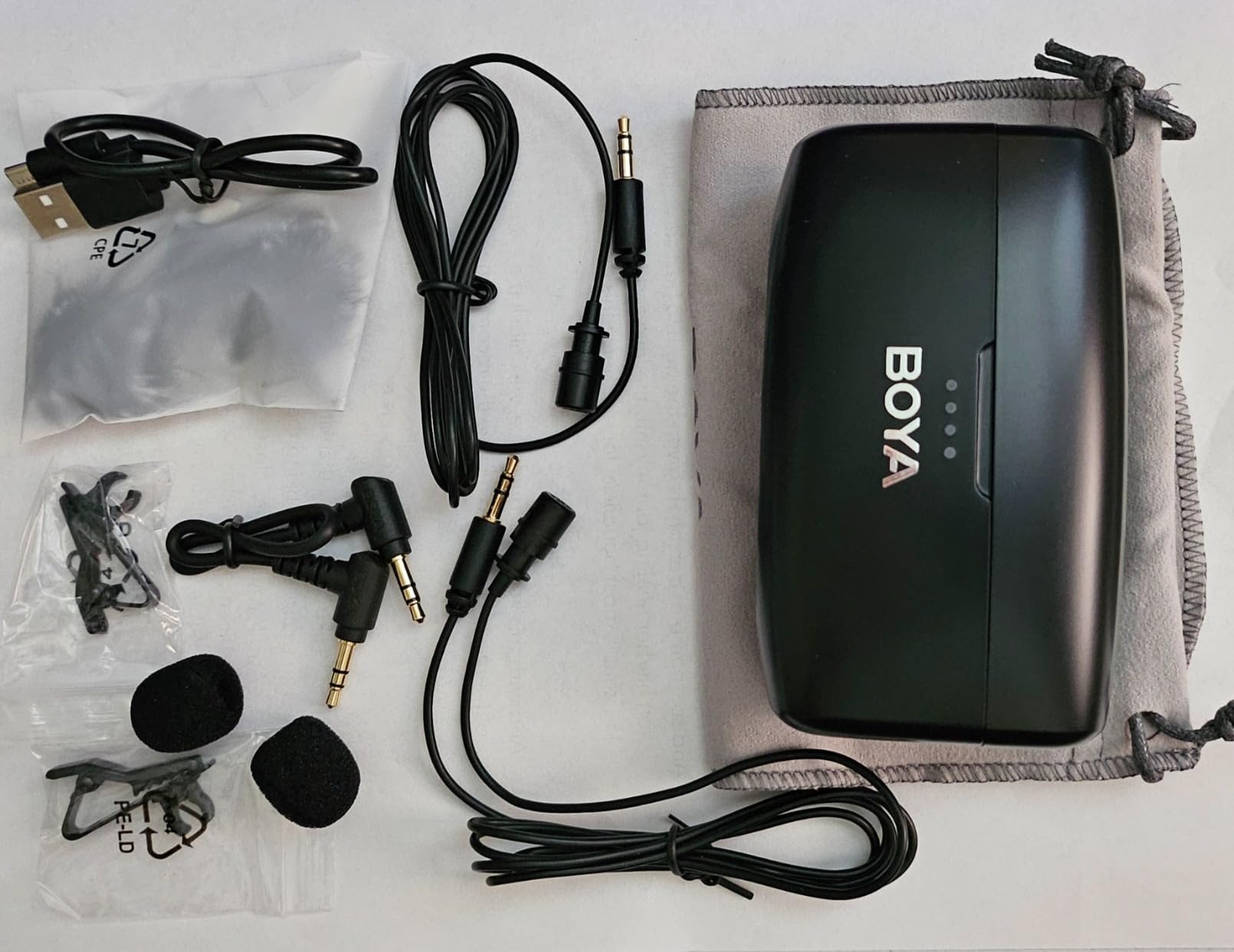
Compared to budget lav mics I've used previously, these are way above average. No issues with setup or charging. They worked on our android/apple phones and a macbook with no issue. The LCDs are clear and easy to read. No issues with range or interference. Recording outside had minimal issues with background noise, and overall much better than lavs we've used before. Comes with a robust set of cables and adapters. Really pleased with the package.
This is the fifth microphone product from Boya that I have the pleasure of reviewing, and all have been great. This is the most expensive of the ones I have reviewed, but for good measure. Here are some of the key differences:1) This set has internal memory so all your recordings are backed up. Therefore, if you have a glitch with your video recordings, you can still salvage your production by editing out the glitched up part with b-roll or other footage, while still having the backup audio edited in so you don't miss any of the audio portions.2) The range is up to a staggering 300 meters, which is almost a thousand feet! I need to verify this further, but if this is true it's up to more than five times longer than most wireless lavalier mics.3) Unlike the other Boyas which work on phones, this can also plug and play work on your computer as an external mic, for when you need to do broadcasting or screen recording for YouTube or doing post-production dubbing, etc.The audio quality is similar to other Boya mics, which is excellent. I think that Boya is quickly becoming my go-to solution for microphones. The brand recognition might not be up there with Rode and Shure, but the quality is similar, and I would always recommend it. I Boya mics daily.
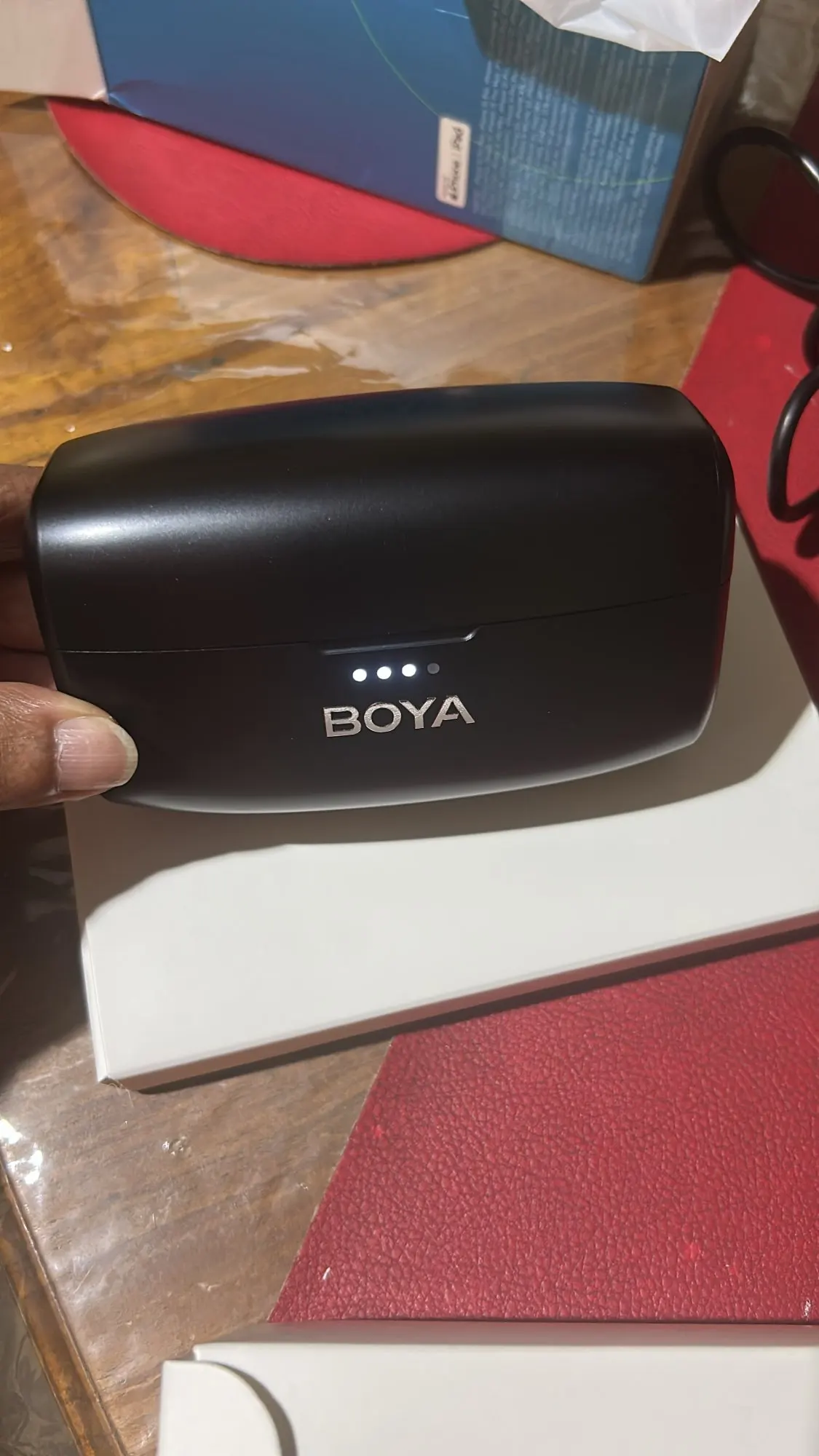
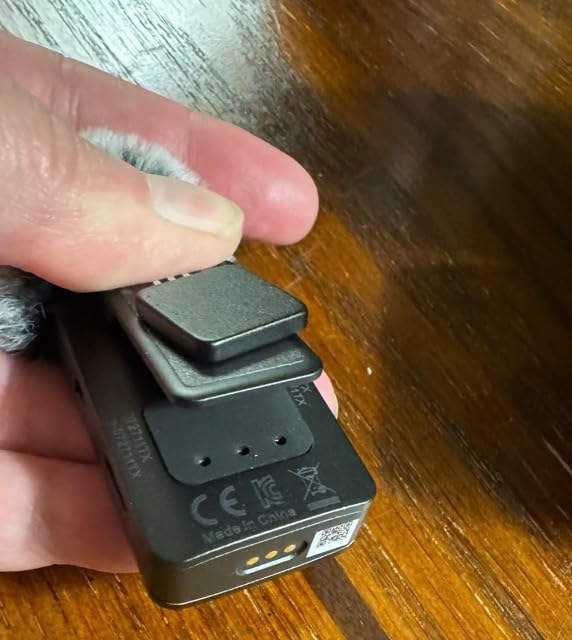
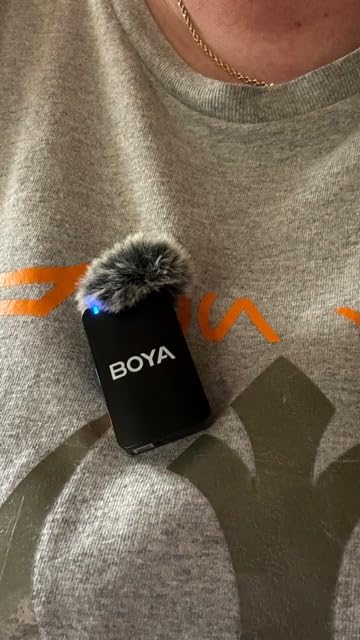
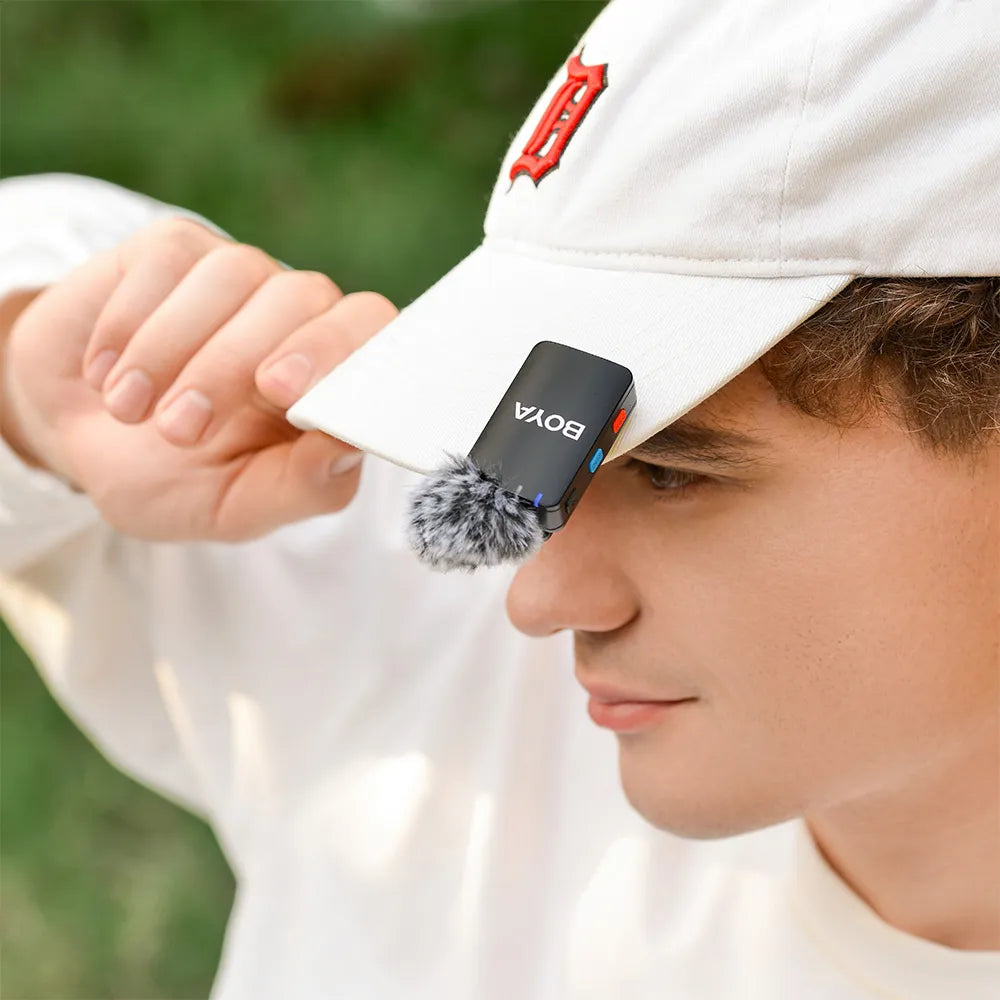
I have a smaller plug-and-play microphone that I often have with me. It works great and I’m happy with it. It isn’t designed for professional recording so I was looking for something a few steps up and this has fit that bill.This microphone offers two different ways to use it. There is the standard lavalier microphone with a cord and clip - like what you see people wearing in interviews on TV. These plug into actual microphone unit and can be controlled from it.You can also use this without the corded mics. There is a clip for the the primary mics that can be attached to a shirt, jacket, etc. It can also be attached with a small magnet. All of the buttons are easy to access so you can start and stop recording.The sound recording quality is very good. Notice cancellation isn’t bad. When I have the mic attached within an inch or two of my shirt collar, it is very good. Any future away and it seems to struggle with my voice over the background noise. Of course, if there is no background noise, it picks up my voice easily.What is nice is being able to set the mic up away from me for things like conferences.There isn’t anything to install on my phone or computer to use this. As soon as I plug in the dongle, my devices will use this as the recording device.I really like the case being a charger. Very helpful and extends the use of these. Battery life is actually pretty good on the microphones. When using only one of them, I can go for a couple of days without hooking up to a charging cable. When one mic battery is drained, I put it in the case to charge and then use the other. Since I can get a full charge for both out of the case, I really can go for a long time.The charging case is heavy! But that is the because of the battery life.I’m very happy with these.
bien
The Boyamic was good quality. The packaging was good, the product was good quality. The sound is of the same quality as my Shure studio mic and my DJI mic minis. I like the onboard recording as well. It is easy to use out the box.
I received the parcel today, and i’m thoroughly impressed! Despite a slight delay, which i understand was due to the seller rather than the logistics company, the product exceeded my expectations. I tested it, and everything works flawlessly, with excellent audio output and a remarkably fast connection. I purchased it as a gift for someone else, and i’m confident they’ll love it as much as i do. In fact, i’m already planning to buy one for myself! Overall, i’m highly satisfied and would recommend both the product and the seller without hesitation.
Works better than expected , i was skeptical at first, but it works well
Excellent quality and wonderful product but I was disappointed that the dual mics turn into a mono recording on iPhone. If possible, it would be great if each channel could be recorded individually.
Works fine. Good quality voice
Good product Fast delivery
The order arrived a week earlier. No question. I recommend
Great and very professional product
Great sound, battery lasts a while (but get the battery pack of you plan to go 8 hours). I love the size & magnets are heavy duty that stick and don't fall off.
I took one star reason indicator too small and very hard totice plus not coloring so hard to notice easily
This is an amazing product. Love the quality! I wish the screen was a little easier to interact with and adjust settings but for the price, can't complain!
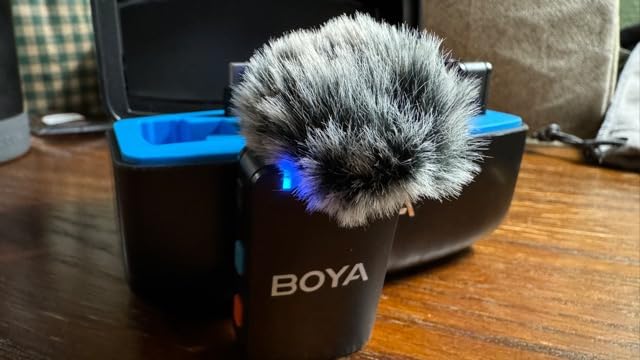
I recently purchased the Boyamic Wireless Lavalier Microphone, and I couldn't be happier with my decision! The microphone offers exceptional sound quality, and the onboard recording feature is a game-changer. It ensures that I never miss a moment, even if there's a signal dropouThe microphone is incredibly easy to set up and use, and the battery life is impressive. I've used it for several long recording sessions, and it still had plenty of juice left. The noise cancellation feature works wonders in reducing background noise, making my recordings crystal clear.The range is fantastic, allowing me to move around freely without worrying about losing signal. The included accessories, such as the foam windscreen and carrying pouch, are a nice touch and add great value to the package.Overall, the Boyamic Wireless Microphone is a fantastic tool for vloggers, streamers, and anyone in need of reliable wireless audio. Highly recommend!
Concuerda con la descripción de la página.
un excelente producto cumple con las expectativas
These work so well, are so easy to manage, and are also a great value for what you get. The battery lasts so long, the case and mics feel sturdy and well made, the wireless connectivity is super easy to manage (and I'm usually so bad at stuff like that), and they've worked perfectly with great sound. Highly recommended!
Used these for a complete video production last week, finally really testing them in the field. I liked them to begin with, but really putting them in action in a real environment is the true test. Camera was 45 feet, so distance was not a challenge, but sound in a crowd of people could have been. The accuracy of the pickup and reception was great, no noise, no "scratchy" sounds from movement of the mic. Very accurate voice recording wirelessly to my Lumix G3. It was also one mic, so I enjoyed the fact that I could choose "stereo" in the menu so that it would record to both channels. I hate having to copy and paste the sound file from one side to another in my DAW later to produce a fake stereo, so...this is all good. Plenty of battery to go around, and no "cut outs" of signal for any reason. Edit went smoothly.
I use these as a court reporter. The sound quality is excellent!
This Mike system met my need ,happy with my purchase
The BOYAMIC wireless microphones are a decent relatively low-cost solution for wireless microphones. I tested it out against a brand name competitor and while it was noticeably not as good as the higher priced leading manufacturers in terms of performance, its wasn't too far off. Things that I noticed between it and the competitors was that the noise cancellation features weren't as good on the BOYAMIC one. It does cancel some background noise, just not as much as the competition's. Mind you, I was testing this at indoor sporting events where there was a great amount of background noise with thousands of people in the room. The second issue I noticed is that the range in a crowded venue wasn't very good. I was noticing it was having issues with getting clear audio from the microphone in a crowded gymnasium at distances of less than 100'. I had to walk closer to the coach who was wearing the microphone in order to get a clearer signal. The competitor's microphone set (which the coach was also wearing) exhibited no such issue.Battery life was shorter than the 10 hours of operating time that they claim. I think I was getting around half that but was able to swap out the microphones in order to allow one to charge while the other one was in use. I do like that the carrying box itself can charge the receiver and two transmitters. The kit also comes with a ton of adapters and cables which was nice.I think this would work fine for most use cases that aren't as demanding such as podcasting or recording audio during interviews and stuff.
Very nice product mic is vey nice value for money