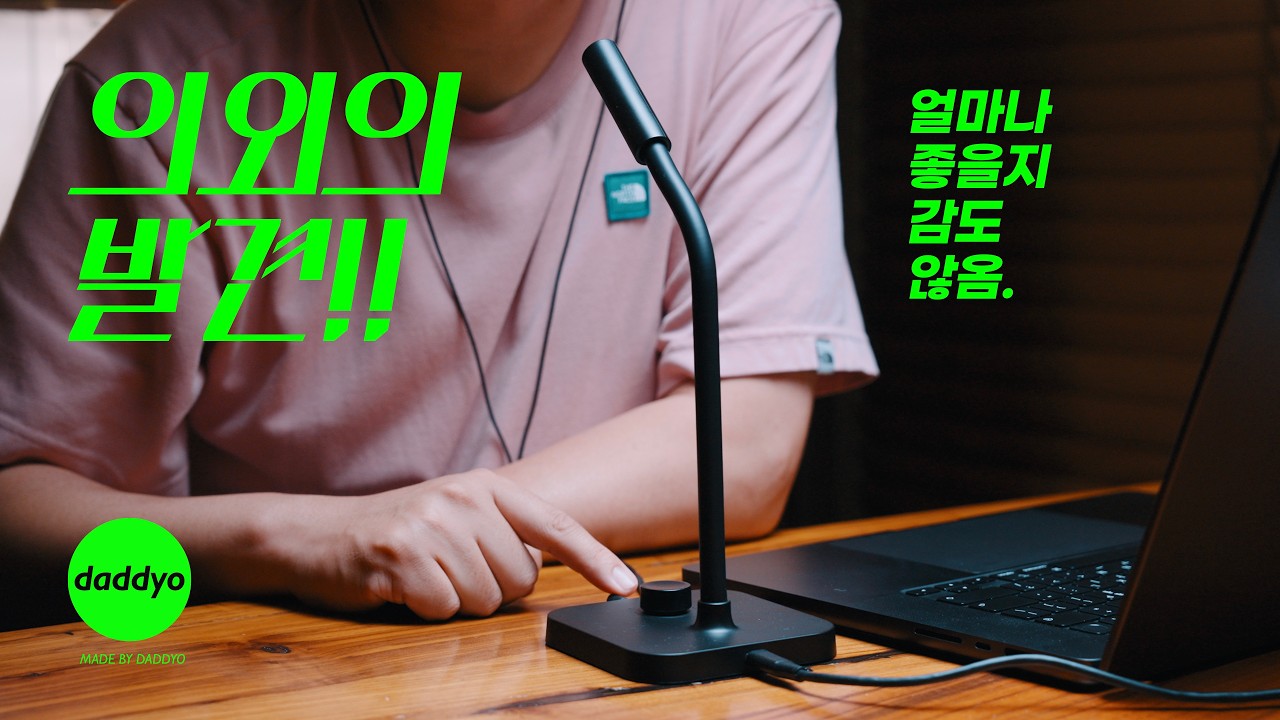
Built-in professional sound card delivers studio-quality audio.
High-sensitivity Φ9.7mm microphone capsule captures fine details and handles up to 100 dB SPL.
CM40 with ENC reduces background noise by up to -35 dB for clearer voice capture.
USB-C connection supports phones, tablets, and PCs (macOS & Windows), no drivers required.
Dedicated 3.5mm port enables real-time headphone monitoring without latency.
Rotary knob adjusts 0–30dB gain and enables one-touch mute control.
Free Shipping Worldwide
· Estimate Delivery Time: 3-8 business days. · Delivery time will be delayed for remote areas in some countries. · Enjoy free shipping insurance on orders over $99.
Up to 15-DAY Returns
Enjoy easy shopping with hassle-free returns and replacements. Some items may be subject to special return and replacement policies. Please refer to our Return Policy for details.
2 Years Quality Assurance
This product comes with a 2-year global warranty from BOYA. During the warranty period, any defects due to product quality will be addressed by replacing the product, rather than repair.
Experience true studio-quality audio. The built-in 192kHz/24-bit sound card captures every delicate vocal nuance and instrument overtone for professional reproduction.
Deep ENC Noise Cancellation
Eliminate up to 35dB of background noise. Our professional-grade ENC algorithm perfectly isolates your voice, delivering crystal-clear, natural audio for every call and recording.
360° Omnidirectional Pickup
Capture crystal-clear, natural sound equally from every direction. Whether for meetings, gaming, or streaming, enjoy seamless recording without ever needing to adjust your microphone's position.
360° Flexible Gooseneck Stand
Premium silicone-wrapped metal gooseneck for true 360° adjustment. Effortlessly adapt to any height or angle without ever moving the base.
Custom Large Diaphragm for Next-Level Audio
Experience richer, fuller vocals. Our custom 9.7mm large-diaphragm drives significantly more air than standard 6mm capsules, capturing a powerfully dynamic sound.
3.5mm Audio Jack For Amplification & Monitoring
Speaker Output
Real-Time Monitoring
Amplify your voice in large meeting spaces. Connect to external speakers for loud, clear, and professional room-filling sound.
Plug in your headphones for zero-latency audio tracking and instant playback review—no file exporting required.
Universal USB-C Plug & Play
Never worry about accidental bumps or cable pulls. The metal-weighted base and anti-slip pad keep your microphone firmly planted for uninterrupted recording.
Weighted Base for Ultimate Stability
Instant recording, zero setup. With universal USB-C compatibility, simply plug into your laptop, tablet, or phone—no drivers needed. Enjoy high-fidelity audio effortlessly.
Precise Gain Control& One-Tap Mute
Seamlessly adjust your audio levels in real-time with a responsive 0-30dB gain knob. A quick-access mute button instantly cuts the audio during unexpected interruptions, ensuring complete privacy.
Packing List
BOYA CM40/30
1.8m USB-C to USB-A/USB-C Cable
Monitoring Headphones(Sold Separately)
For Diverse Industry
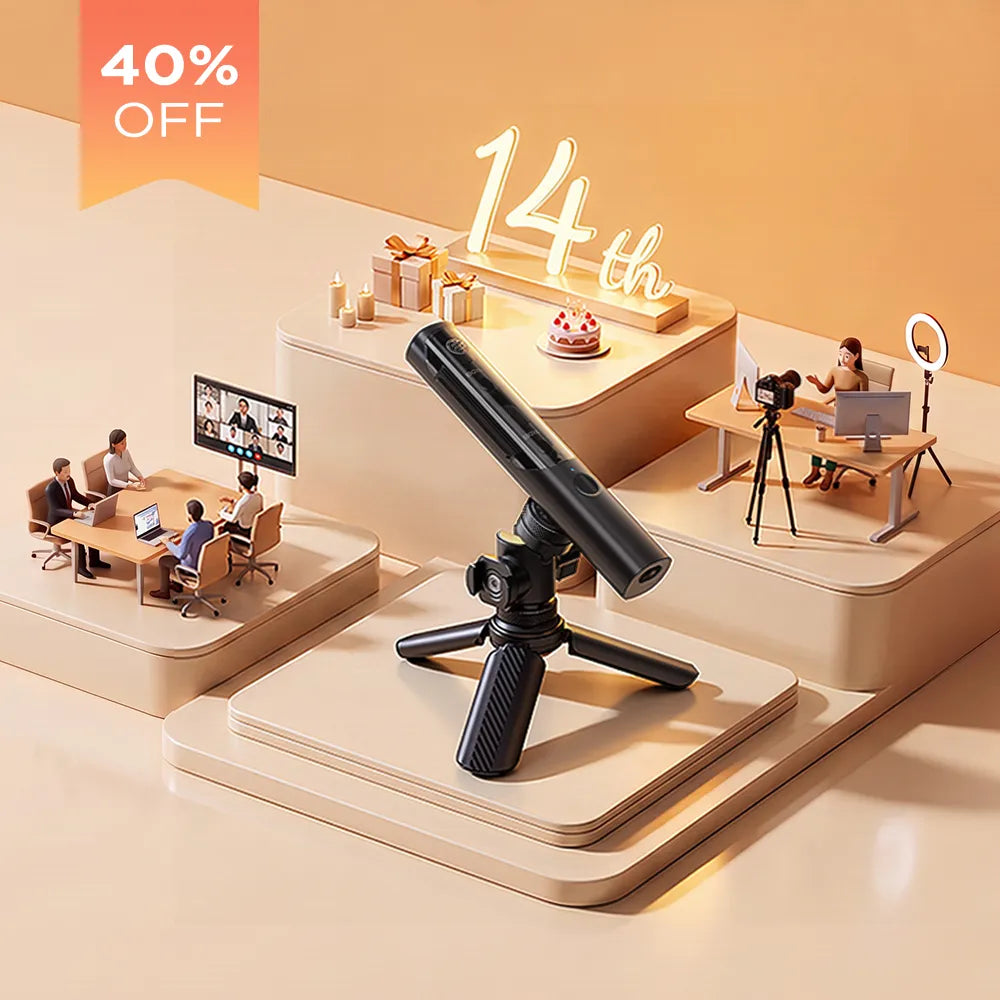
Effortlessly adapt to any audio environment. Seamlessly transition between online meetings, gaming, live streaming, and content creation while maintaining professional-grade sound quality.
Q1:What is the optimal pickup distance for the CM40/CM30?
The optimal recording distance is 10-15 cm (4-6 inches). In a quiet environment, it can also clearly capture vocals from a further distance.
Q2:What are the advantages of the 9.7mm microphone capsule?
The larger diaphragm captures more acoustic details, giving your voice a clearer, richer, and more full-bodied, broadcast-quality sound.
Q3:What software and apps are compatible with the CM40/CM30?
It is widely compatible with major software and platforms including Zoom, Discord, Skype, OBS Studio, Twitch, YouTube, and TikTok.
Q4:Do I need to configure sound settings when connecting to a computer?
Normally, the microphone is completely plug-and-play with no setup required. If your computer prompts you for sound settings or it doesn't work immediately, please follow these steps:
Mac OS Setup:
Open "System Settings" (or System Preferences), then click the "Sound" icon.
Select "BOYA CM40" as your Input device.
Select "BOYA CM40" as your Output device.
Windows OS Setup:
Open "Settings", go to "System" > "Sound" > "Sound Control Panel".
Under the "Playback" tab, set "BOYA CM40" as the Default Device.
Under the "Recording" tab, set "BOYA CM40" as the Default Device.
Q5: Does the CM40/CM30 have a built-in battery?
No, there is no built-in battery. The microphone is powered directly by your connected device via the USB cable.
Q6:How long is the included USB cable?
The cable length is 1.8 meters (approx. 5.9 feet).