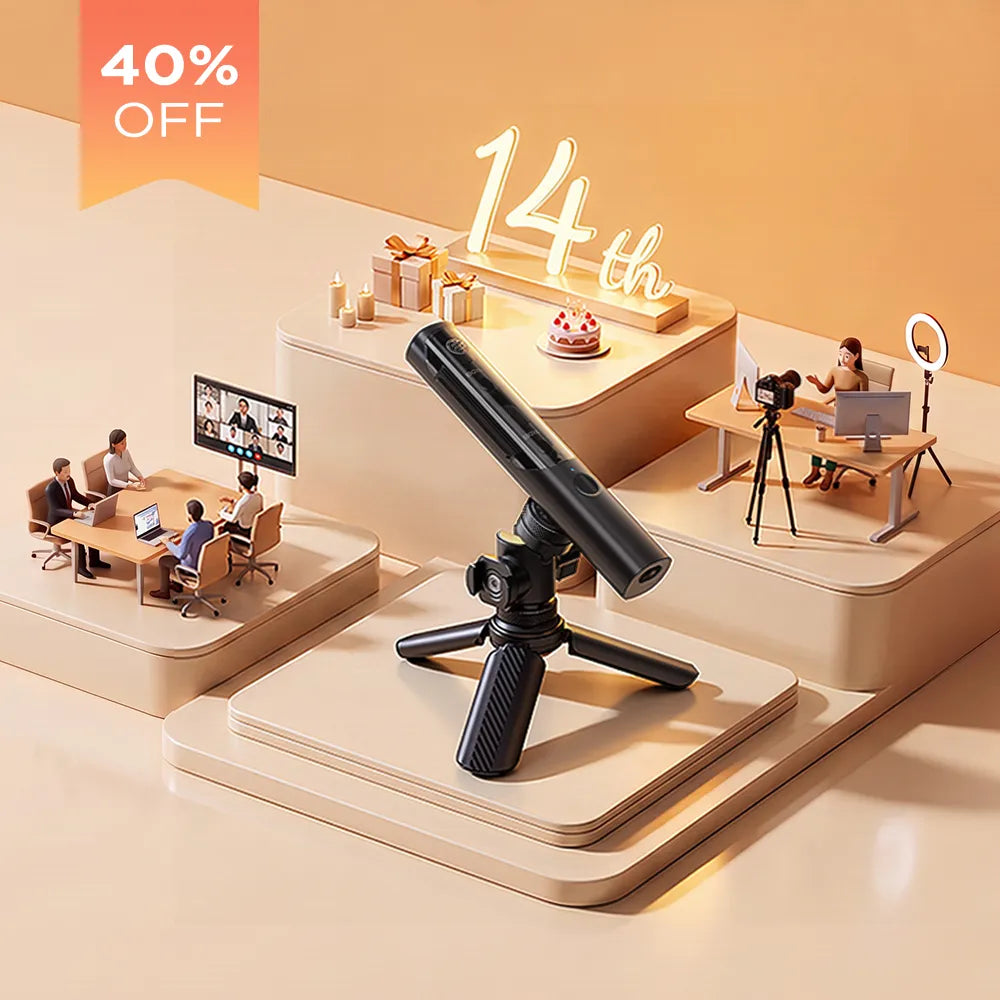

BOYA Notra User Guide 2026: Recording, Transcription & AI Meeting Notes
After a meeting, are you still replaying recordings again and again to organize your notes? After a customer call, are you worried about missing important details? Or after a class, do you realize you did not capture the key points?
BOYA Notra combines recording, Voice Transcription, and AI Meeting Notes in one system, helping users record, organize, and review important information more efficiently.
This BOYA Notra user guide explains how to set up the device, choose the right recording mode, use voice transcription, generate AI summaries, and create AI meeting notes for calls, meetings, online classes, and daily work.
What Is BOYA Notra?
BOYA Notra is an AI voice recorder designed for users who need to capture, transcribe, and summarize important conversations.
Unlike traditional voice recorders that only store audio files, BOYA Notra can convert recordings into text and help generate AI Summary, Meeting Notes, and to-do items. For users who frequently attend meetings, interviews, phone calls, or online classes, it works as a complete AI-powered information management tool.
Recommended Reading
- 6 Ways BOYA Notra Saves Your Day
- Who Needs an AI Voice Recorder in 2026?
- Cross-Context Recording: How AI Voice Recorders Become a Professional’s “Second Brain”
How to Set Up BOYA Notra
When using BOYA Notra for the first time, setup only takes a few minutes.
1. Download the BOYA Notra App
Download the BOYA Notra App from the App Store or Google Play. After installation, complete the following steps:
- Create an account
- Log in to the app
- Turn on Bluetooth on your phone
2. Connect Your BOYA Notra Device
Press and hold the power button to turn on BOYA Notra, then open the app and complete pairing.
- Open the BOYA Notra App
- Tap “Add Device”
- Select BOYA Notra
- Follow the on-screen instructions to complete pairing
After the first successful connection, the device will sync automatically in future use.
What Recording Modes Does BOYA Notra Offer?
BOYA Notra offers three main recording modes for different work, learning, and communication scenarios.
Ambient Recording: Best for In-Person Meetings and Interviews
Ambient Recording is suitable for team meetings, customer interviews, business presentations, classroom discussions, and research conversations. Simply place BOYA Notra near the speaker or in the center of the table to start capturing surrounding audio.
If you often need to organize meeting content, Ambient Recording may become your most frequently used meeting recorder mode.
Phone Call Recording: Best for Customer Calls and Project Communication
Phone Call Recording is suitable for customer calls, sales conversations, project communication, interviews, and after-sales service. Attach the device to the back of your phone and start recording according to the app instructions.
For teams that need to track customer requirements, sales leads, project details, and follow-up tasks, BOYA Notra provides a more efficient way to record calls and organize information.
Note: Phone call recording rules vary by region. Before recording calls, make sure you follow local laws and notify participants when required.
Bluetooth Recording: Best for Online Meetings and Remote Work
Bluetooth Recording is suitable for Zoom, Microsoft Teams, Google Meet, online classes, remote interviews, and virtual training sessions. When audio is played through Bluetooth earphones, BOYA Notra can record the meeting content at the same time.
For remote workers, online learners, and global teams, Bluetooth Recording can greatly improve meeting note-taking efficiency.
How to Record with BOYA Notra
After selecting the recording mode, you can start recording with BOYA Notra.
Start and Stop Recording
Press and hold the recording button to start recording. Press and hold it again to stop recording.
Highlight Important Moments
During recording, you can short-press the recording button to add a highlight marker. This helps you mark important moments in real time without stopping the recording.
You can use highlights to mark information such as:
- Project decisions
- Customer requirements
- Deadlines
- Task assignments
- Follow-up items
When reviewing the recording or transcript later, each highlight helps you quickly locate the corresponding section. This saves time and makes it easier to find key information.
How to Use Voice Transcription
After recording, open the BOYA Notra App, select the recording file, and tap “Transcribe.” The system will convert speech into searchable, editable, and shareable text.
Voice Transcription is especially useful for:
- Meeting notes
- Interview notes
- Lecture notes
- Research notes
- Customer call records
Compared with taking notes manually, automatic voice transcription can save time and reduce the risk of missing important information.
How to Generate AI Meeting Notes
After transcription is complete, you can use the AI analysis feature. Tap “AI Summary,” and the system will organize the key points based on the recording and transcript.
BOYA Notra can help generate:
- Meeting summaries
- Key points
- Decisions
- To-do items
- Action lists
If you often need to organize AI Meeting Notes, BOYA Notra can shorten post-meeting cleanup time and turn manual note-taking into a more automated workflow.
How to Use AI Chat to Find Information
In addition to AI Summary, BOYA Notra also supports AI Chat. You can ask questions directly based on the recording and transcript, such as:
- What are the main conclusions of this meeting?
- What requirements did the customer mention?
- Which items need follow-up?
- What tasks are due next week?
AI Chat helps you find information faster without replaying the entire recording.
Who Is BOYA Notra For?
BOYA Notra is designed for users who frequently need to record, organize, and review important information.
- Business professionals: Record meetings, phone calls, customer requirements, and project discussions.
- Remote workers: Organize Zoom, Teams, Google Meet, and other online meetings.
- Students and researchers: Create class notes, research interview records, and study summaries.
- Content creators: Record interviews, podcasts, script ideas, and creative inspiration.
Why Choose BOYA Notra as an AI Voice Recorder?
BOYA Notra is built for users who need more than basic audio recording. It combines recording, voice transcription, AI meeting notes, and AI-powered information search in one workflow.
- Record in-person meetings, phone calls, and online meetings
- Convert voice recordings into text
- Generate AI summaries and action items
- Use AI Chat to search recording content
- Organize work, learning, and communication more efficiently
FAQ
Can BOYA Notra record phone calls?
Yes. With Phone Call Recording mode, BOYA Notra can record call content and help generate transcripts and summaries in the app. Make sure to follow local call recording laws before recording.
Can BOYA Notra generate AI Summary?
Yes. After recording and transcription, BOYA Notra can generate AI Summary, Meeting Notes, and to-do items based on the transcript.
Does BOYA Notra support Voice Transcription?
Yes. BOYA Notra supports Voice Transcription, helping users convert recordings into searchable, editable, and shareable text.
Is BOYA Notra suitable for online meetings?
Yes. Bluetooth Recording mode can record online meetings on Zoom, Google Meet, Microsoft Teams, and similar platforms, making it useful for remote work and online collaboration.
Can BOYA Notra be used for classes and lectures?
Yes. Students and learners can use BOYA Notra to record lectures, transcribe class content, summarize key points, and review important information after class.
Is my data secure with BOYA Notra?
BOYA Notra is designed to protect recording content during device use, transmission, and cloud sync. Users should also review the official privacy policy and app settings to manage data storage and syncing preferences.
Conclusion
BOYA Notra is more than a traditional voice recorder. It is an AI voice recorder built for modern meetings, calls, classes, interviews, and daily information management.
From recording and Voice Transcription to AI Summary, AI Meeting Notes, and AI Chat, BOYA Notra helps users reduce manual note-taking time and review important information more efficiently.
Whether you are a business professional, remote worker, student, researcher, or content creator, BOYA Notra can help you capture conversations, organize ideas, and turn recordings into useful notes.
How to Hide a Lavalier Microphone on Different Clothing Types
Daily Vlog Live Streaming Setup 2026: Everything Creators Need
Ähnliche Beiträge

BOYA Notra Neo Overview: Features, Pricing and Limitations

How to Record a Phone Call on iPhone 18 Pro: 2 Methods

BOYA Notra vs. Notra Neo: 6 Key Upgrades Compared

Boya Notra Neo: One AI Recorder for the Conversations That Shape Your Day

BOYA Back to School Creator Challenge 2026: Win $500

How AI Interview Notes Improve Recruitment Workflows

AI Note Taker for Students