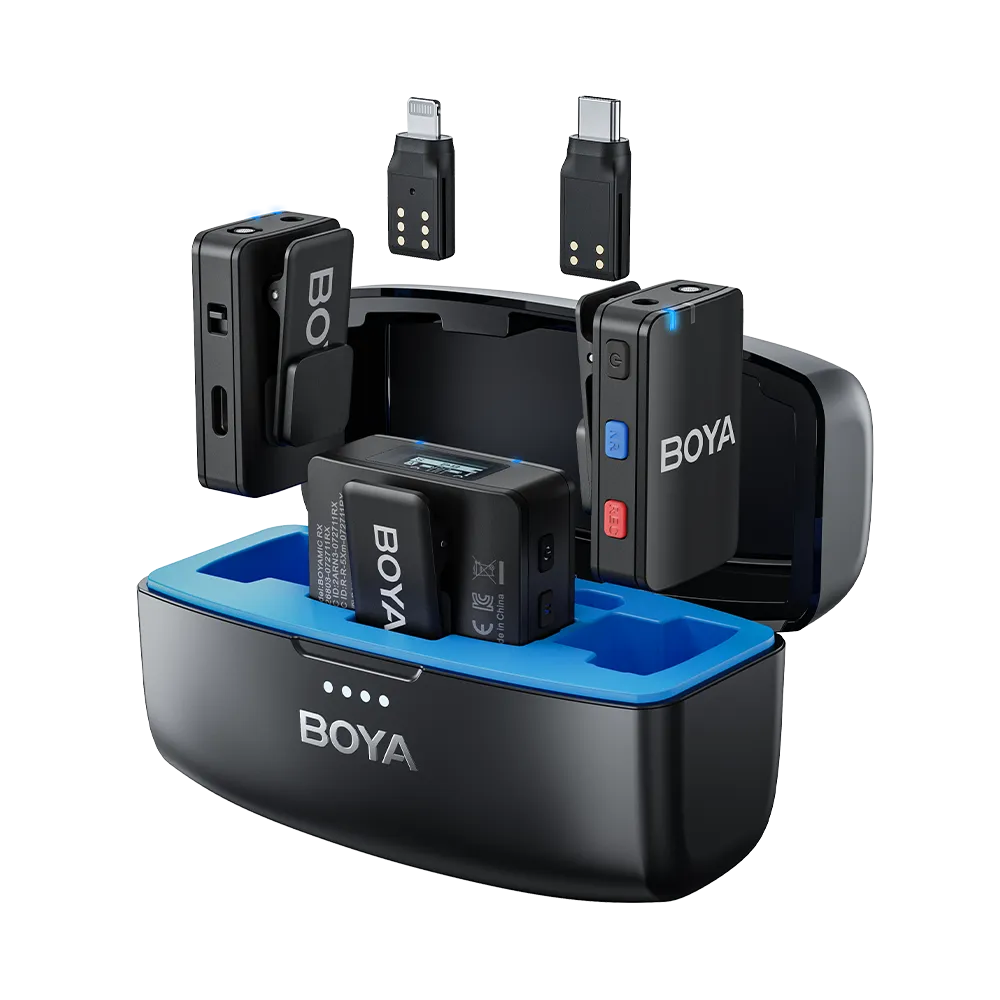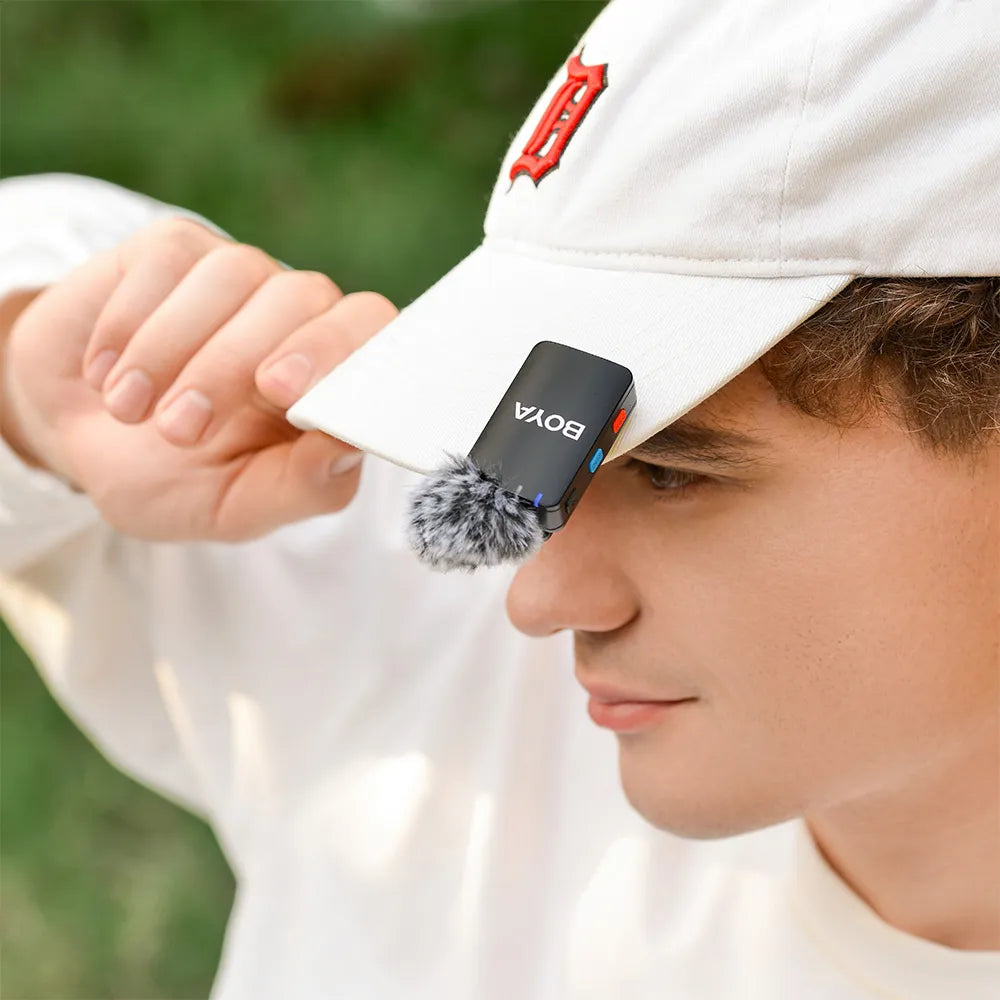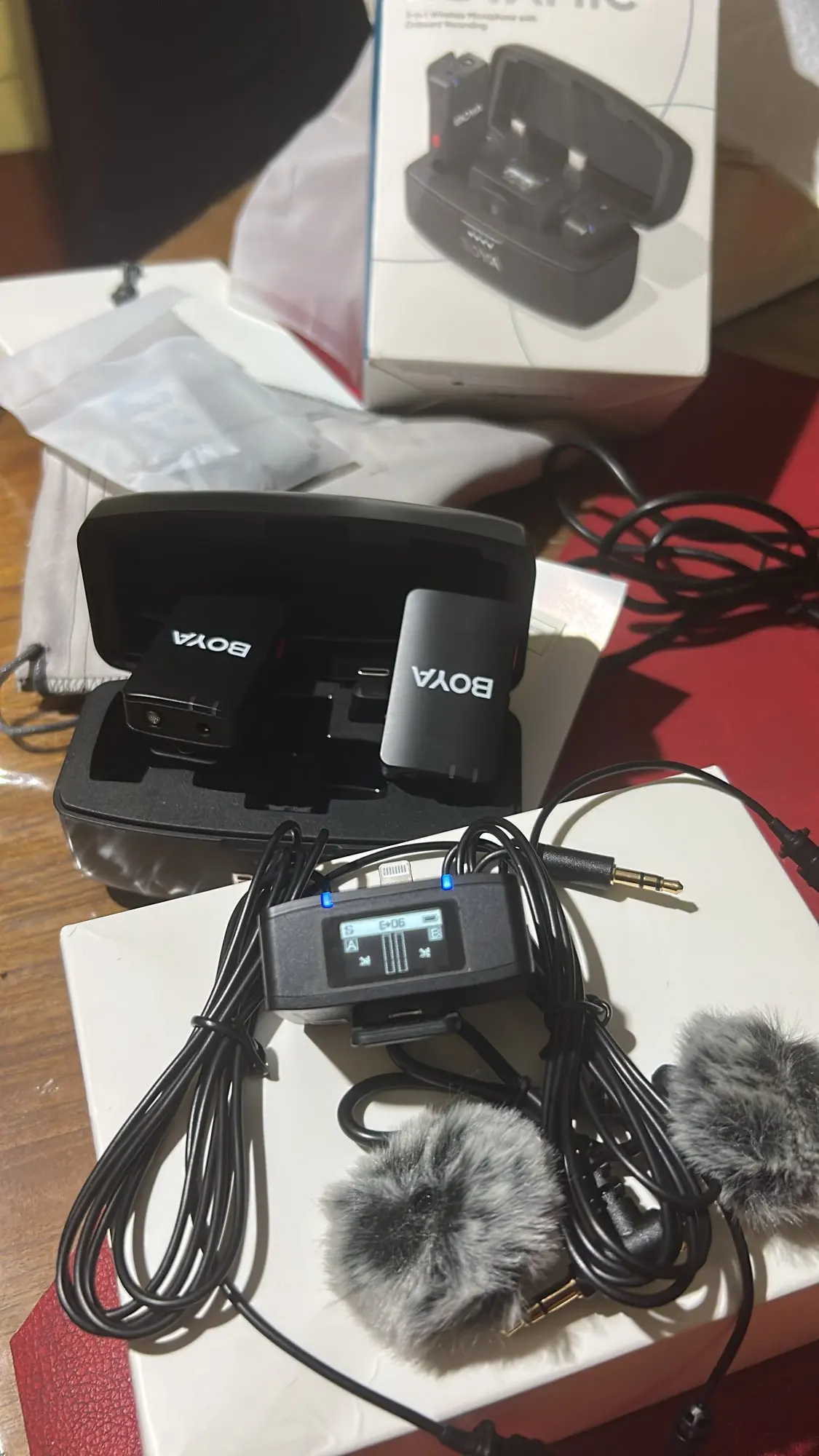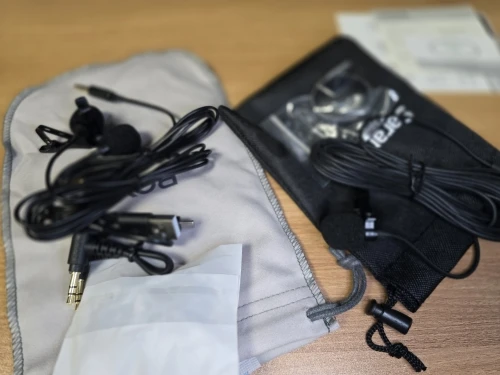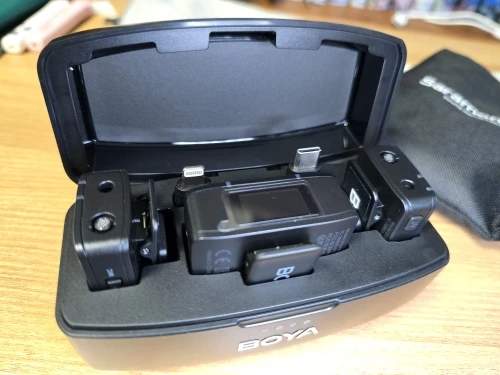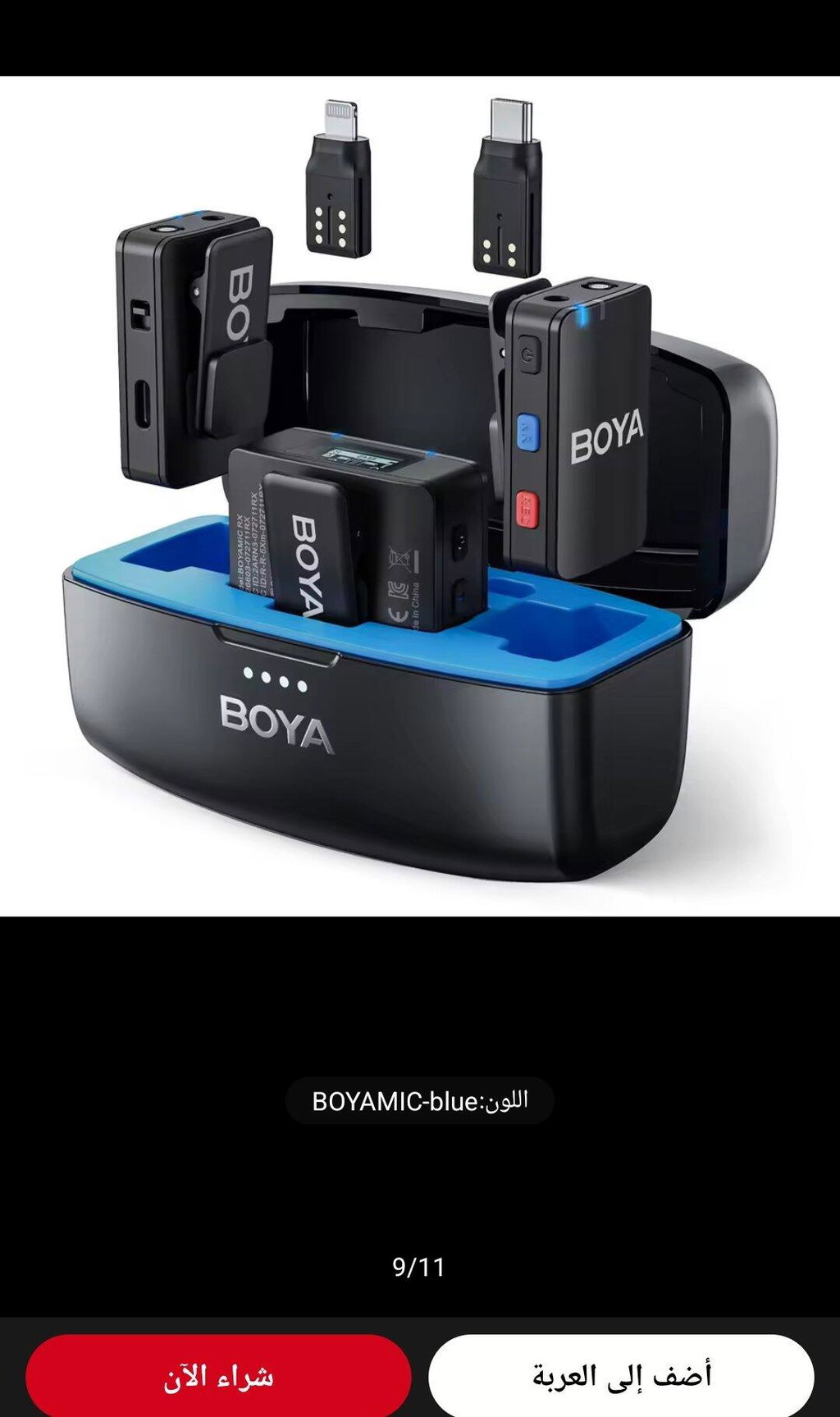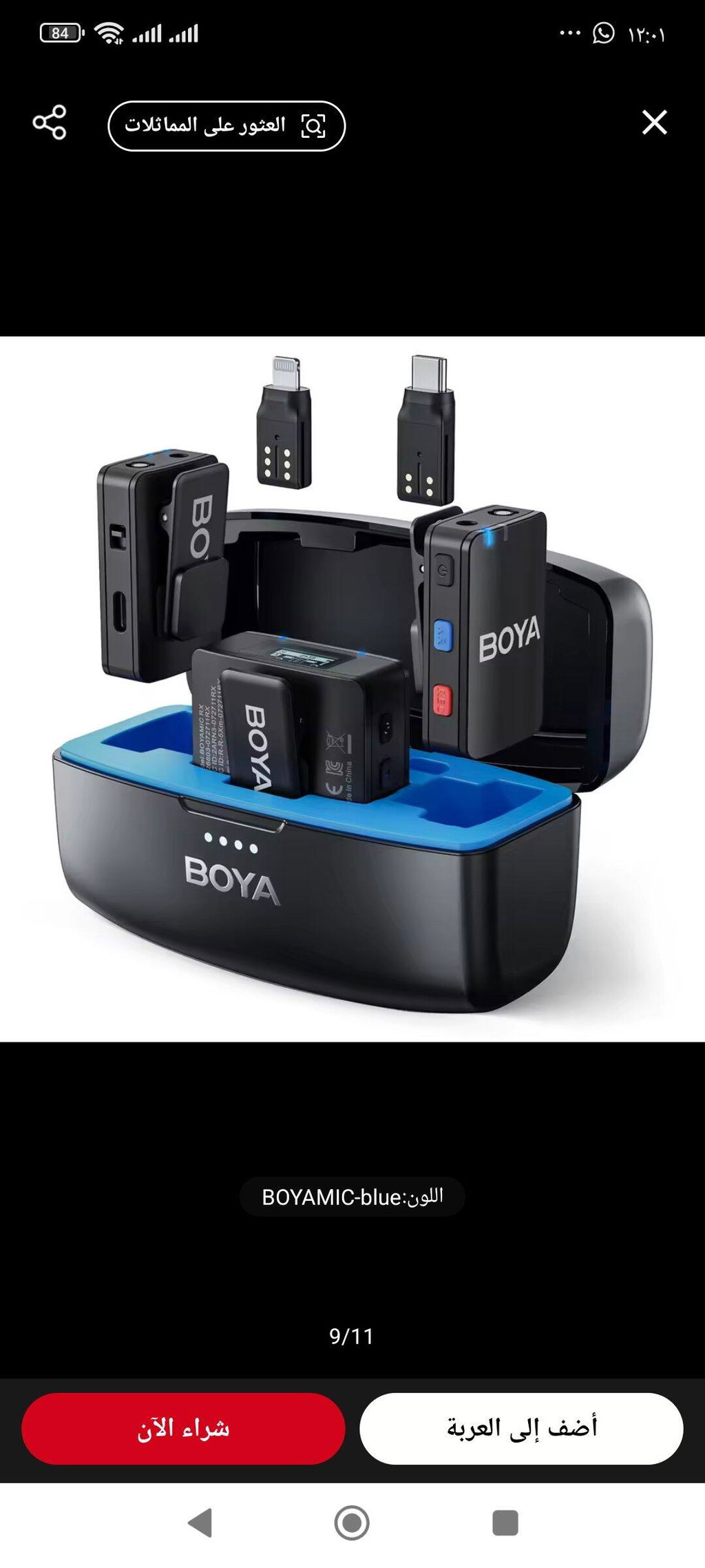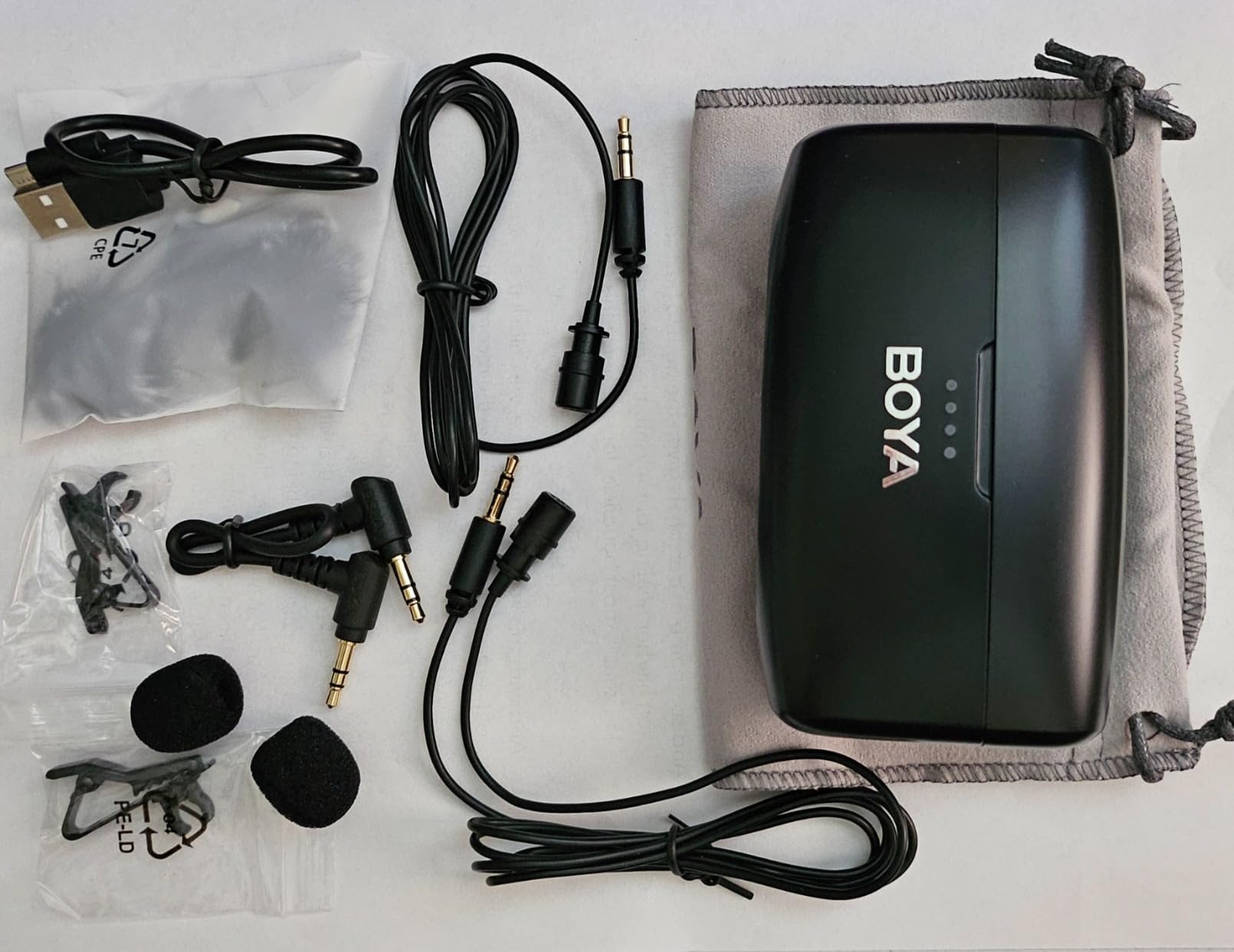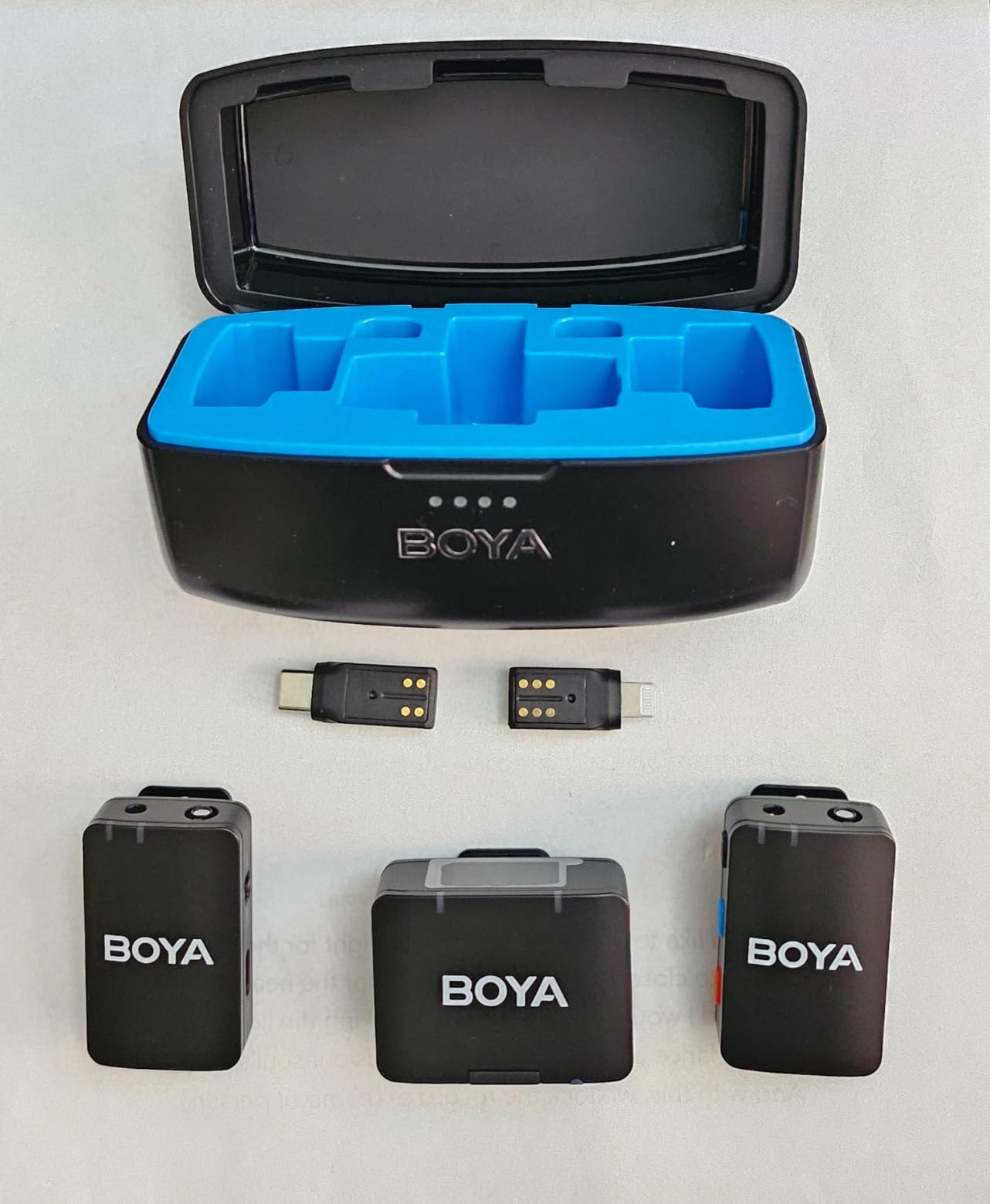
🌟 Für Kreative gemachtPerfekt für Filme, Streaming und Podcasts &und Feldarbeit.
Free Shipping Worldwide
Estimate Delivery Time: 3-8 business days.
Delivery time will be delayed for remote areas in some countries.
Enjoy free shipping insurance on orders over $99.
Up To 15-Day Returns
Enjoy easy shopping with hassle-free returns and replacements. Some items may be subject to special return and replacement policies. Please refer to our Return Policy for details.
2 Years Quality Assurance
This product comes with a 2-year global warranty from BOYA.During the warranty period, any defects due to product quality will be addressed by replacing the product, rather than repair.
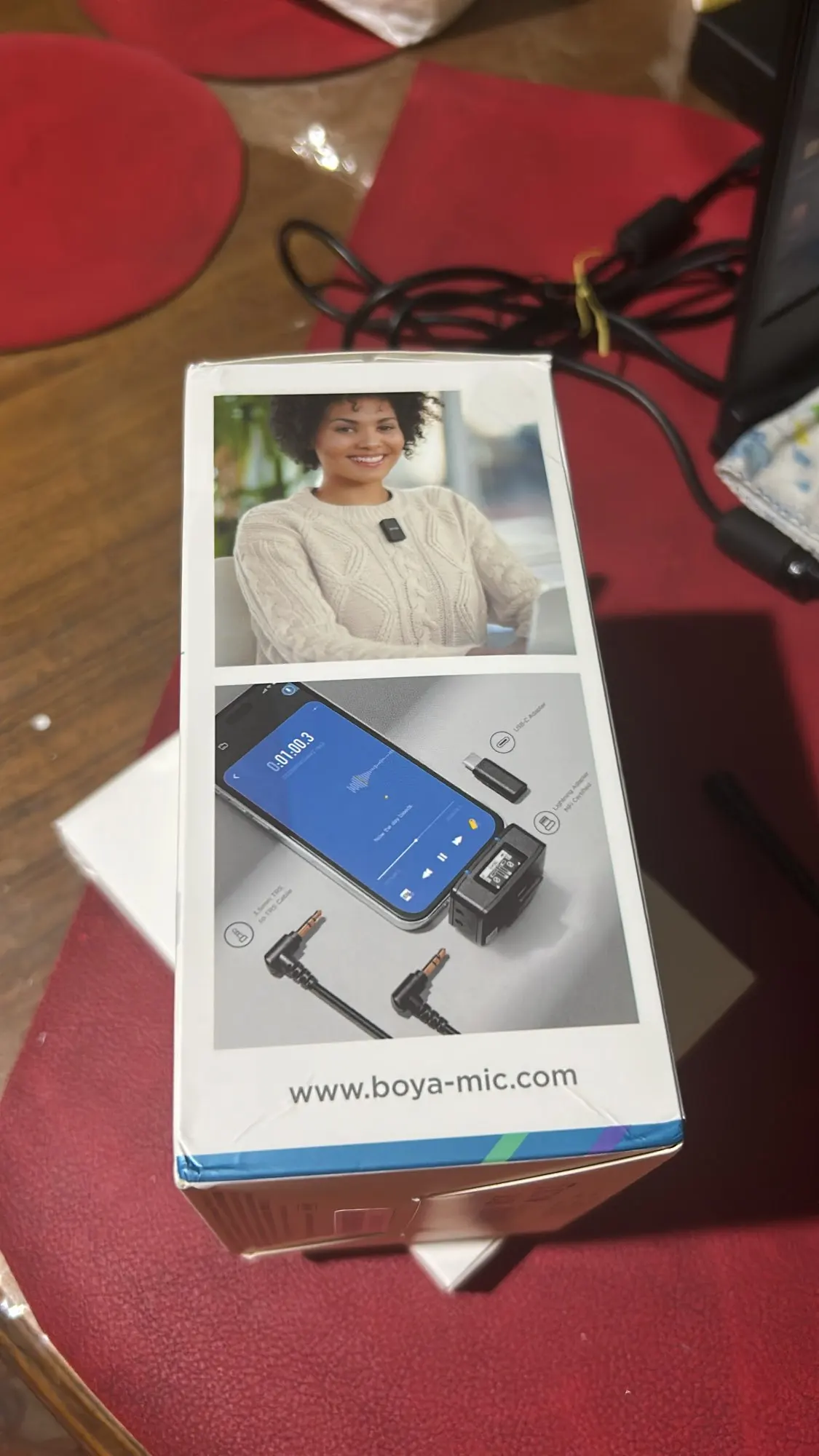
Currently, it can be used with cameras (3.5mm TRS), smartphones (supporting USB-C, Lightning, 3.5mm TRRS interfaces), computers, tablets, and other devices.
Q2:Can the Android adapter of BOYAMIC be used with the iPhone 15 or iPhone 15 Pro series?
Yes, it can be used seamlessly and supports providing audio to the iPhone through the receiver.
Q3:What are the different channel modes available for BOYAMIC?
BOYAMIC offers three channel modes: mono, stereo, and safety track. S: Stereo mode records audio from two transmitters onto separate channels in the output. M: Mono mode combines the output of two transmitters into a single channel. M(Safety Track): Safety track function. In safety channel mode, the second channel audio is recorded at -6 decibels as a backup to prevent distortion in the main channel in case of an unexpected increase in source volume. *Separation of safety tracks is required in post-production.
Q4:How to adjust the microphone volume?
1.Press the power button briefly to quickly select the TX/RX volume value. Press the M key briefly to adjust the volume. 2.You can also quickly adjust the TX/RX volume values through the app.
Q5:How to connect BOYAMIC to the app?
1.Power on and establish a connection between the receiver and transmitter. 2.Enable Bluetooth and mobile network (WiFi/4G/5G) on your smartphone. 3.Open the app: BOYA Central and click on "Add Device". 4.Select the Bluetooth device named BOYAMIC to successfully establish the connection.
Q6:How to Perform Online Upgrade
1.Power on the product and connect to BOYA Central. 2.If there is firmware available for update, the upgrade prompt will automatically appear. 3.Alternatively, you can click on the settings icon in the top right corner of the control page to enter the settings page and check the firmware version."
Q7:How to adjust the recording volume on the mobile phone if the sound is too loud or too quiet?
1. When using the microphone, avoid speaking directly into it, as airflow can cause overexposure. 2.For louder speakers, position the microphone lower. 3.For softer speakers, position the microphone closer to the mouth.Adjust the TX or RX gain values.
Q8:Can BOYAMIC receiver connect to multiple transmitters?
Yes, the receiver supports connecting to 1 or 2 transmitters.
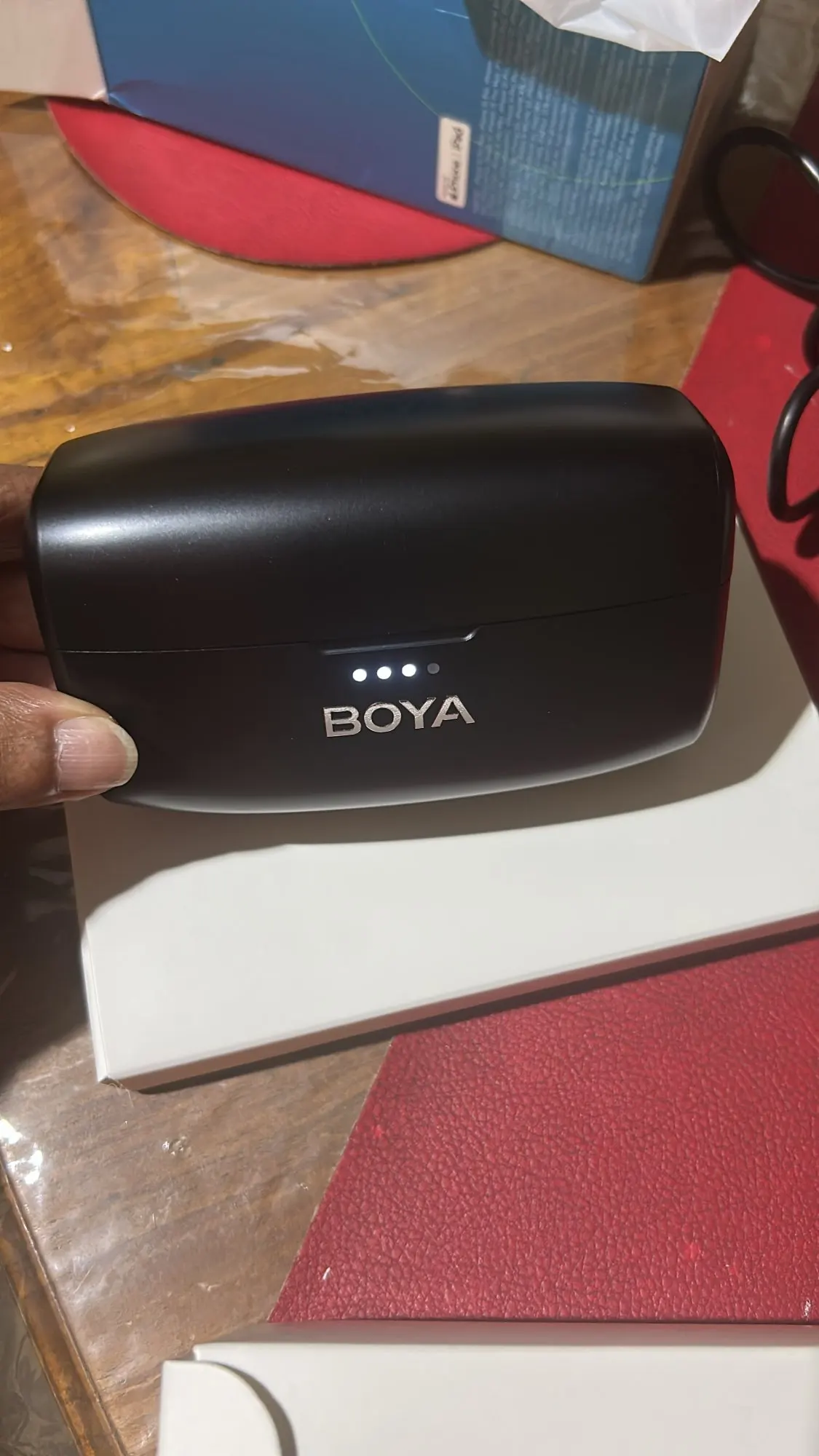
Das Boyamic war von guter Qualität. Die Verpackung war gut, das Produkt selbst auch. Der Klang ist genauso gut wie bei meinem Shure-Studiomikrofon und meinen DJI-Mikrofonen (Mini). Die integrierte Aufnahmefunktion gefällt mir ebenfalls. Es ist sofort einsatzbereit.
J
Jasper Torp
Ich habe das Paket heute erhalten und bin total begeistert! Trotz einer kleinen Verzögerung, die meines Wissens eher dem Verkäufer als dem Logistikunternehmen anzulasten war, hat das Produkt meine Erwartungen übertroffen. Ich habe es getestet und alles funktioniert einwandfrei, mit exzellenter Audioausgabe und einer bemerkenswert schnellen Verbindung. Ich habe es als Geschenk gekauft und bin mir sicher, dass es jemandem genauso gut gefallen wird wie mir. Tatsächlich plane ich schon, mir selbst auch eins zu kaufen! Insgesamt bin ich sehr zufrieden und kann sowohl das Produkt als auch den Verkäufer uneingeschränkt empfehlen.
C
Cornell Kupal
Funktioniert besser als erwartet, ich war anfangs skeptisch, aber es funktioniert gut.
C
Constant Brousseau
Wunderbar, aber es ginge noch besser.
Die Qualität ist hervorragend und das Produkt wunderbar, aber ich war enttäuscht, dass die beiden Mikrofone auf dem iPhone nur eine Mono-Aufnahme erzeugen. Es wäre toll, wenn man jeden Kanal einzeln aufnehmen könnte.