Discover More
Limited-Time Offer: April 18 – December 31, 2026

From 320 to 600 Minutes of Free Transcription

Valid for 12 months from activation

For All Recording Needs

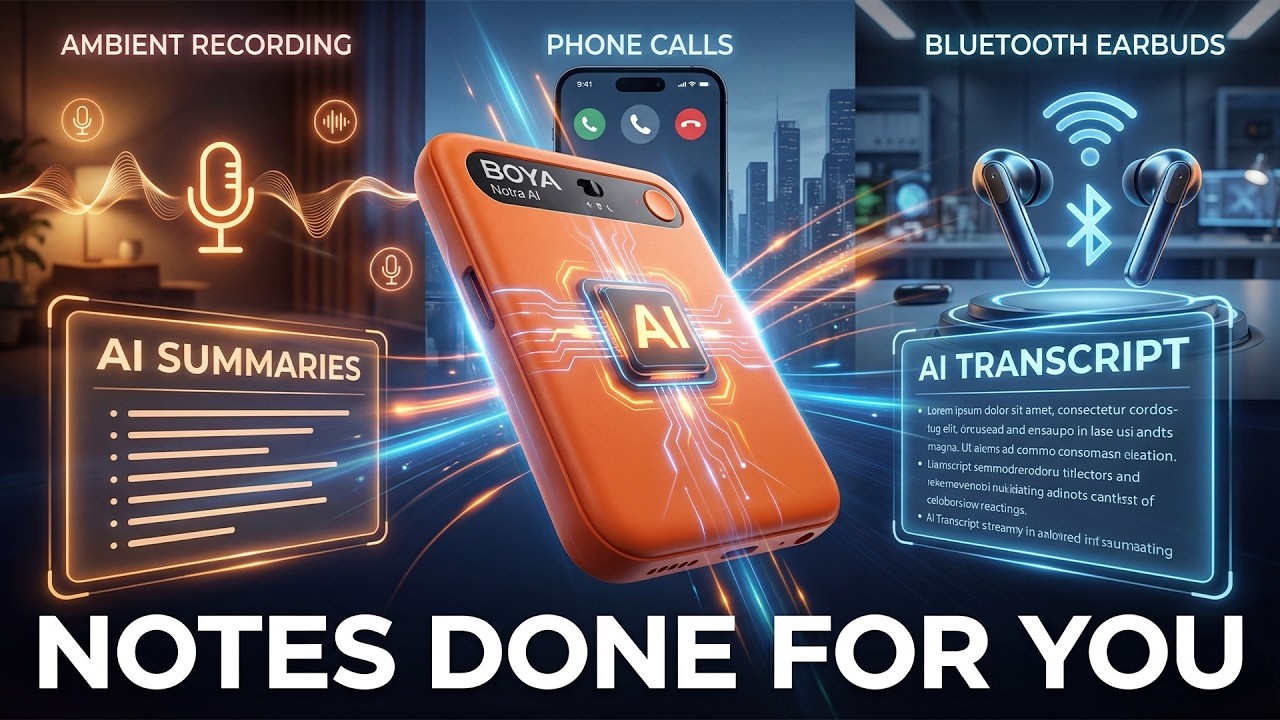
Ambience / Bluetooth / Phone

One Touch Recording

One-Press Highlight

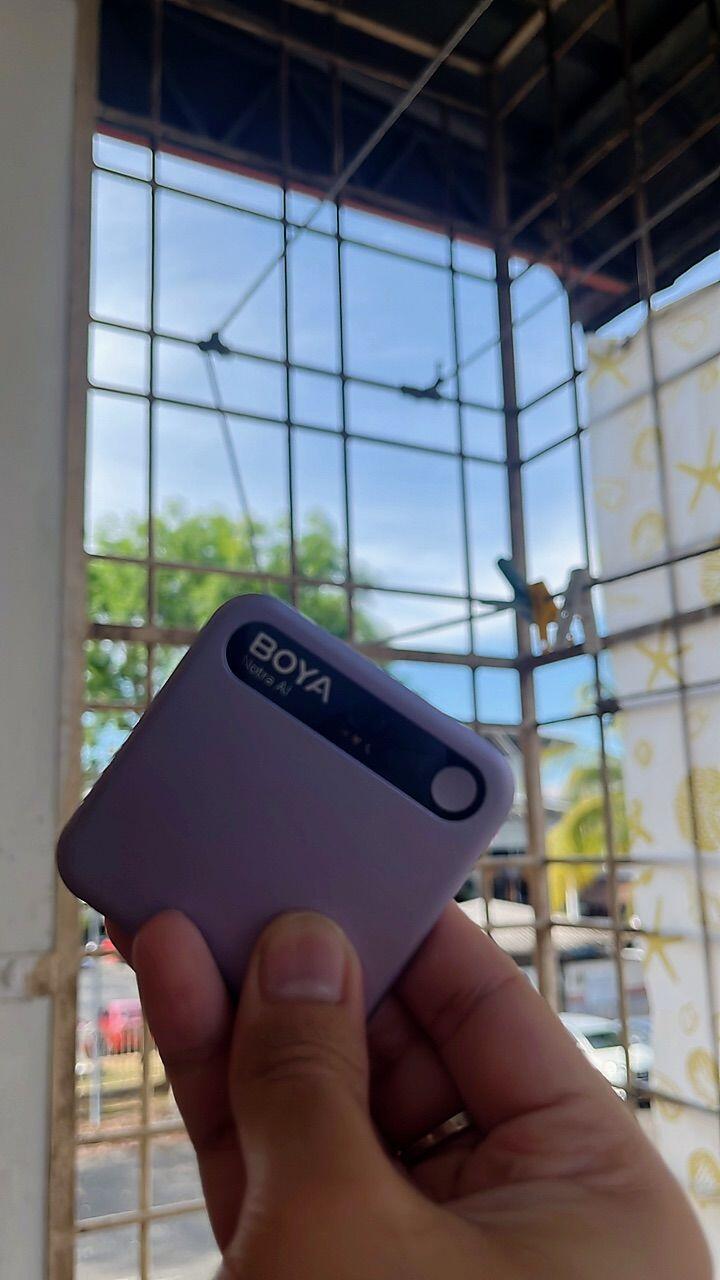
UItra Slim & Light

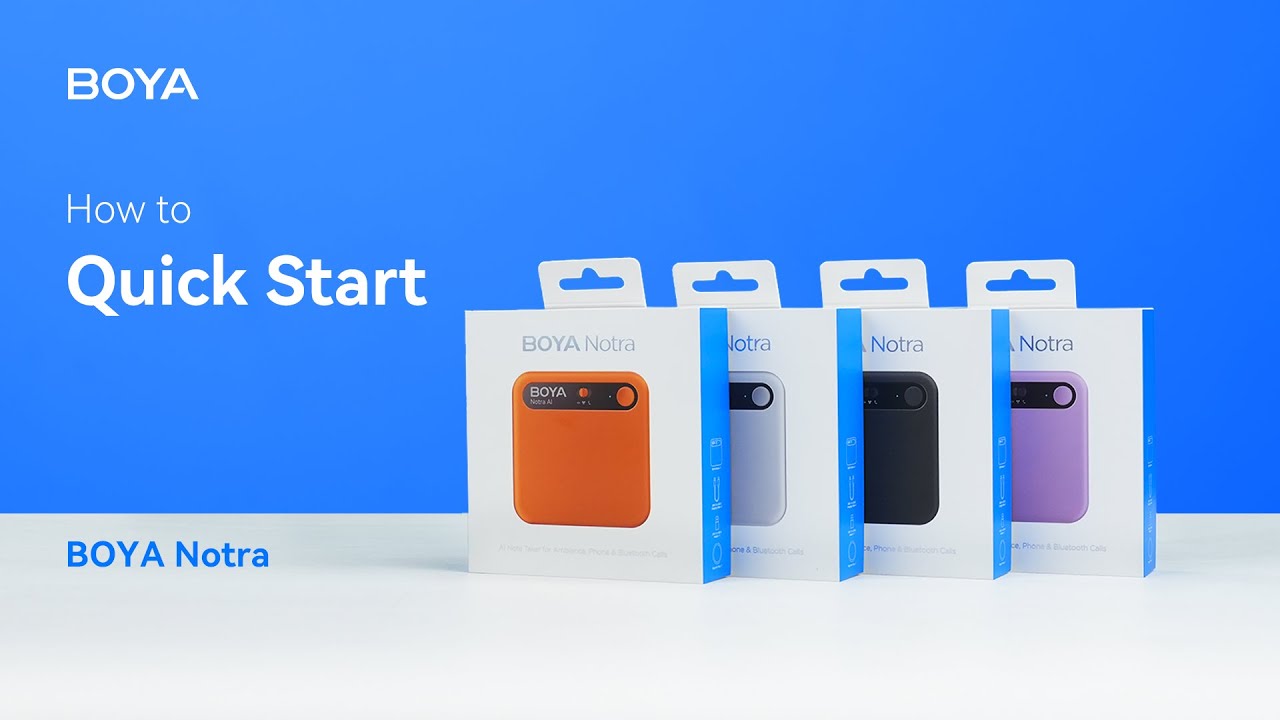
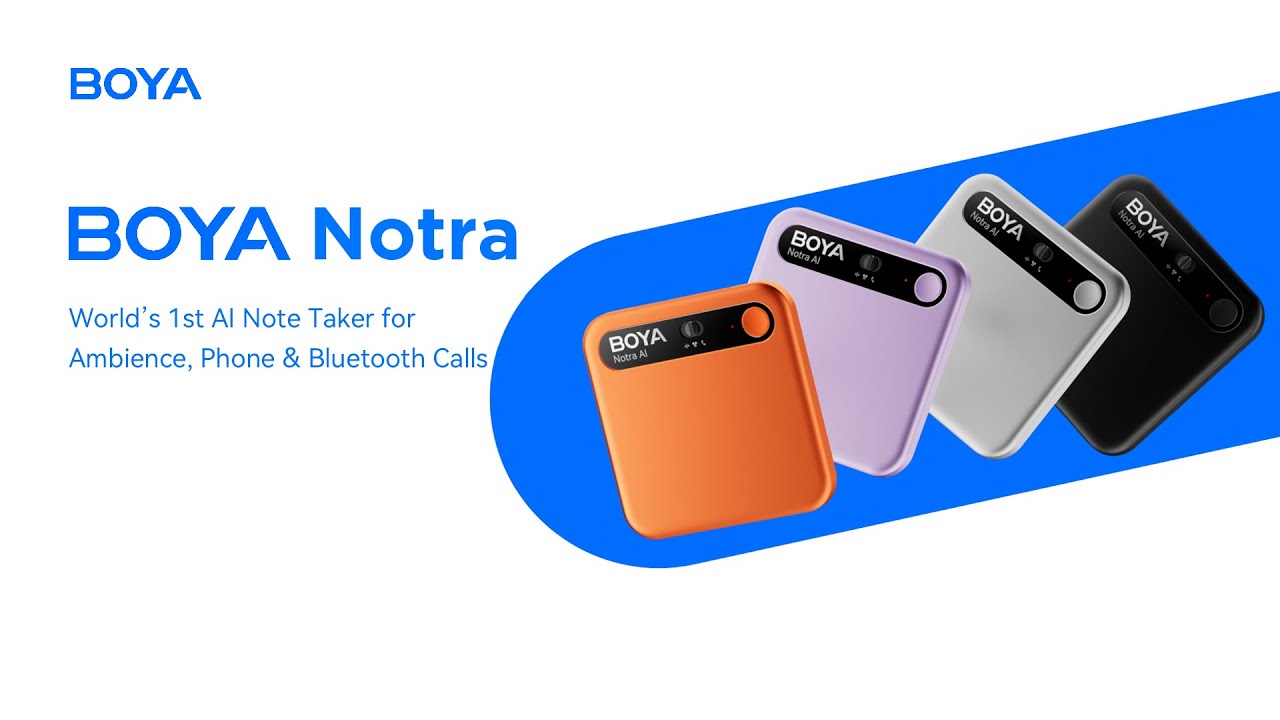
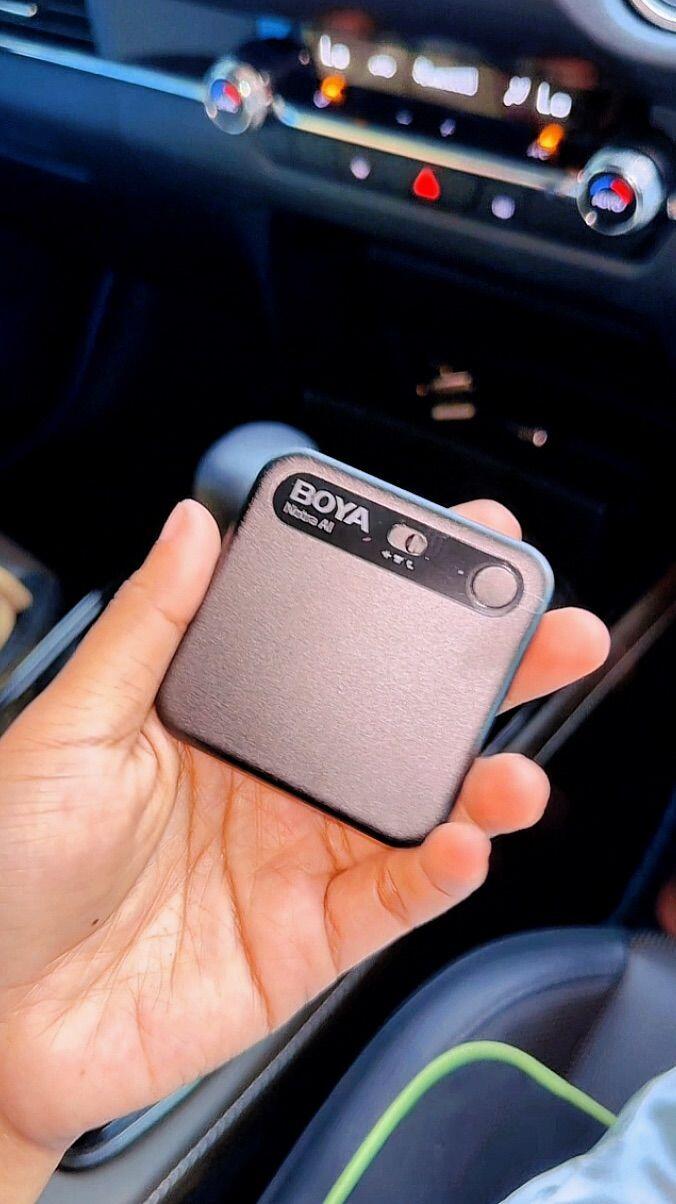
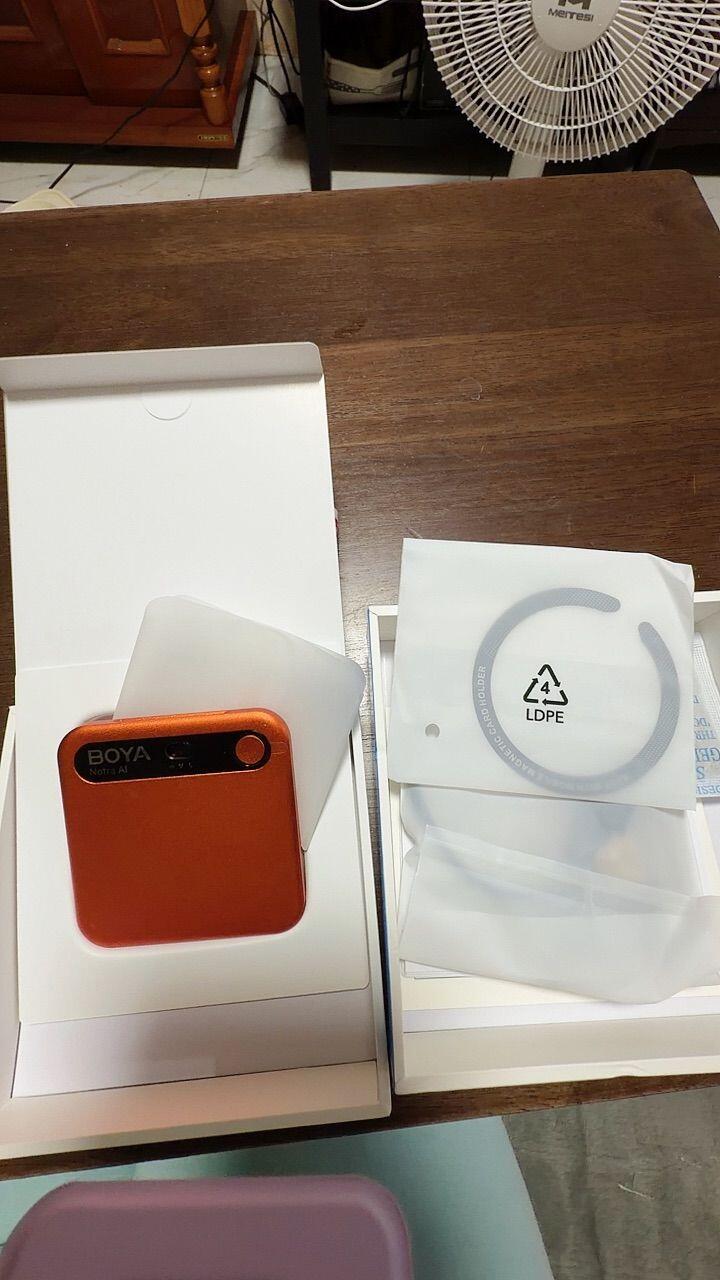
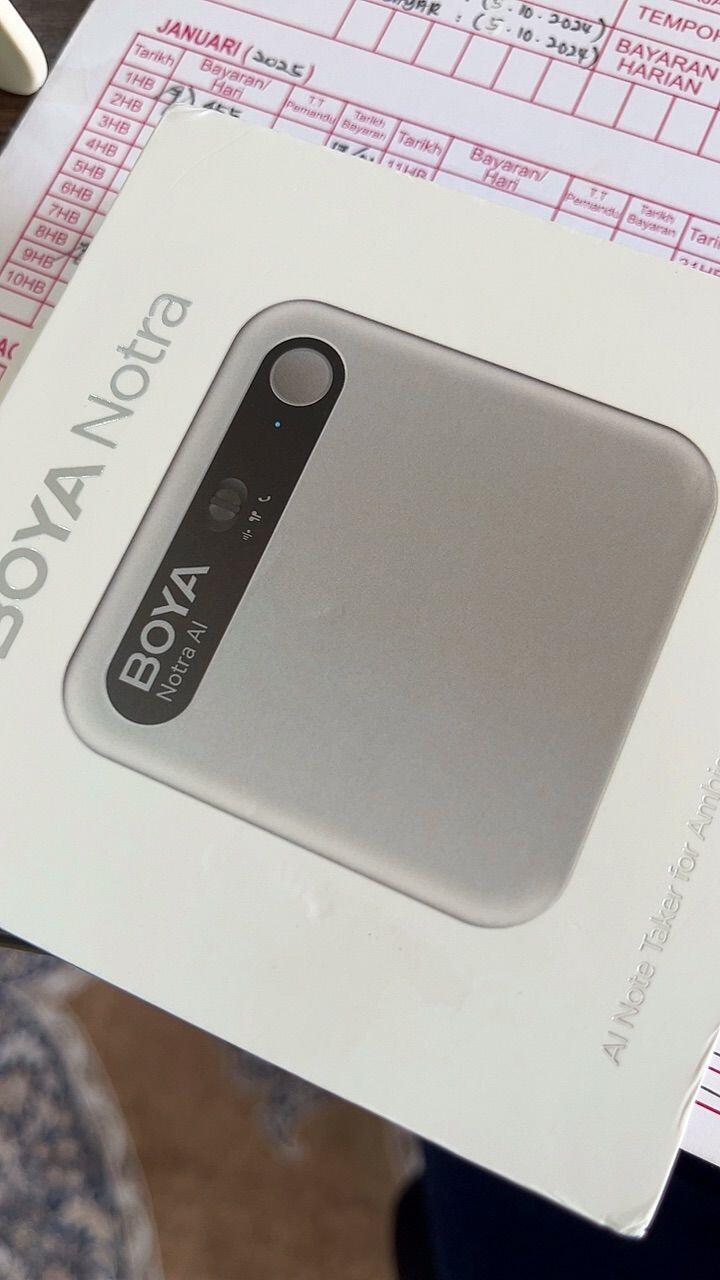
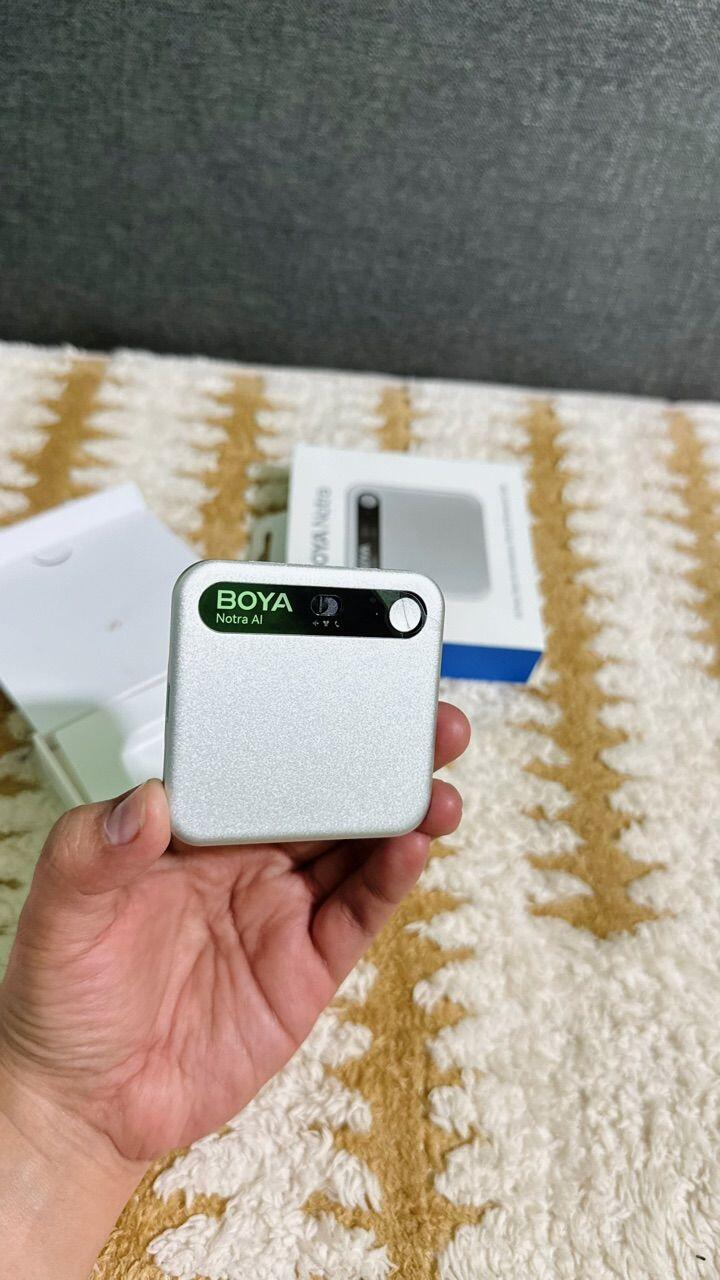
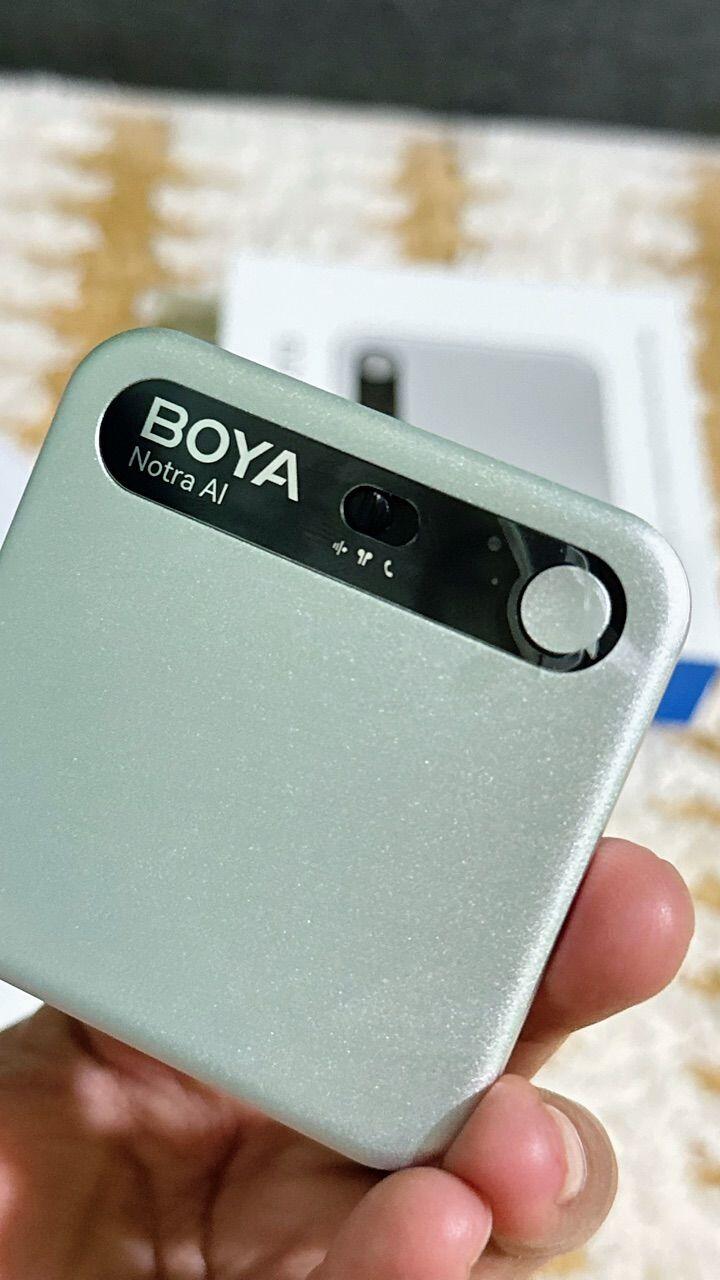
Four iconic colors in a lightweight aluminum design

Al Transcription & Summary

In 140+ Languages & 60+ professional templates

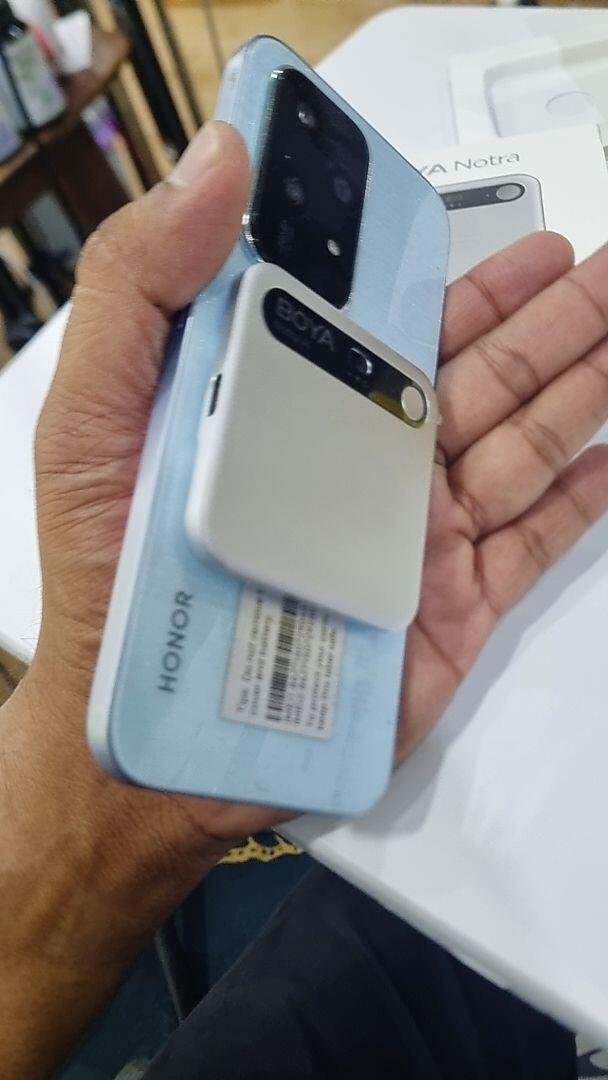
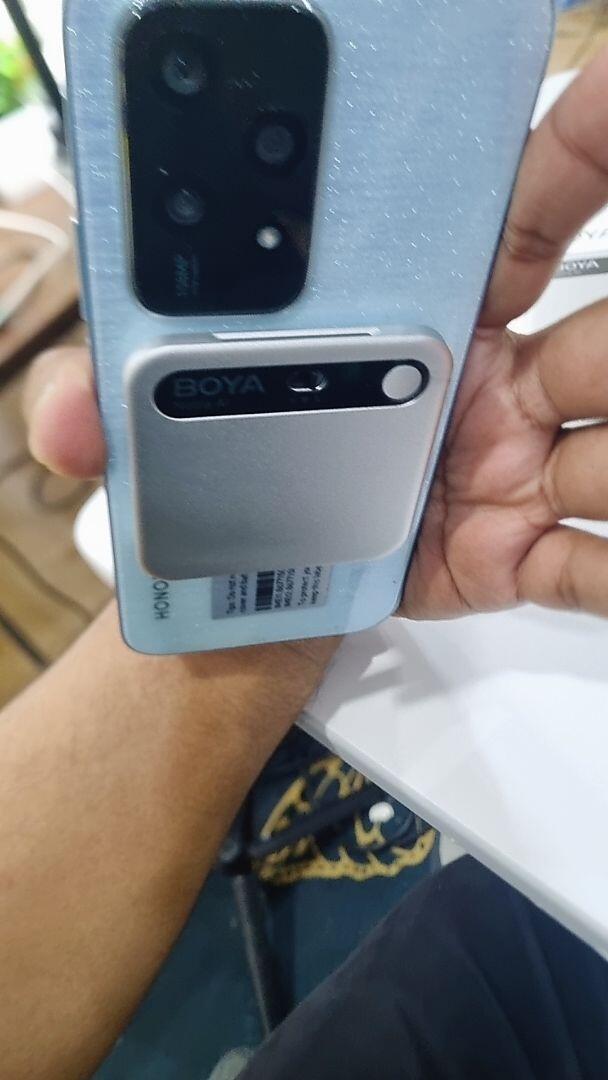
Thin & Magnetic

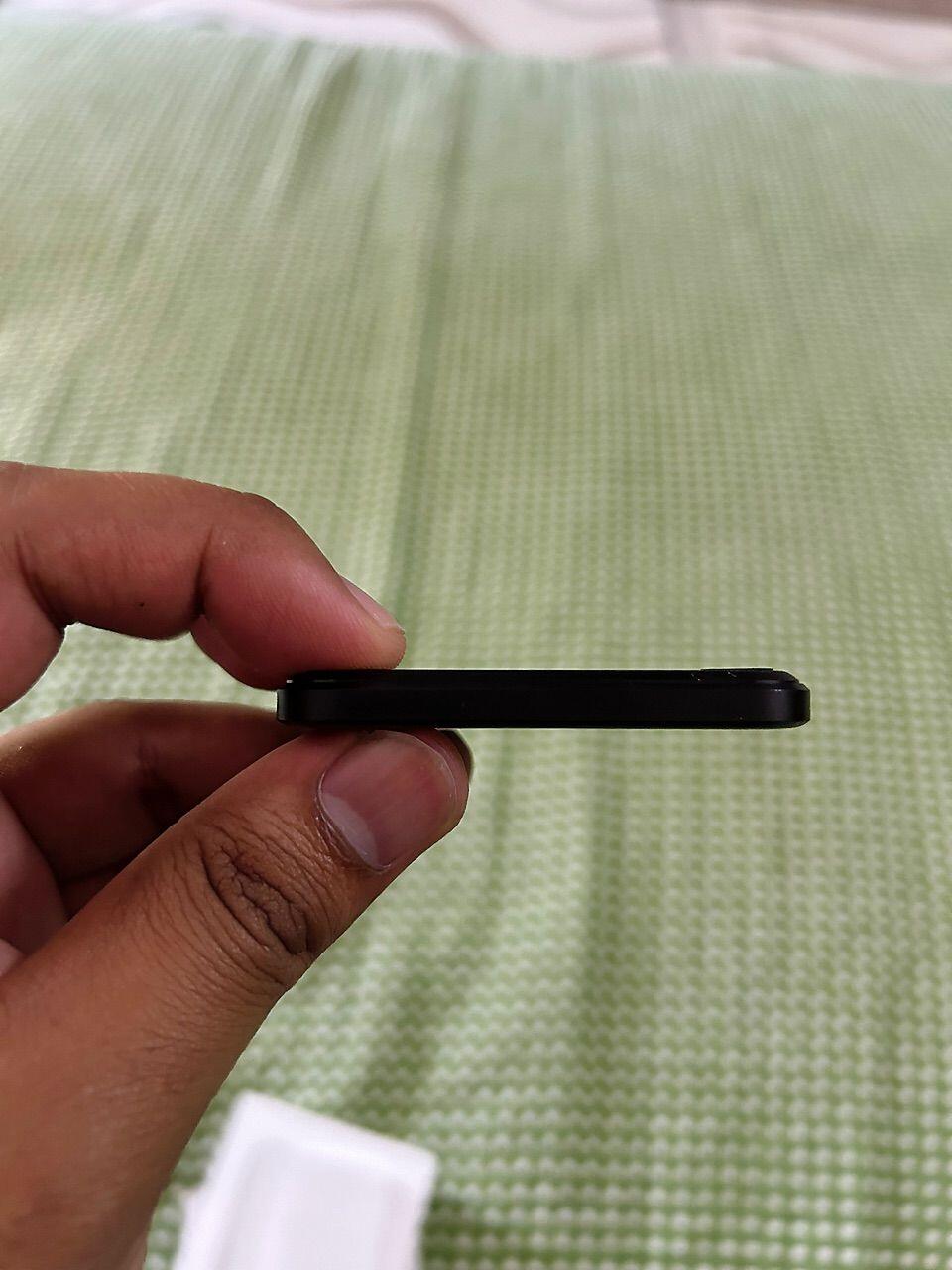
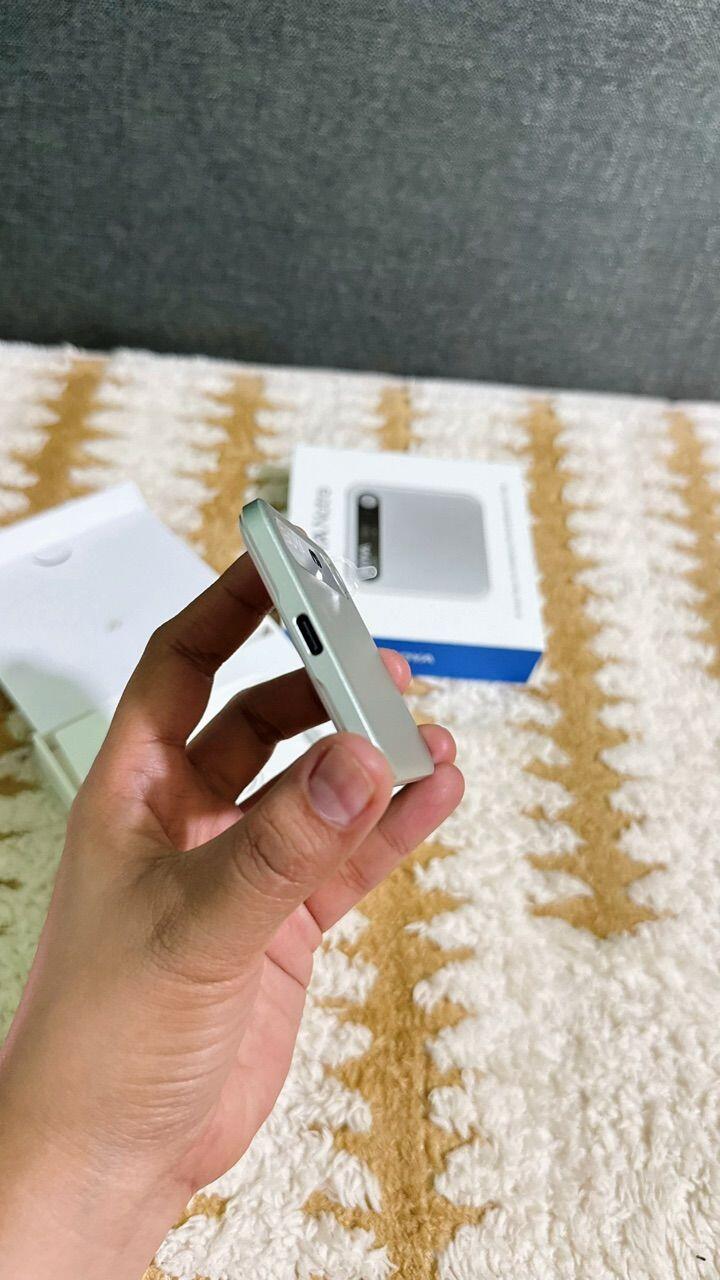
0.27 inches thick & magnetic snap

24 Hours Recording

365 days of standby time

Privacy Protection

64GB internal storage & seamless cloud sync

Images Images

All-Around Recording Ace

BOYA Notra captures in-person talks, phone calls, and Bluetooth earbud conversations with ease—so every moment that matters is always covered. Powered by dual premium MEMS microphones, it records rich 360° sound, while AI noise cancellation reduces up to 30 dB of background noise, from typing to air conditioning, so every voice comes through clear and true.

Images Images

Frees You from Note-taking

One tap to clarity: Powered by leading AI models including ChatGPT, Grok, Gemini, and Claude, your recordings are automatically turned into structured summaries, actionable to-dos, and visual mind maps.With 60+ professional templates, everything is editable, translatable, and easy to share.
Templates for every scenario:Analysis & Summary · Brainstorming · Calls & Discussions · Interviews · SOAP · Speeches · Sales & Marketing · Teaching Notes · Court Records

Member benefits:
Starter: Access to 6 essential templates
Ultimate: Unlock 60+ professional templates and advanced features

Images Images

Transcribe & Translate. Instantly.

Powered by leading AI models, Notra delivers up to 97% accurate transcription and translation across 140+ languages. Review everything seamlessly via the BOYA Notra app or web, with automatic speaker labeling and one-tap key-moment markers for instant recall—so you can focus on the conversation, not the notes.

Images Images

Manage & Transfer Files Seamlessly

Recordings transfer to the app or web in seconds, so everything is easy to find and review. And with multiple export formats, your summaries are ready to share across your team. Easy in. Easy out.

Flexible File Transfer:
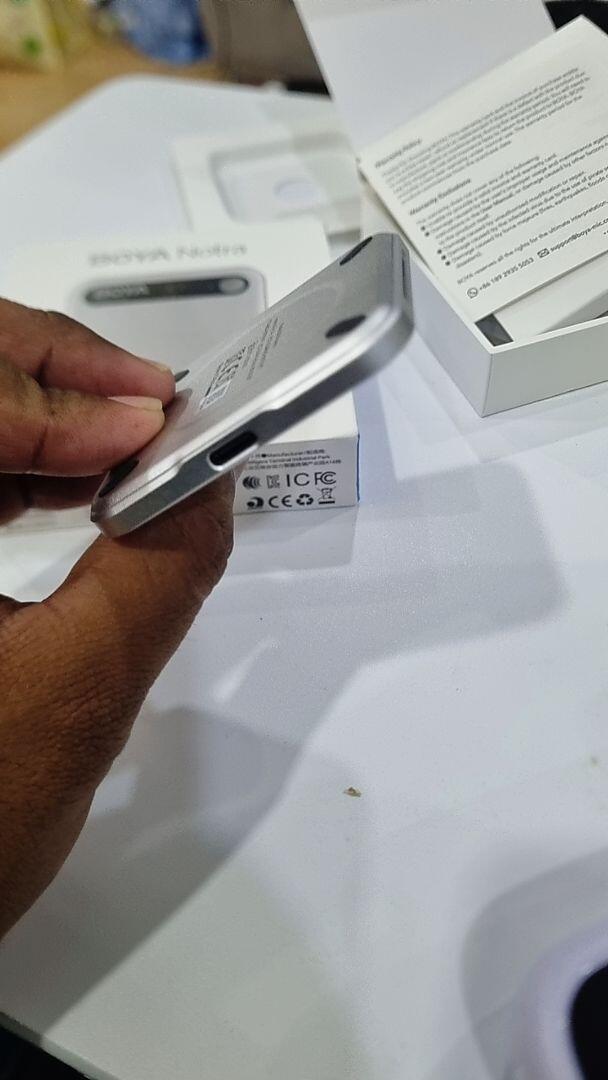
Transfer files easily via Bluetooth, Wi-Fi and USB-C.
8 Export Formats:
Export your files in MP3, WAV, DOCX, PDF, TXT, Markdown, and JPEG, or share files via online links.
Built for Collaboration:
Every recording is fully editable, instantly translatable, and easy to share—ready for seamless team collaboration.

Images Images

Secure Storage

Secure cloud backup with enterprise-grade encryption keeps your data fully protected.With 64GB internal storage and seamless cloud sync, recordings stay safe locally and instantly accessible across devices. Even if your device is lost, your files remain private and cannot be accessed or copied.

End-to-End Encryption:AES-256 & TLS 1.3
Enterprise-Grade Security: We proactively defend against OWASP Top 10 threats through continuous monitoring, audit logging, and regular penetration testing to protect application and user-level integrity.
Global Compliance:SOC 2 · HIPAA · EN 18031

Images Images

Thin & Magnetic. All-Day Endurance.

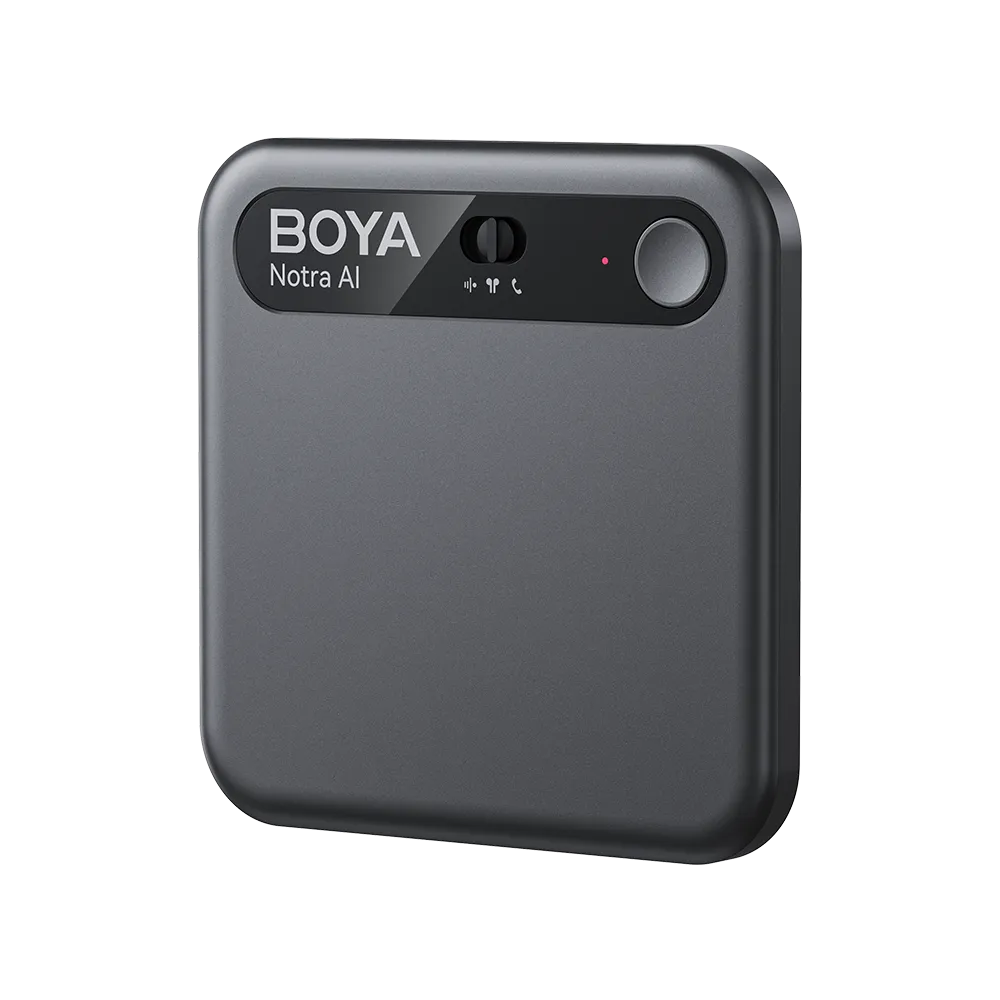
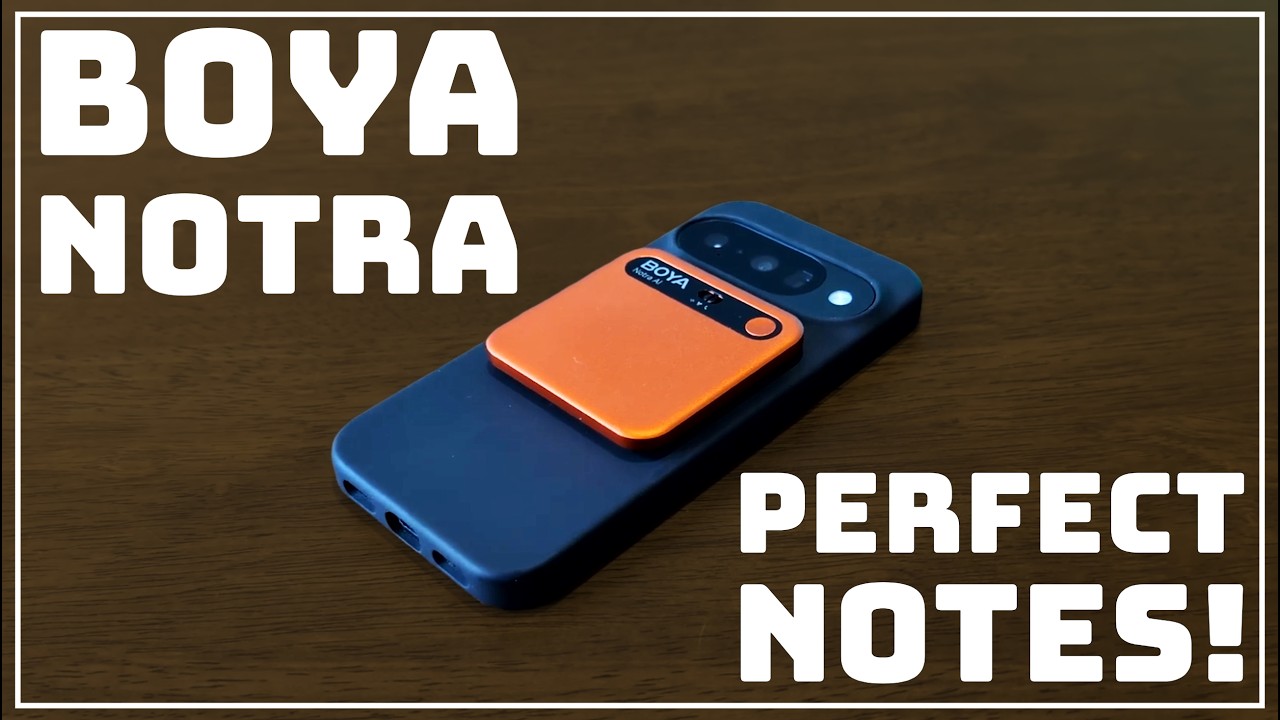
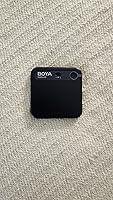
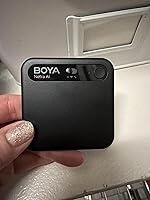
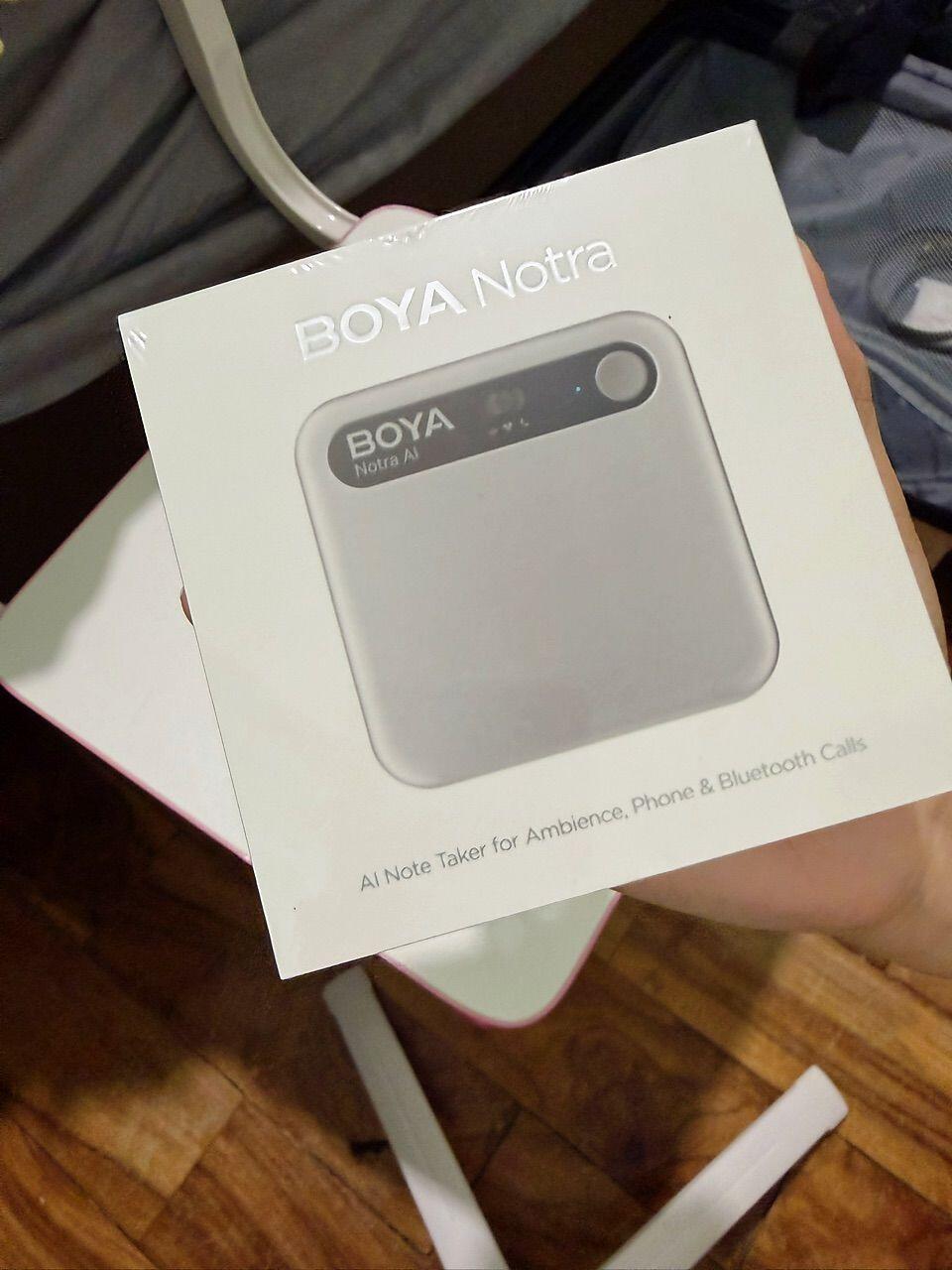
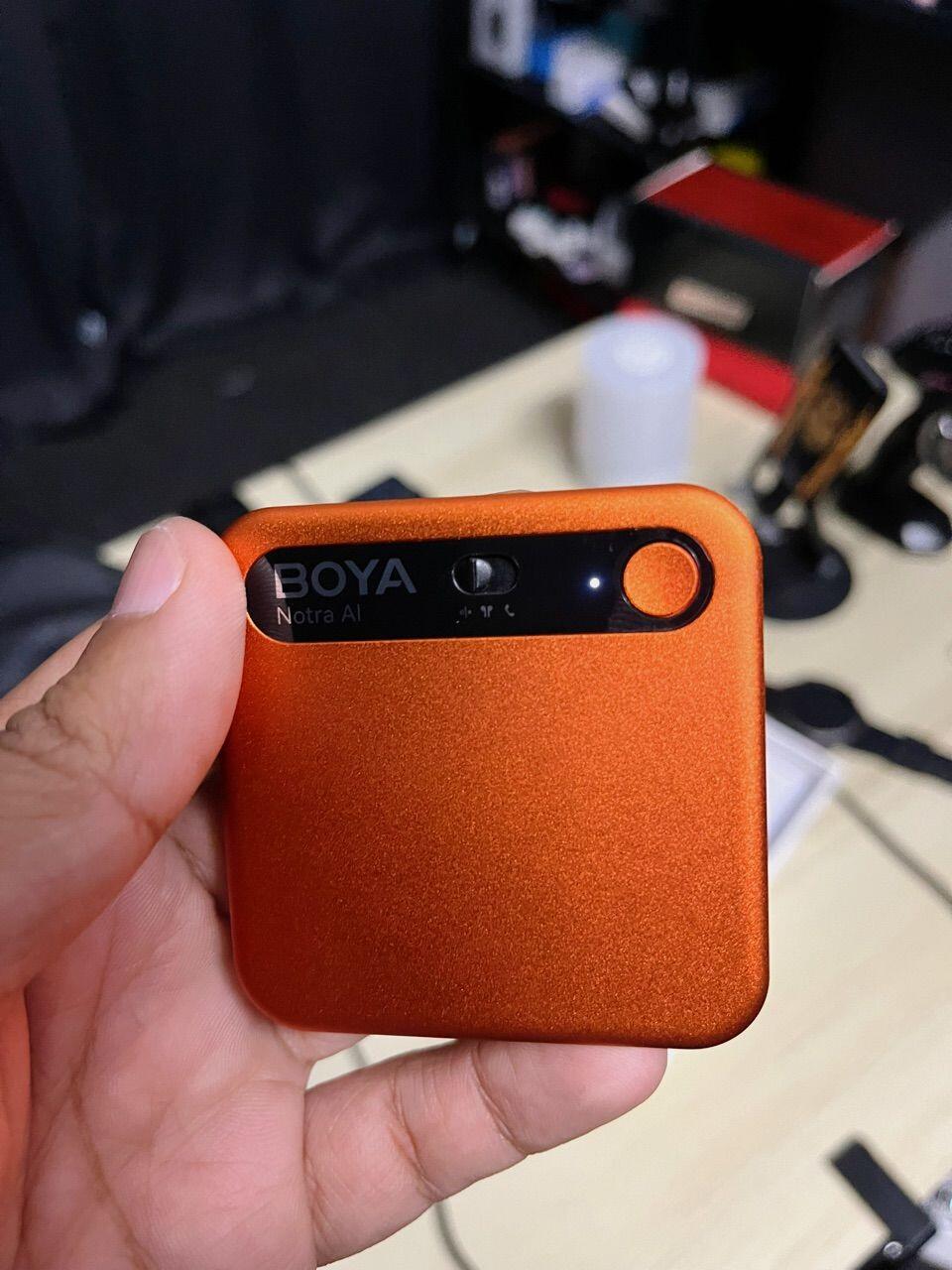
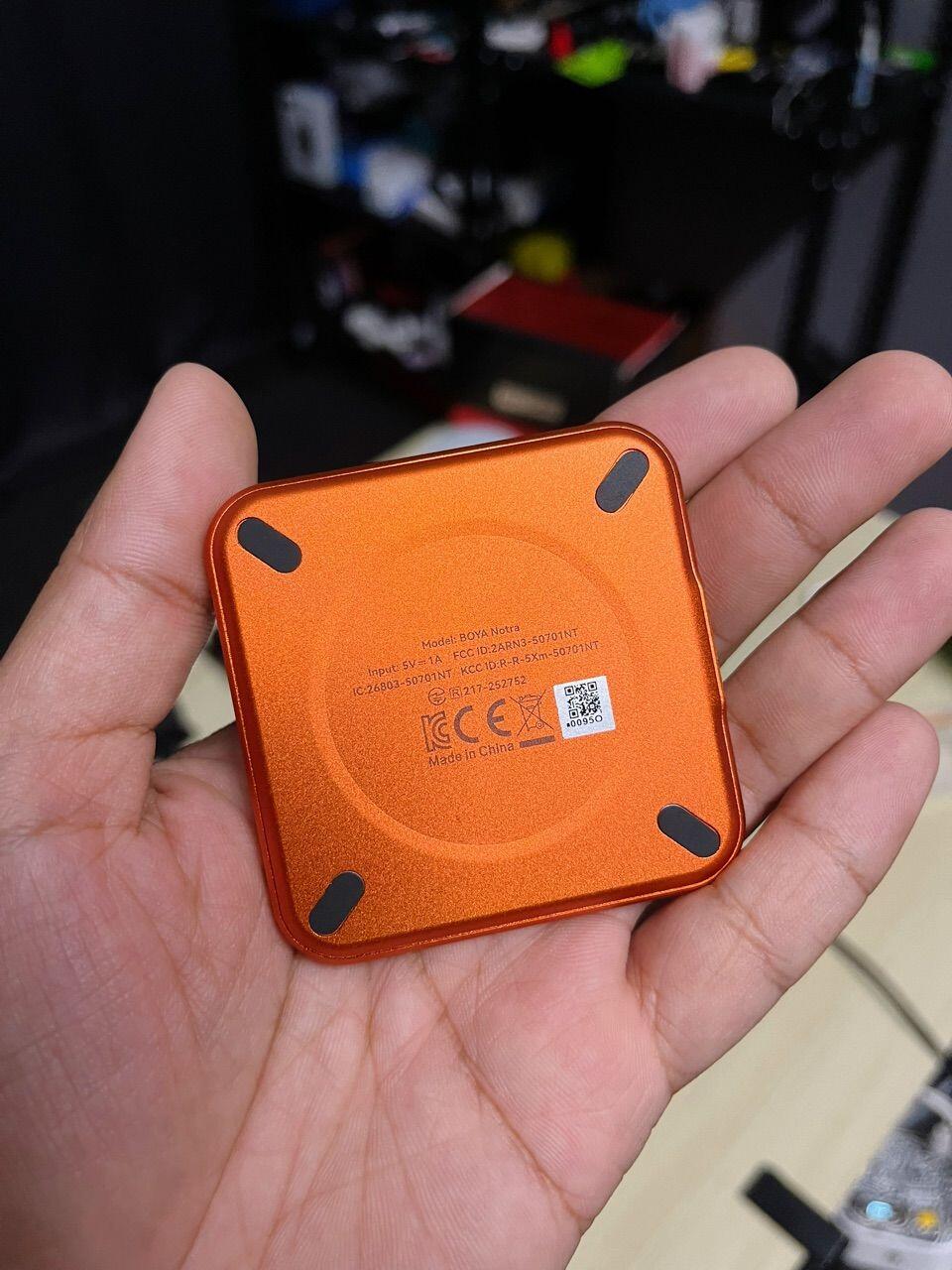
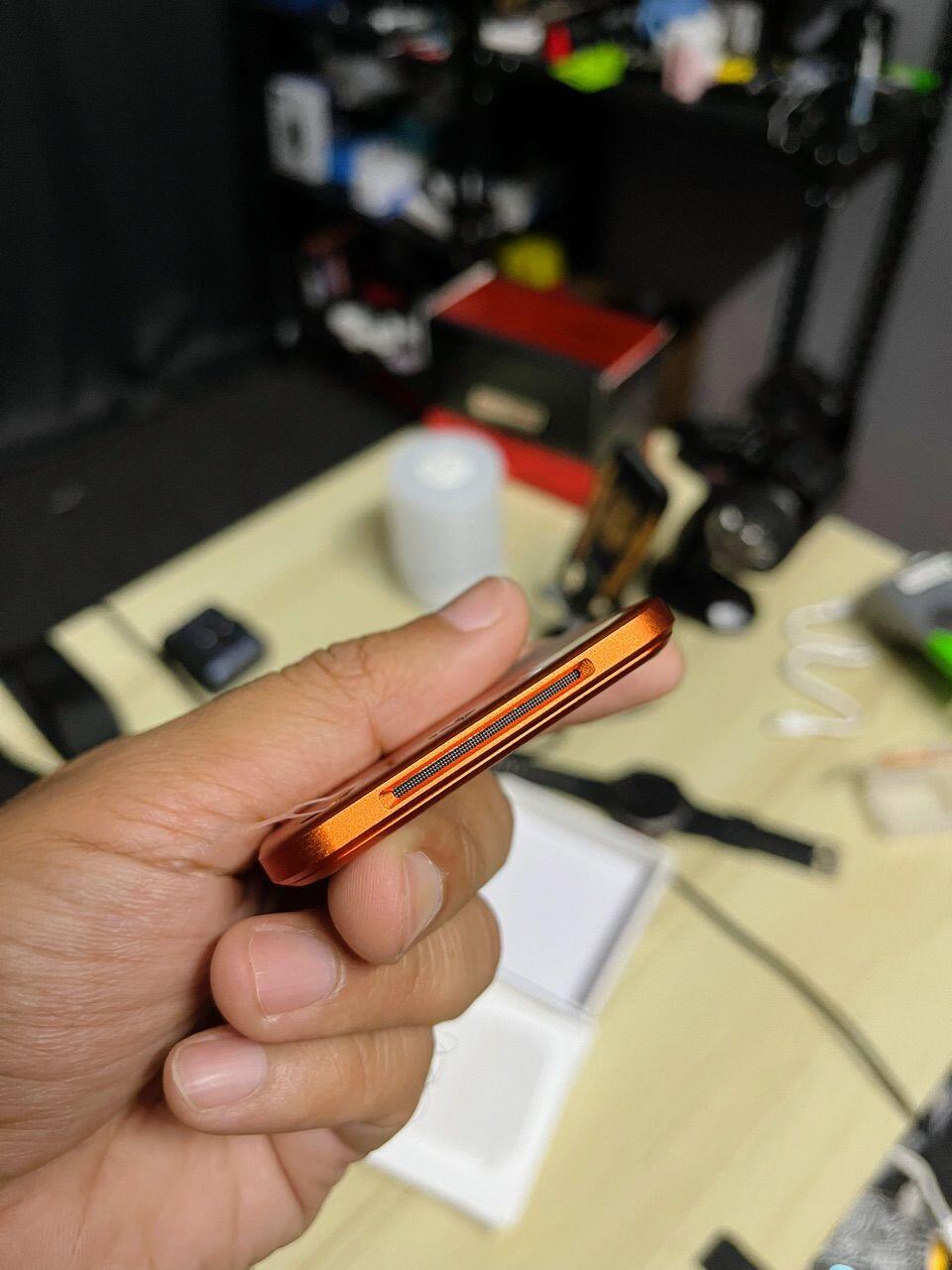
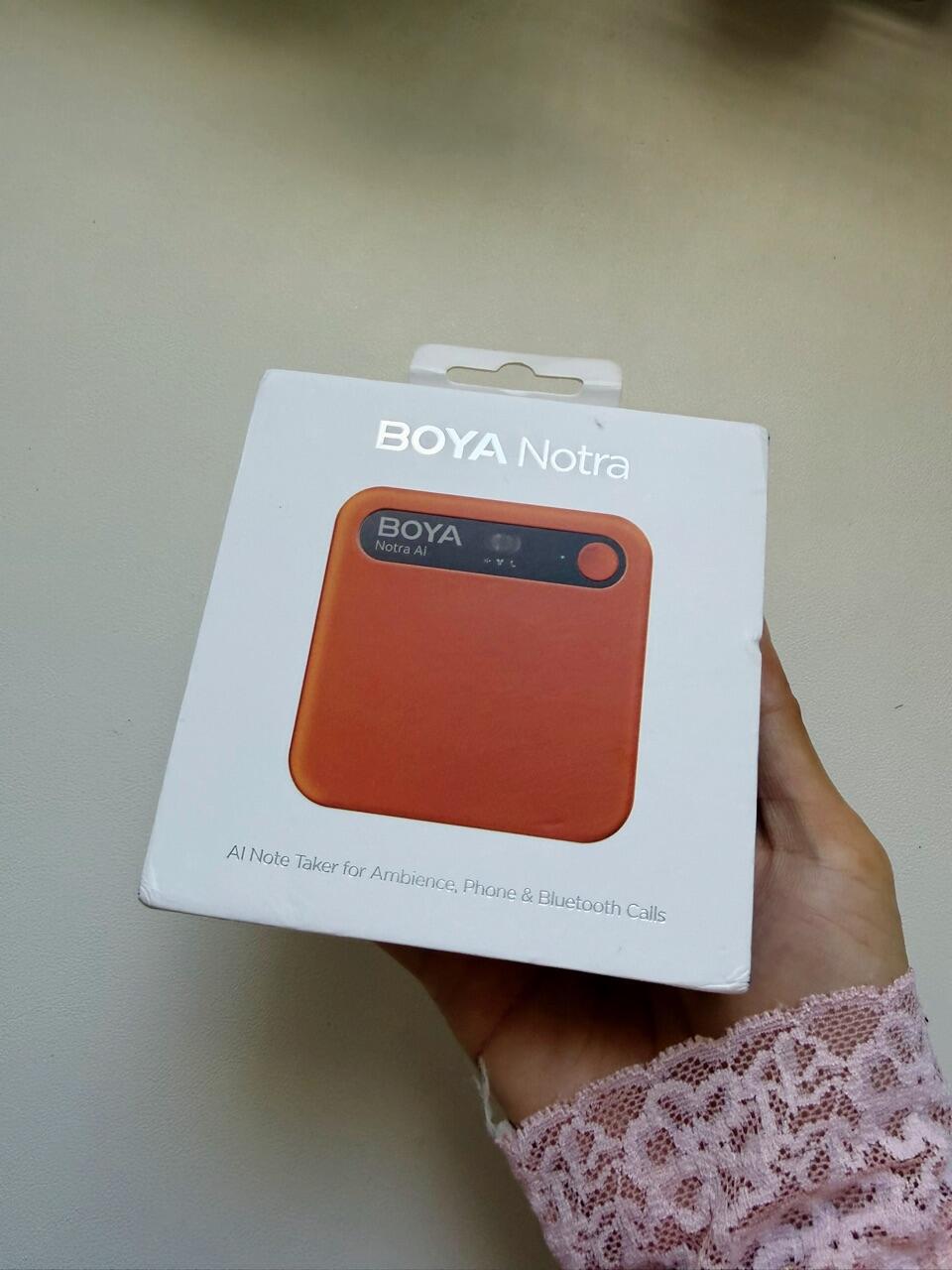
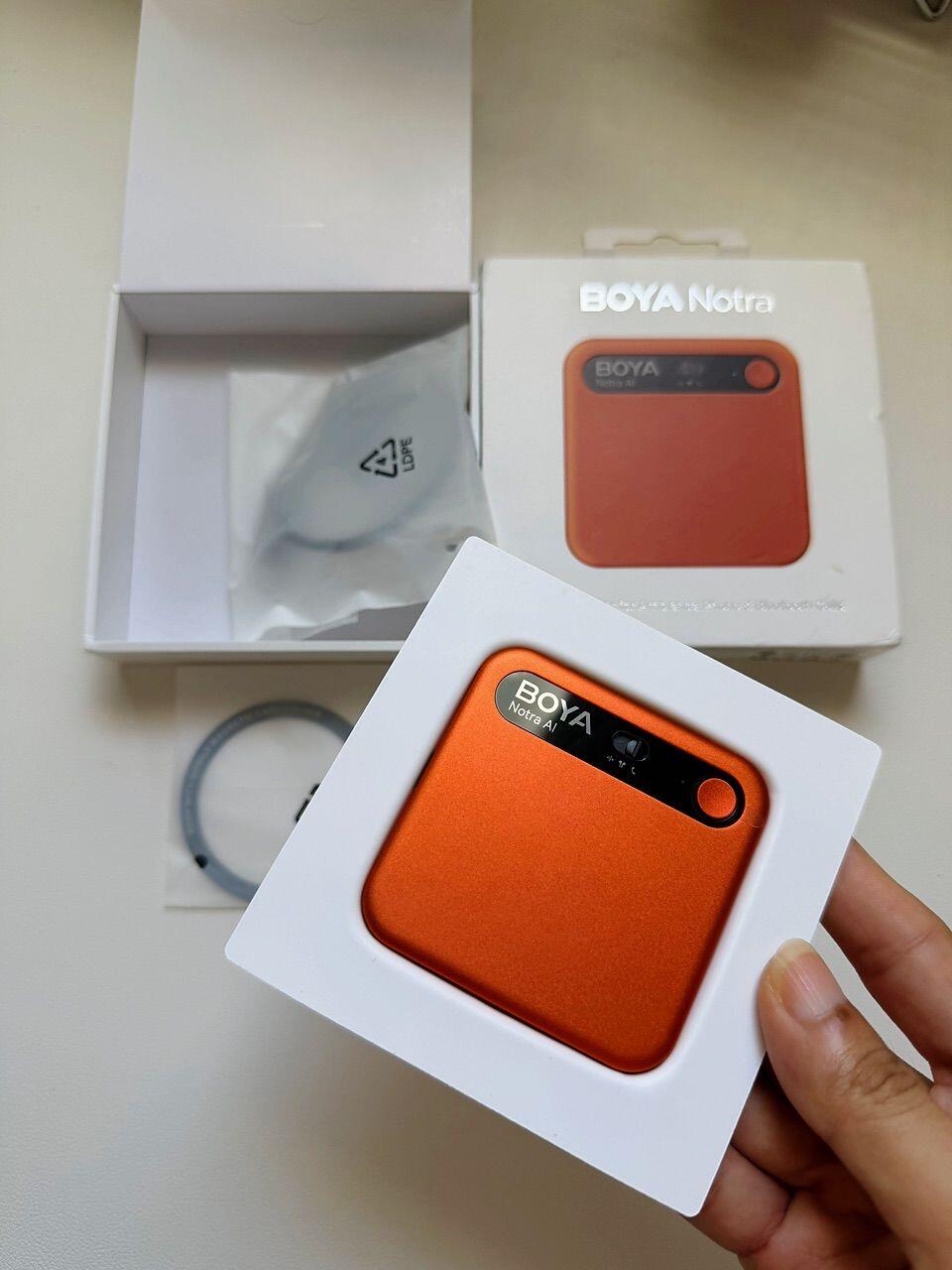
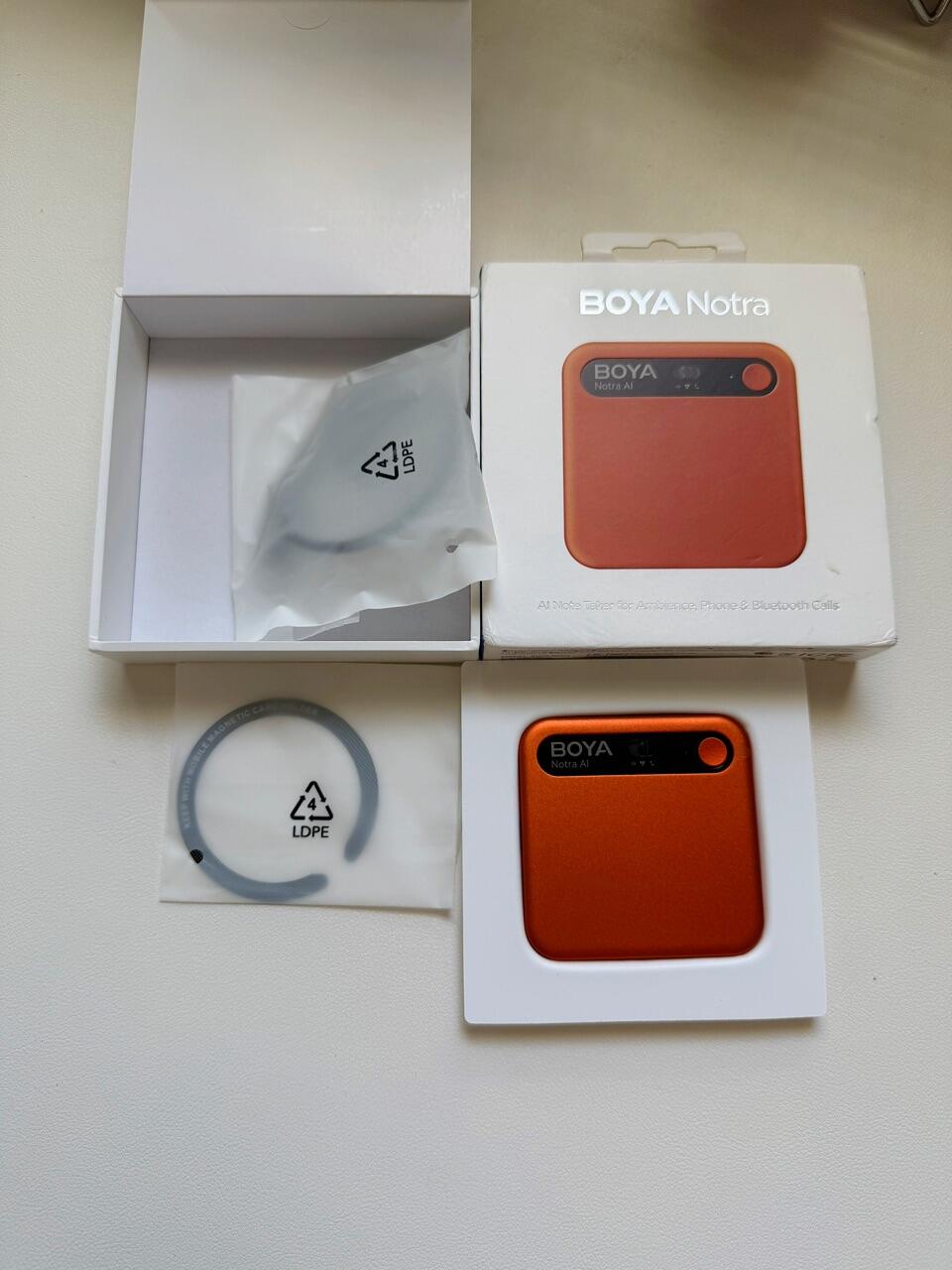
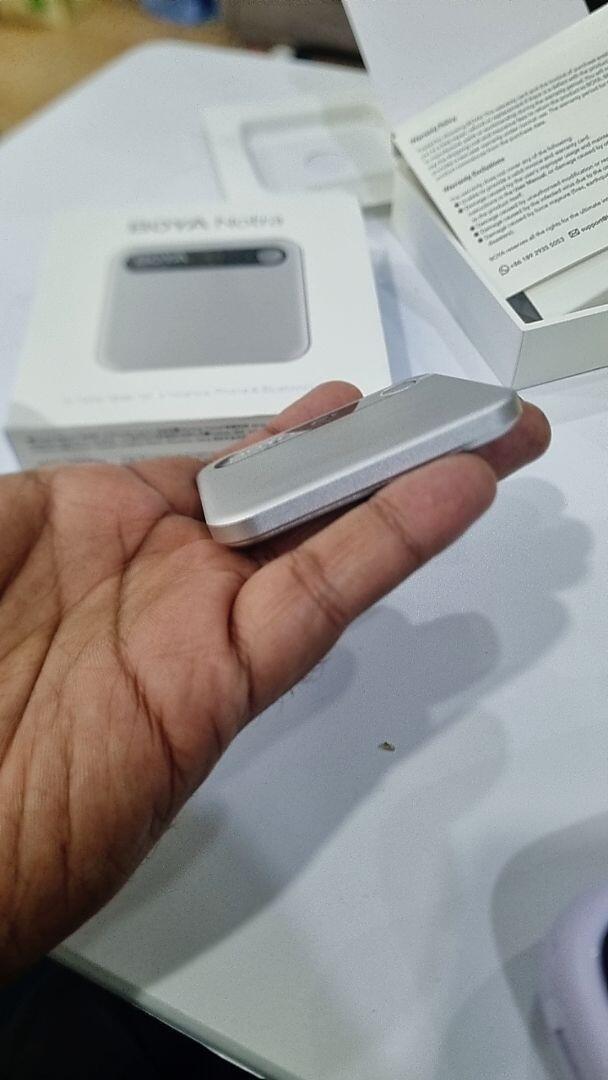
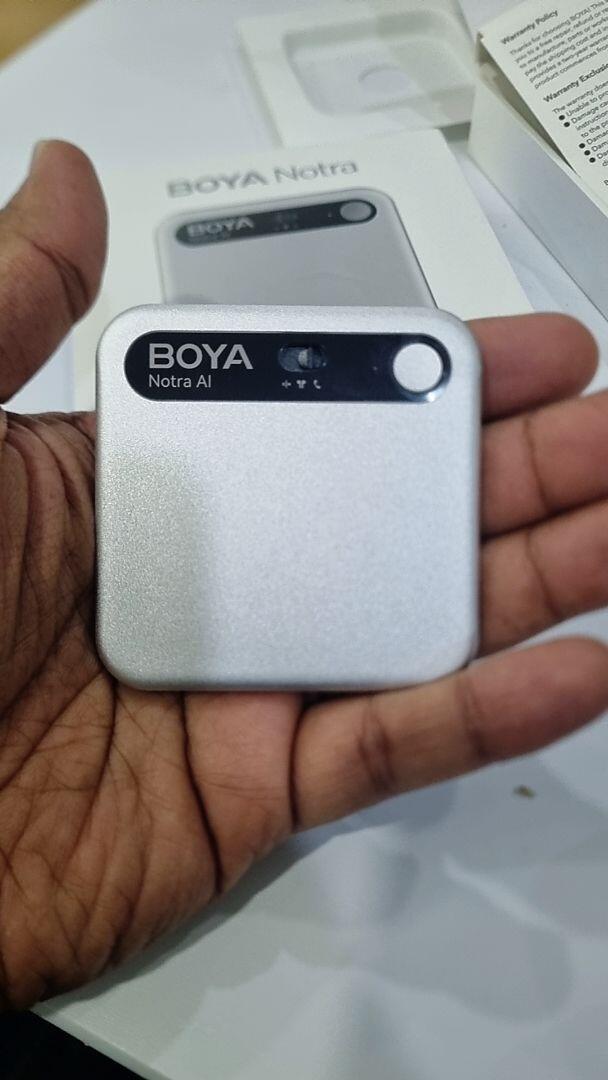
Crafted from micro-blasted aluminum alloy, Notra is ultra-light yet solid, cool to the touch, and impressively slim—just 0.27 inches thick. Smaller than a credit card, its magnetic snap-on design lets you attach it effortlessly to your phone, laptop, or whiteboard.

Enjoy up to 24 hours of continuous recording and an impressive 365 days of standby time, so it's always ready when inspiration strikes.

How To Use?
BOYA Notra | First Use Guide

BOYA Notra | First Use Guide

BOYA Audio

BOYA Notra|AI Note Taker

BOYA Notra|AI Note Taker

BOYA Audio

Hear It from the Pros
The Best AI Voice Recorder for 2026?

The Best AI Voice Recorder for 2026?

Kingy AI

BOYA Notra: Able to organize your thoughts

BOYA Notra: Able to organize your thoughts

Able And His Table

The AI assistant that takes your notes for you!

The AI assistant that takes your notes for you!

iVax

This AI Device Will Replace Your Notes

This AI Device Will Replace Your Notes

Caio Delgado

The Best AI Voice Recorder for Meetings

The Best AI Voice Recorder for Meetings

Hacking Modern Life

BOYA Notra Unboxing & Review

BOYA Notra Unboxing & Review

Blog With Ben

the AI that wants to replace your brain!🤯

the AI that wants to replace your brain!🤯

YanNick TECH

Boya Notra

Boya Notra

MrBlack

For Diverse Industry Needs

Teachers & Students

Managers & Interviews

Lawyers & Consultants

Sales & Journalists

Doctors

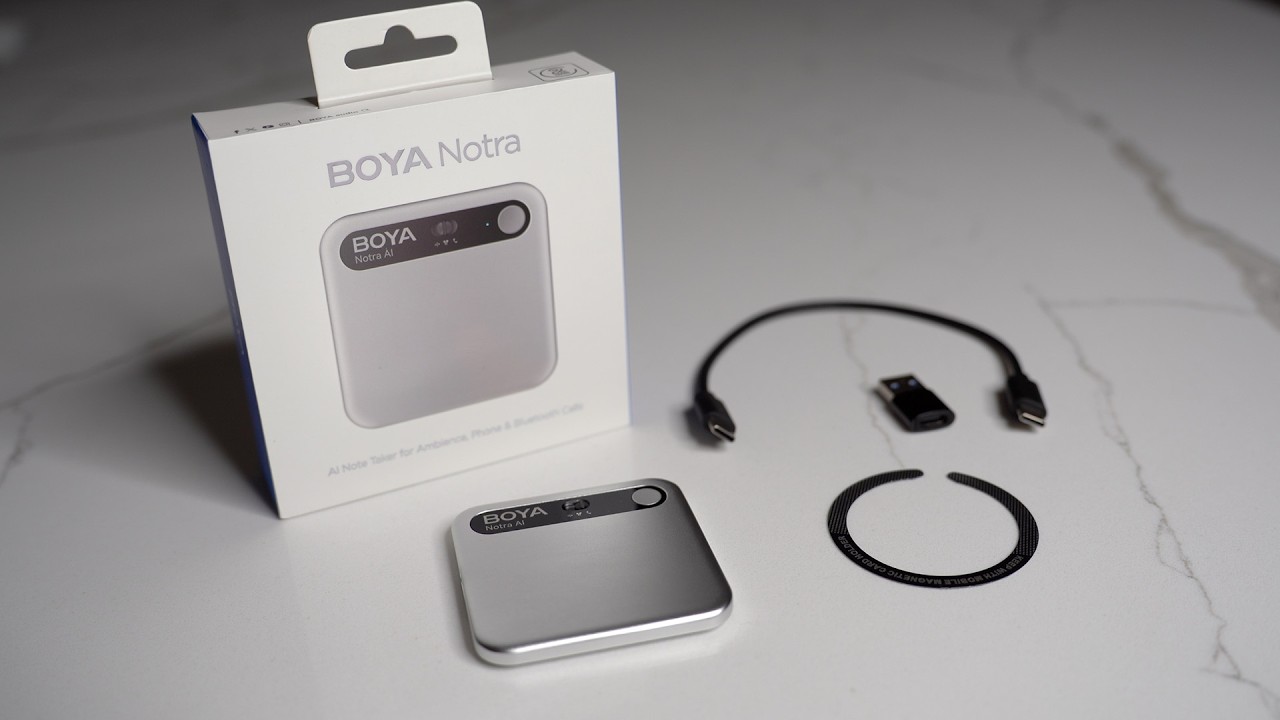
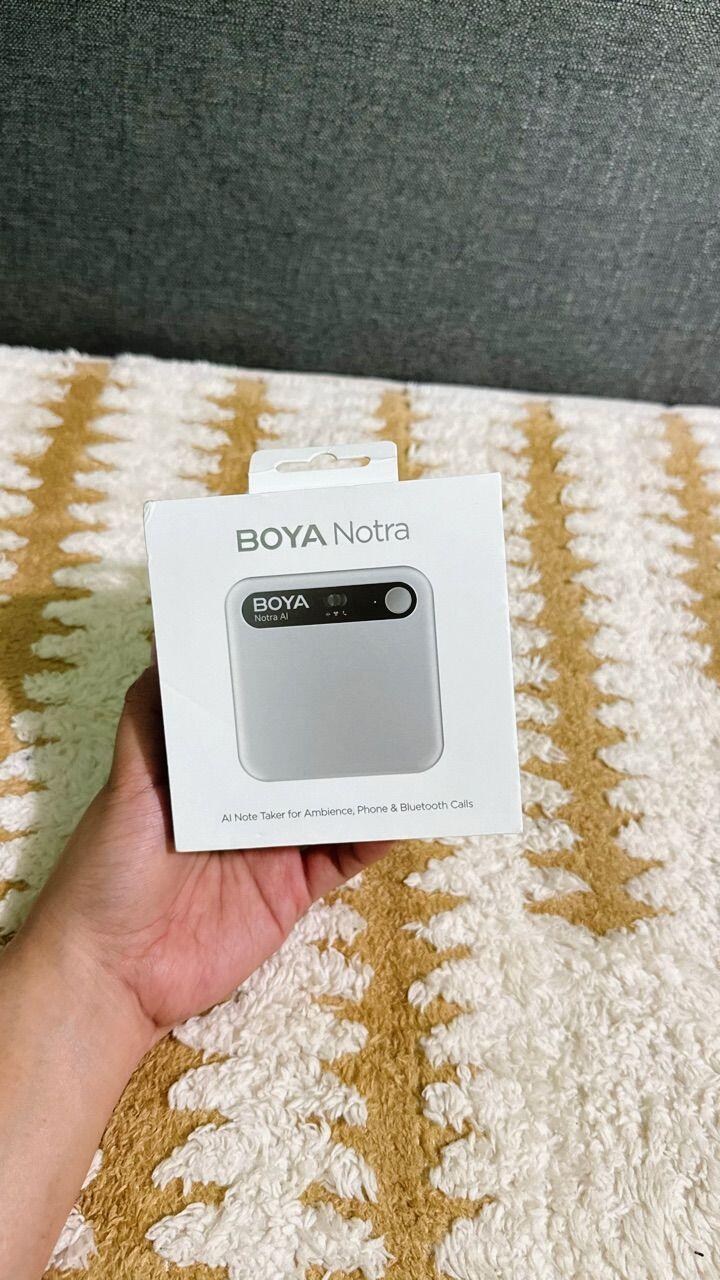
Package Contents
Subscription Plan
USD ($)
Starter

Free

  • 320600mins/month Transcription
  • 80+ Languages
  • ChatGPT, Gemini, Claude
  • Unlimited Cloud Storage
  • 3 Recording Modes
  • One-press Highlight
  • Speaker Labels
  • Mind Map
  • Transcript Translation
  • Text Editing
  • Audio Import
  • Export: MP3, TXT, JPEG, WAV, DOCX, PDF, Markdown
  • 6 Templates
Note: Free time increased from 320 to 600 minutes.
Promotion Period: 2026/4/18 – 2026/12/31
Validity Period: 12 months from the date of device linking
Pro
$ 17.99 per month
$17.99
$ 8.33 per month
Billed yearly
  • 1280 mins/month Transcription
  • 100+ Languages
  • ChatGPT, Gemini, Claude, Grok
  • Unlimited Cloud Storage
  • 3 Recording Modes
  • One-press Highlight
  • Speaker Labels
  • Mind Map
  • Transcript Translation
  • Text Editing
  • Audio Import
  • Export: MP3, TXT, JPEG, WAV, DOCX, PDF, Markdown
  • 40 Templates
  • Custom Template Coming Soon
  • ASK AI
Ultimate
$ 29.99 per month
$29.99
$ 20 per month
Billed yearly
  • Unlimited Transcription
  • 140+ Languages
  • ChatGPT, Gemini, Claude, Grok
  • Unlimited Cloud Storage
  • 3 Recording Modes
  • One-press Highlight
  • Speaker Labels
  • Mind Map
  • Transcript Translation
  • Text Editing
  • Audio Import
  • Export: MP3, TXT, JPEG, WAV, DOCX, PDF, Markdown
  • 60 Templates
  • Custom Template Coming Soon
  • ASK AI
BOYA APP download
Download BOYA Notra or access it online to unlock powerful AI transcription, instant summaries, and visual mind maps. Turn every recording into clear text, key takeaways, and organized ideas in seconds.
What You Need to Know

Q1: Where is my data stored?

Q2: Will you backup my data or use it to train AI?

Q3: Is data transmission secure?

Q4: If I lose my device, is my data exposed?

Q5: Can anyone else hear my recordings?

Q6: Can someone force reset the device or delete my recordings?

Q7: Is BOYA Notra waterproof?

Q8: Can it record without the App?

Q9: How long does it take to charge?

Q10: What is the battery life?

Q11: How do I check the battery level?

Q12: How do I sync recordings to my phone?

Q13: How do I use Wi-Fi Quick Transfer?

Q14: How do I prevent data loss?

Q15: How do I use Ambient Recording?

Q16: How do I use Call Recording?

Q17: How do I use Headset Recording?

Q18: How many languages does it support?

Q19: What’s the difference between the 3 membership tiers?

Q20: Does unused transcription time roll over?

Q21: Which quota gets used first?

Q22: Can I transfer my membership to another account?

Q23: How do I manage or cancel my subscription?

Q23: How do I use Wi-Fi Quick Transfer?

Recording Mode
Ambient / Phone Call / Bluetooth
Supported AI Models
ChatGPT, Claude, Gemini, Grok
Storage
64 GB Local + Unlimited Cloud
File Transfer
Bluetooth, Wi-Fi, USB-C
Microphones
2 MEMS + 1 VPU
Pickup Range
10 m
Noise Cancellation
Yes (AI-powered, up to -30 dB)
App and Web Access
Yes
Text Editing
Yes
Audio Import
Yes
Magnetic Attachment
Yes (MagSafe-compatible)
Export File Formats
MP3, WAV, TXT, DOCX, PDF, Markdown, JPEG
Battery Life
Up to 24 hours recording, 365 days standby
Charging
USB-C (full charge in 2 hours)
Dimensions
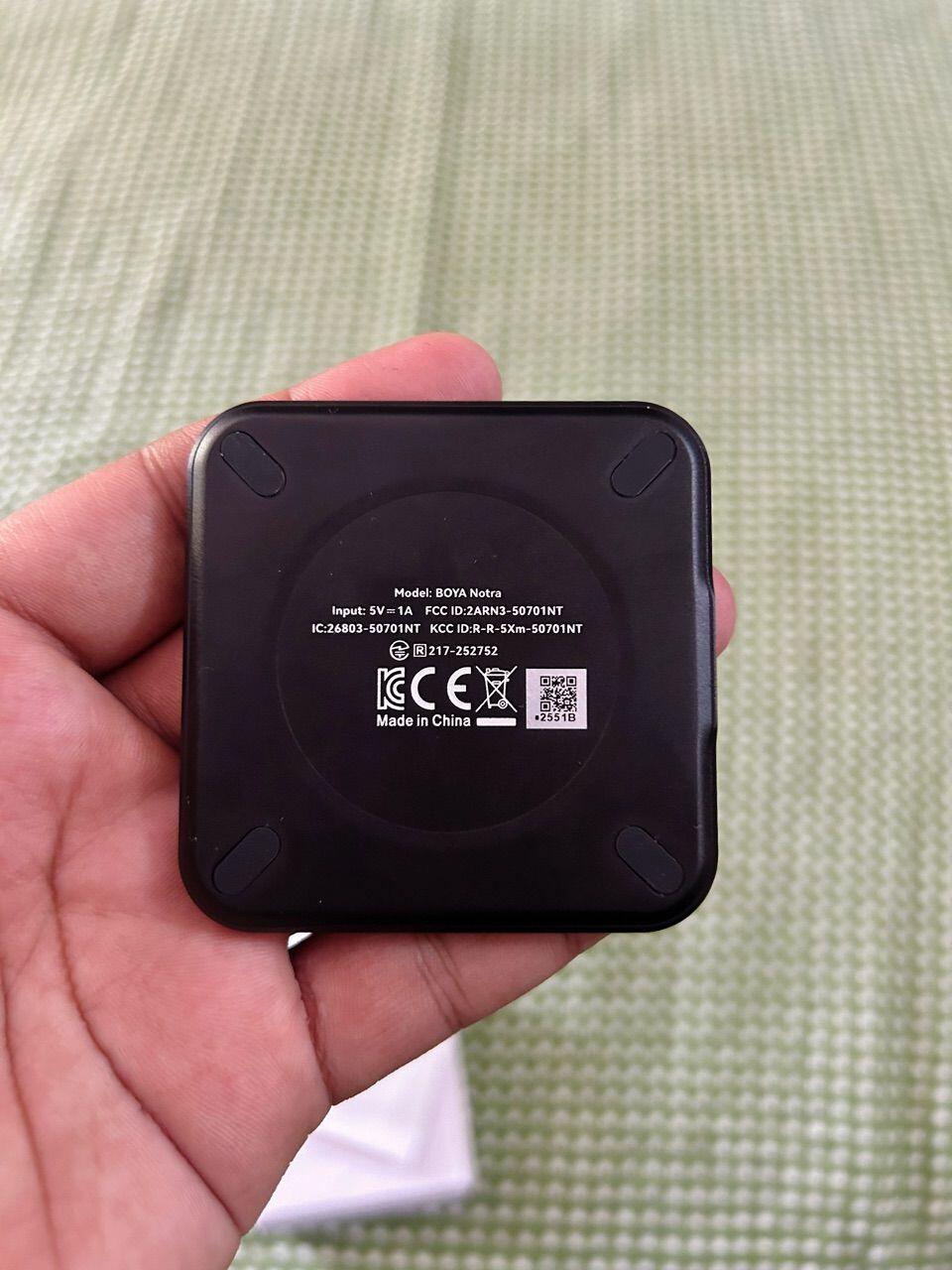
63 × 63 × 6.8 mm
Weight
45 g

  • 5 stars: 76 (68%)
  • 4 stars: 35 (32%)
  • 3 stars: 0 (0%)
  • 2 stars: 0 (0%)
  • 1 star: 0 (0%)
S
Serg Salvus (Serbia)
Professional quality device

I am a management consultant and I use Boya Notra in all three modes. It works great. It is clear that great professionals are behind this product.

T
Thomas
Compact recording assistant

I've never had a note-taking device before this, and I was excited to find out how well the Notra would perform.

To set it up, you'll need to download an app from the company. The app is where most of the interaction will be, and it's easy to use with useful features. When a recording is finished, you can generate a summary of the discussion or see a mind map of the main points. I wasn't used to using mind maps, but I found the AI-generated ones here to be very helpful. There are also translation features. You can also choose the format of the summary before you begin a recording, with a few formats available on the free tier and more on the paid tiers.

Speaking of the tiers: the free tier allows 320 minutes of recording per month, and basic formats. The two paid tiers expand the minutes to 1280 or unlimited and allow many more preset formats, at the cost of $100-$240 a year. So think a bit about how much time you need per month before purchasing.

When you're ready to record, you just press the button on the main screen of the app or hold the button on the device. There's also a sliding bar that lets you choose between ambient, headset, and call recording. The mics are good, and the transcript clearly differentiates speakers.

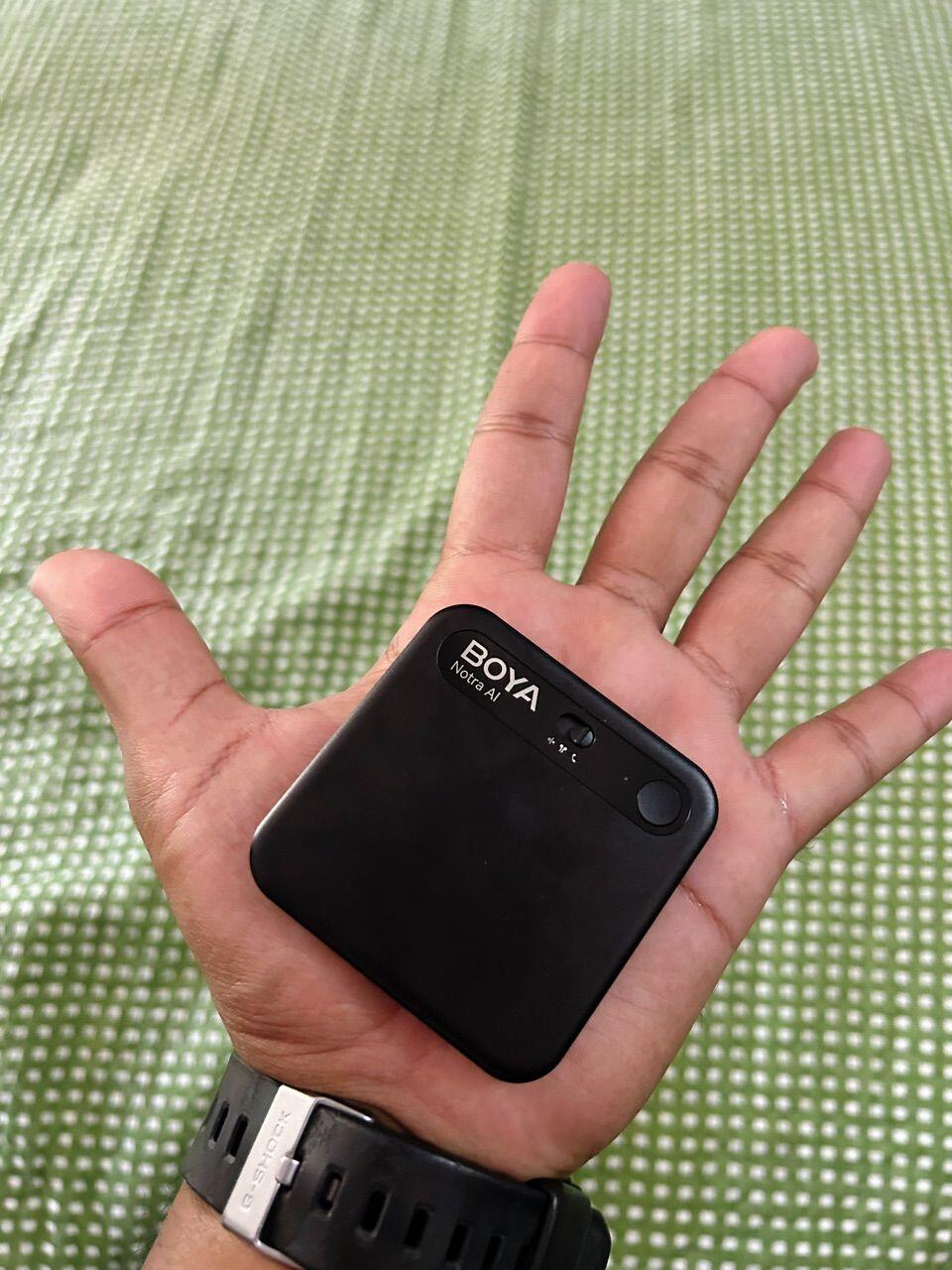
The device itself is super slim and light. It looks modern and sleek, and it's small enough to fit into a wallet or wherever else you'd like. Because it's so tiny, it's easy to use in a variety of environments, even when you don't have much (or any) surface space. It's discreet and unobtrusive. It comes with a USB charging cable that's on the short side, so you might want to use a longer version. The battery lasts a long time between charges, so you won't have to charge often.

I like how high-tech the Notra looks and feels, and I think that it's well-made. I can't get over how compact the case is. It's practical to use for lectures or meetings that you need to remember. If you're in the market for a device like this, I don't think you'll be disappointed.

M
Mary Thomas
Easy Setup and Long Battery Life for Meetings

The BOYA Notra is a practical AI voice recorder that works exceptionally well for capturing lectures, meetings, or interviews. The setup is remarkably simple, and even the firmware update process was quick and smooth, which isn't always the case with high-tech gadgets. I especially love the MagSafe compatibility that allows it to magnetically attach to a phone, making it incredibly portable. It is thinner and lighter than a credit card, yet the premium aluminum build feels sturdy and high-quality. The companion app is a core part of the experience, providing the necessary transcription and translation features that help in organizing notes after a recording session. While I cannot compare the software to other AI recorders since this is my first one, I found it to be very intuitive and efficient. It holds a charge quite well, supporting long recording sessions without needing a constant power source. Overall, this device offers a solid value for anyone needing a reliable way to turn ambient conversations or phone calls into actionable text and structured summaries.

D
Deborah Moore
Compact recording assistant

I've never had a note-taking device before this, and I was excited to find out how well the Notra would perform. To set it up, you'll need to download an app from the company. The app is where most of the interaction will be, and it's easy to use with useful features. When a recording is finished, you can generate a summary of the discussion or see a mind map of the main points. I wasn't used to using mind maps, but I found the AI-generated ones here to be very helpful. There are also translation features. You can also choose the format of the summary before you begin a recording, with a few formats available on the free tier and more on the paid tiers. Speaking of the tiers: the free tier allows 320 minutes of recording per month, and basic formats. The two paid tiers expand the minutes to 1280 or unlimited and allow many more preset formats, at the cost of $100-$240 a year. So think a bit about how much time you need per month before purchasing. When you're ready to record, you just press the button on the main screen of the app or hold the button on the device. There's also a sliding bar that lets you choose between ambient, headset, and call recording. The mics are good, and the transcript clearly differentiates speakers. The device itself is super slim and light. It looks modern and sleek, and it's small enough to fit into a wallet or wherever else you'd like. Because it's so tiny, it's easy to use in a variety of environments, even when you don't have much (or any) surface space. It's discreet and unobtrusive. It comes with a USB charging cable that's on the short side, so you might want to use a longer version. The battery lasts a long time between charges, so you won't have to charge often. I like how high-tech the Notra looks and feels, and I think that it's well-made. I can't get over how compact the case is. It's practical to use for lectures or meetings that you need to remember. If you're in the market for a device like this, I don't think you'll be disappointed.

E
Emily Campbell
A powerful AI assistant for meetings and notes

The BOYA Notra is a sleek, compact device that has seriously streamlined how I handle meetings and lectures. The AI transcription and summarization features are impressive, saving me hours of manual note taking by providing clear, organized text almost instantly. I love the 64GB of built in storage, which is more than enough for long recording sessions without having to constantly clear files. The noise cancellation works wonders, picking up clear audio even in rooms with a bit of background hum or chatter. It pairs seamlessly with my phone via Bluetooth, and the multi language support is a great bonus for diverse environments. It feels very high quality and fits easily into a pocket or bag for on the go use. • Pros: Excellent AI transcription accuracy, large storage capacity, effective noise cancellation. • Cons: Higher price point for a recorder, requires a smartphone app for full AI functionality.

M
Margaret Young
これがあると仕事のやり方が変わる

付属のマグネットリングでスマホの背面にピタッと装着できるため、急な通話録音やインタビューでも録音の準備という手間が一切ありません。スイッチをスライドさせるだけで即座に録音。 録音後のAI処理能力についてですが複数人が参加する騒がしい会議でも、発言者を正確に聞き分け、誰が何を言ったかをある程度正確に文字起こししてくれます。 さらに、専用アプリによるAI要約が秀逸です。1時間の会議を読み返しやすい分量に要約し、重要なネクストアクションを抽出してくれるため、議事録作成に費やしていた時間が大幅に削減できました。何度も録音を聞き直して・・・という無駄な労力がなくなったのは大きいです。 24時間の連続録音と64GBの大容量により、出張中にバッテリーや容量を気にするストレスから解放されるのもいい点です。 無料プランなど少し制限もあるので範囲内で使える人や有料でもドンドン使いたい人には重宝できると思います。

R
RL
Handy and works well

I’ve been using this AI note-taking device for a few weeks now, mostly during in-person meetings, and it’s turned out to be one of those “good to have” tools that fills a very specific gap.

The biggest strength is how easily it captures conversations without needing a full laptop setup. If you don’t have access to recording software or a camera on your computer, you can just place this device nearby and let it do its thing. The pickup range is solid, and in most normal meeting environments it captures voices clearly enough to be useful.

One feature I ended up liking more than I expected is the magnetic attachment. If you have a MagSafe-compatible phone or case, it snaps right onto the back, which makes it really convenient to carry around without thinking about it. It’s a small design detail, but it makes a difference in day-to-day use.

Where it really shines is the built-in transcription and summary features. Being able to record, transcribe, and then generate structured notes or even a mind map all in one place is genuinely convenient. It saves time, especially if you’re juggling multiple meetings or trying to keep track of action items. The fact that this service is included for free (up to a limit) makes it even more appealing.

That said, the transcription quality, while good, isn’t the absolute best I’ve seen. There are more advanced services out there that are a bit more accurate or polished. But considering this is built in and requires no extra setup or subscription to get started, it’s a very fair tradeoff.

There is a small learning curve at the beginning. It took me a little time to figure out how everything works and get it set up properly, but once I did, it became pretty straightforward to use. I haven’t tested it yet for recording phone calls or Bluetooth audio, so my experience is mainly with in-person use.

Overall, it’s not perfect, but it’s practical and genuinely useful. If you regularly attend meetings and want a simple, portable way to capture and organize conversations without relying on your computer, this is a handy tool to have.

J
John Baker
Useful tool for extended note taking at events and meetings

I used the BOYA Notra AI voice recorder for just over two weeks during meetings, phone calls, online sessions, and general note-taking, connecting it to my iPhone throughout that period. The MagSafe attachment made it easy to keep the recorder attached securely to the back of the phone case, and it stayed firmly in place even when the phone was in my pocket or bag. Setup was straightforward. The device paired easily with the companion app via Bluetooth, and after a short firmware update, it was ready to use. The recorder offers different recording modes, including ambient recording, call recording, and Bluetooth headset recording. Switching between modes is done using a physical switch on the device, which is simple once you get used to it, although it’s important to check the switch position before starting a recording in the app. Audio quality is clear and well-suited to speech-focused recordings such as meetings, discussions, and calls. Conversations recorded in normal indoor settings were easy to understand when played back. The AI transcription feature performed well overall, producing accurate text for clear speech in supported languages. There were occasional minor errors, but these didn’t affect the overall understanding of the discussion or the usefulness of the summaries and action points that I was mainly interested in. The AI summarisation feature is one of the most useful aspects. After a meeting, it produces a concise summary highlighting key points and actions, which makes it much easier to review what was discussed without replaying the entire recording. The mind-map view is also helpful for quickly scanning the structure of the conversation and identifying important points. The companion app is easy to navigate and provides quick access to recordings, transcripts, and summaries. Files can be organised and exported easily, allowing me to store them in cloud storage and access them from other devices, such as my PC. The device also supports up to 145 languages, making it useful for international conversations or multilingual meetings. In everyday use, the recorder is compact and light enough to carry without noticing it. Battery life has been sufficient for a full day of meetings, and it recharges easily overnight using a USB-C cable. Bluetooth recording worked reliably with two different headsets during testing, and both produced clear audio. One thing to keep in mind is that transcription accuracy depends on audio clarity and the speaker’s accent, and the AI features require using the companion app. The device includes around 320 minutes of transcription per month for free, which may be enough for occasional use, though heavier users might want to upgrade to a larger plan. Overall, this is a capable AI voice recorder that works well for capturing conversations and turning them into useful notes and summaries. It’s particularly well-suited to professionals, students, journalists, or anyone who regularly attends meetings and wants a reliable way to capture discussions and extract key actions without relying entirely on manual note-taking.

C
Christopher Allen
スリムで使いやすい

誤字脱字がとても少なく、わかりやすく文字起こししてくれる

C
Christopher Jackson
Great audio pickup and useful AI features

This recorder has excellent audio pickup, and the AI transcription and summarising features make it easy to review key points without replaying entire recordings. Bluetooth setup was straightforward, and transferring files was quick and simple. The magnetic design makes it convenient to attach to the back of my phone, and it’s great for recording lectures to listen back to later.

J
Jason Hill
ボイスレコーダーの進化がすごい

ボイスレコーダーのイメージがスマホ連動による多機能で覆されましたね これまで使っていた物は本当にただ録音スイッチを押してその場での音声を録音するというオーソドックスな使い方しかしていませんでしたが、コレだとスマホ連動によるデータ管理は元より、本体に備わっている機能としても様々に役立つ物を利用する事ができ(例えば細かな音質調整や録音データからの文字起こしやまだ試してはいませんが翻訳まで可能なようです)、使いこなすのが大変なほど色んな機能があります またそういった機能面だけでなくボイスレーコーダーとして気になりがちな見た目・デザイン面でもグッドです 薄くスマホに近い形状をしており、ポケットにしまって起きやすいですし操作もし易いです バッテリー持ちも今のところは十分で不満を感じません ボイスレコーダーもすごく進化したんだんなぁと感銘を受けました

P
Patricia Adams
録音から文字起こしまで一台で完結。高性能で仕事がはかどる

かなりの薄型で軽量なのはスマホとワンセットで運用し易くていいですね。 アルミ合金の筐体は高級感あって見た目にも安っぽさなどは特にありません。 黒はシックでフォーマルな場でも使い易い色合いだと思います。 ワンタッチ録音はとにかく楽で会議が始まる直前でもサッと録音を開始できます。 反応も早いので取り逃しがありません。文字起こしの精度はかなり高く、専門用語が多いミーティングでも ほぼそのまま議事録に使えるレベル。話者識別も自然で後から内容を整理する手間が大幅に減りました。 翻訳や要約まで自動でやってくれるので海外とのオンライン会議にも重宝しています。 音質もクリアでノイズキャンセリングのおかげか雑音の多い場所でもしっかり声を拾ってくれます。 サイズは薄くて軽くポケットに入れても気になりません。付属のマグネットリングで固定できるのも便利。 唯一、AI機能を使うにはネット接続が必要な場面がある点だけ注意ですが、それ以外は満足です。 録音だけでなく、録る→文字起こし→要約→整理まで一気にできるので、仕事の効率がかなり上がりました。 興味ある人は、まずは試してみる価値ある優秀な小型AIレコーダーだと思います。

C
Carol Mitchell
正直驚く

ワイヤレスマイクなどで定評のあるBOYAさんのAIボイスレコーダーです。 通常のボイスレコーダーに近い環境音録音モードと、スマホに接続してイヤフォン通話を録音するbluetooth録音モード、本体にmagsafeなどではりつけておいて骨伝導マイクで録音を行う通話録音モードの3つを備えています。 ごく薄くて小さく、よく会議で目にするICレコーダーとは全く違う代物です。操作系は基本的にアプリ主体で行い、本体はモードと開始停止ボタンくらいで非常にシンプル。写真は録音中ですが、言われなければほとんど判りません。 骨伝導モードで注意点としては、振動伝播で考えれば当然とも思えますが、ケースを挟んでいると相手からの音声がうまく伝わらないようです。他は特に引っかかりを感じませんでした。 アプリの出来は良く、録音開始停止、転送再生およびAIによる自動文字起こし・要約に対応しています。文字起こしの制度は時々語尾や漢字に手を入れるくらいでなかなか実用的です。無料でも月別である程度の時間の分析は可能ですので、実際の試用をしてみながらの検討が可能です。 全体的にひとつひとつ「おおー」と声が出る感じで、世の中は進歩したな~と実感できる品だと思います。 わかってるガジェット感も漂っていて、ビジネスマンの時短にはピッタリの品に感じました

D
Deborah Thomas
小型でも高機能

小型でも高機能なAIボイスレコーダーです。 仕事で使うのですが、特に英語でのやり取りをメモっておく時、バックアップの為に今までもボイスレコーダーは使っていました。 でも時々聞き取りがとてもし難い事があり、何度も訊き直して前後の文章から多分こういう単語かも、と推測してまとめているので、文字起こしをAIがしてくれるのは本当に助かります! 小型で持ち運びがし易いのは勿論、最近は在宅がメインで会社はフリーアドレスになって小さいロッカーに全ての個人物を入れておかないといけないのでコンパクトというのは本当にありがたいです。 USB-C対応なのもコードが共用出来て場所を取らないというのが良いですね。 ビデオにあるようにアプリとの連携も簡単ですし、スマホの通話のレコーディングまで出来るのも良いと思います。 また、無音の部分を削除してくれるのも時間短縮に役立ちます。 Starterプランだと無料ですし、1か月320分(5時間20分)もあるので多分殆どの人ならこれで十分かと。 データセキュリティも考えられているのも安心ですね。(香港の会社なので海外サーバーだろう事からそれが安心できないという場合は使わない方が良いと思います) 発売元の販売サイトを見てみましたが、音声関係のガジェットが結構扱われていて、レビューがついているものは殆どがほぼ五つ星でかなり評判も良いようです。 金額は定価だと3万円とちょっとしますが、仕事でメモ取る人には必携だと思います。(今見るとセールで23%オフでお得ですね‼)

K
Kimberly Wright
Smart Voice Recorder with Clear Audio and Useful AI Features

I received the BOYA Notra AI voice recorder and have been using it for meetings and note-taking. The audio quality is clear, even when placed a short distance away, and the noise cancellation helps reduce background sounds in busier environments. The pickup range is impressive for a compact device and works well on a desk during conversations or lectures. The AI transcription and summarising features are very convenient for quickly reviewing key points instead of replaying entire recordings. Bluetooth connectivity was straightforward to set up, and transferring files felt quick and simple. The multi-language support is also a nice addition for different situations. The 64GB storage provides plenty of space, and the device itself feels lightweight but solid in hand. Battery life has been reliable for extended sessions. Overall, it’s a practical recorder for work, study or interviews, especially if you want both clear audio capture and the added benefit of automatic transcripts and summaries.